Jonathan said jump so I'mma jump!
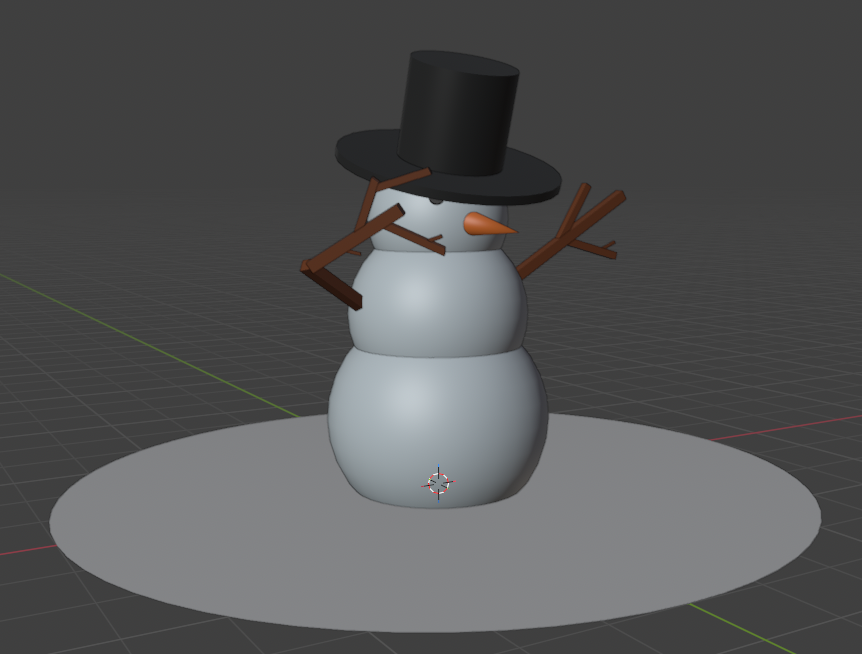
06/05/2026 - Snowman
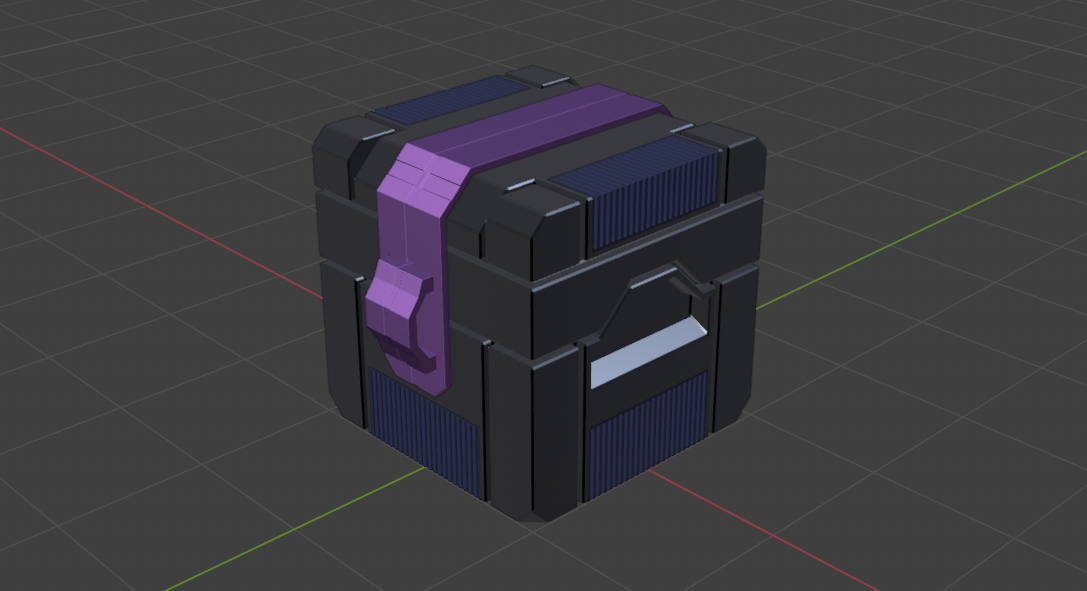
06/06/2026 - Sci-fi Crate
As a side question, should we keep updating the original post, or is it fine to keep replying to the original post when we have new models?



Like I said.. the bigger issue was the indentation not being wide enough for the cup :D
Great cookie!
Found 2 left over 6-sided Poles. The great thing about this logo, is that it's mostly flat, so you can get away with quite a bit, but if you want to try this again, get rid of them (they are worse than Triangles in Subdiv modeling).
Also, those pointy bits, could be done the same way as the top corner:
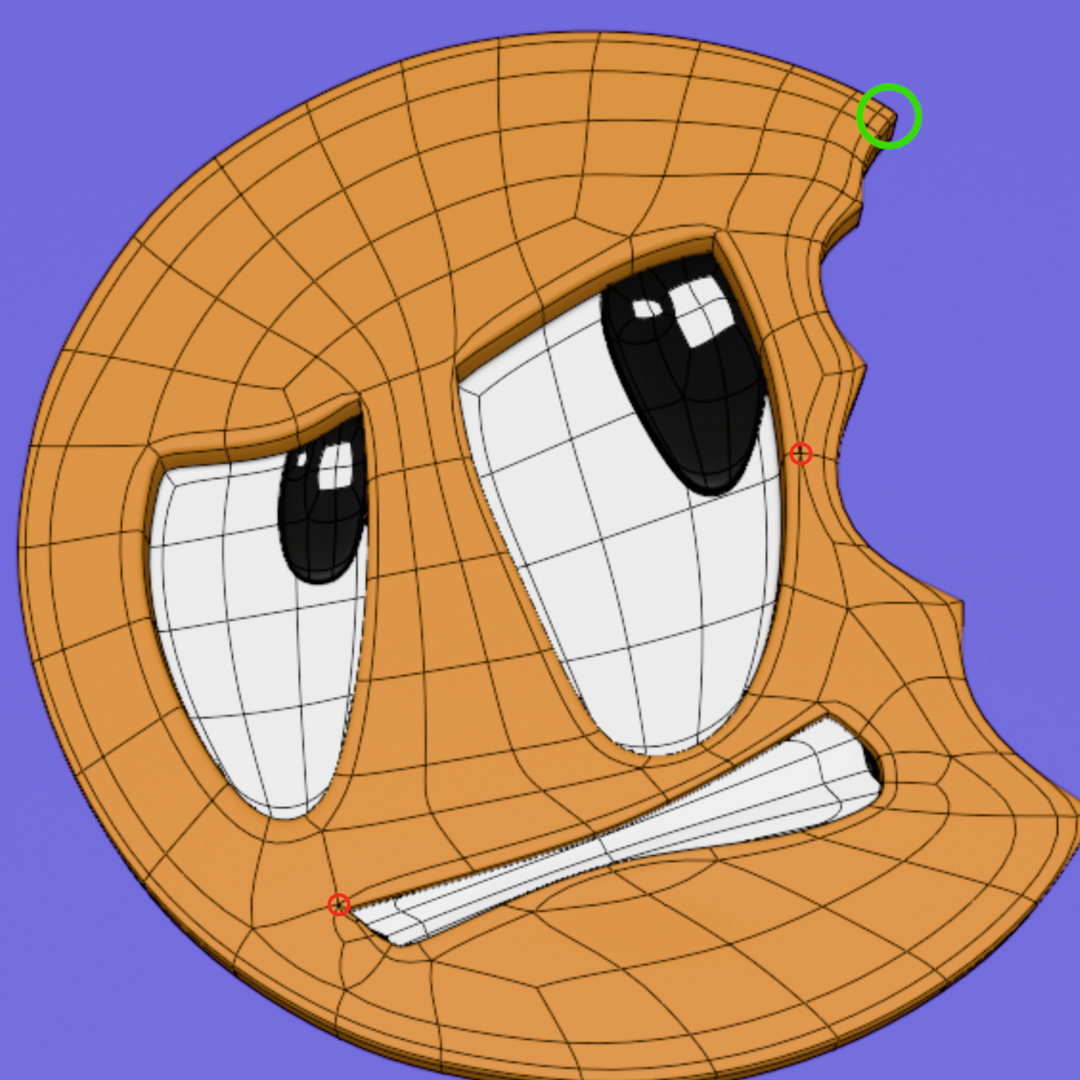
Aww man! I thought I had all of them. Bummer.
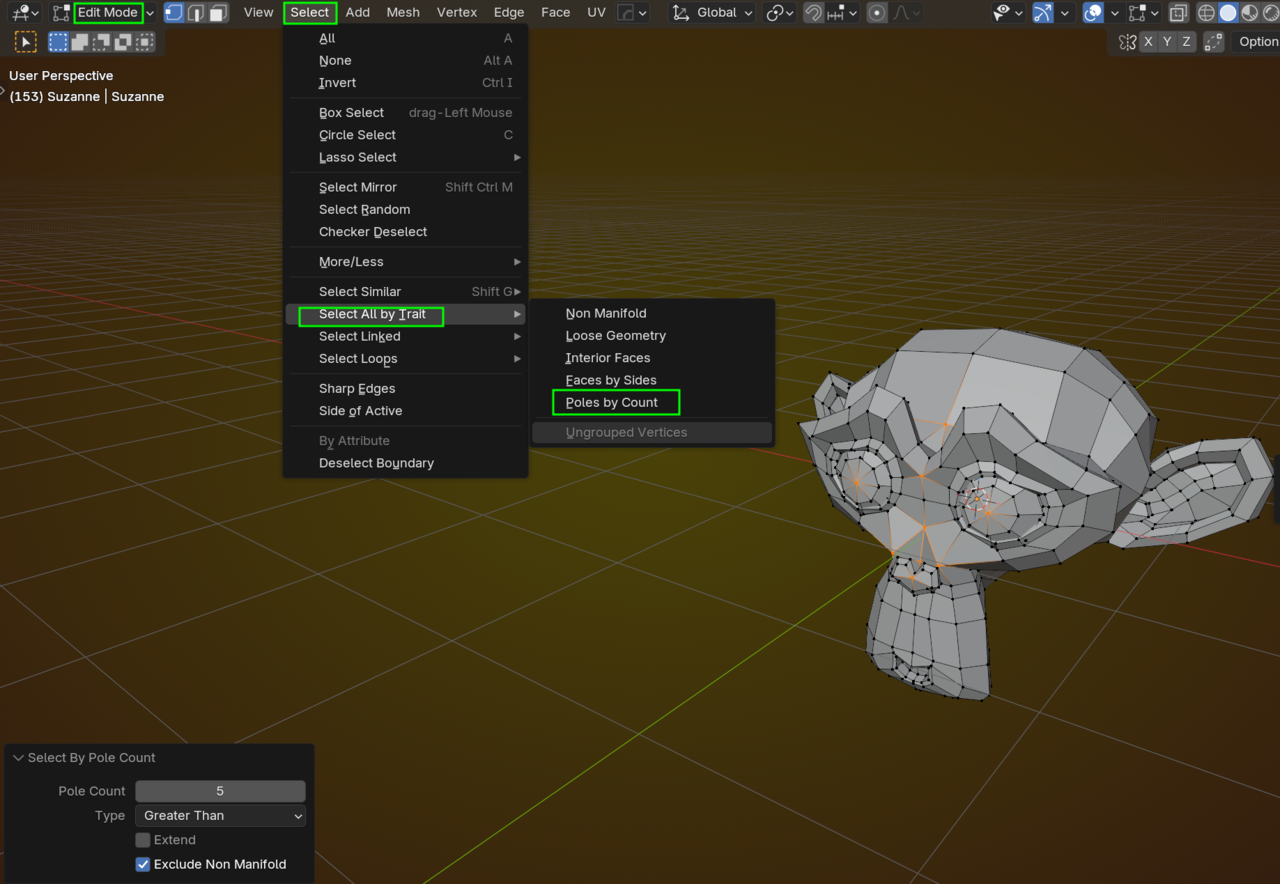
Is there an easy/reliable way to hunt down poles? I imagine on bigger models it would get really difficult to find them.
Thank you! I can't believe I didn't catch that. Going to make my life wayyy easier going forward.
06/13/2026 - Low poly room! (Block out!)
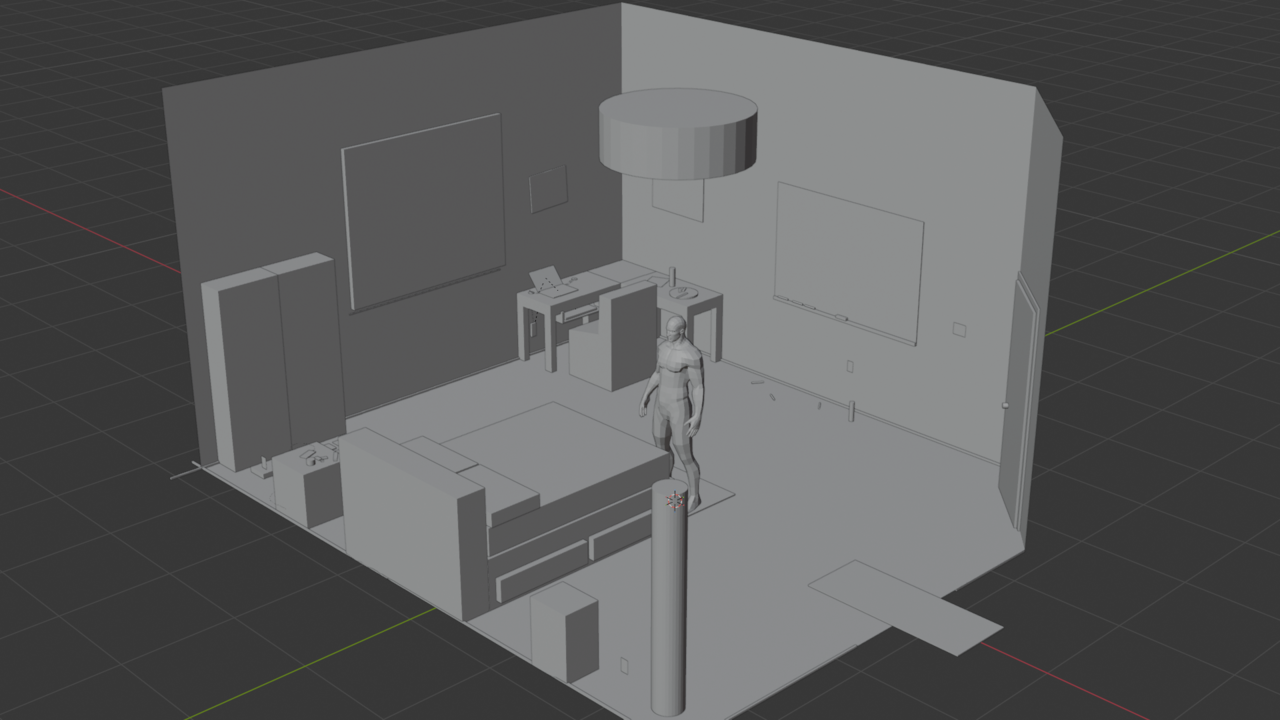
I spent the last day-ish blocking out my low poly room. It's based on a room I was staying in while in college, so that was a liiiittle bit stressful. It looks like I definitely blew past the "30-50 items" requirement, even accounting for duplicates, so that's great! I'm planning on tackling this from outside -> inside and from biggest -> smallest. I'll likely make exceptions for things that are simpler to model, (markers, books, etc), to give myself quick wins interspersed with everything else to keep myself motivated.
I opted for a perspective view instead of an ortho view. I ended up just liking how it shaped up a bit more.
I also took excruciating notes on every single object and aggressively organized everything into zones. So there's that.
And yes, I did check against the human base mesh. Everything seems to check out! If anything I might need to bring the ceiling down to make the ceiling fan accessible, but that should be easy and I can adjust it after I've finished modeling it.
06/17/2026 - Low poly room - continued!
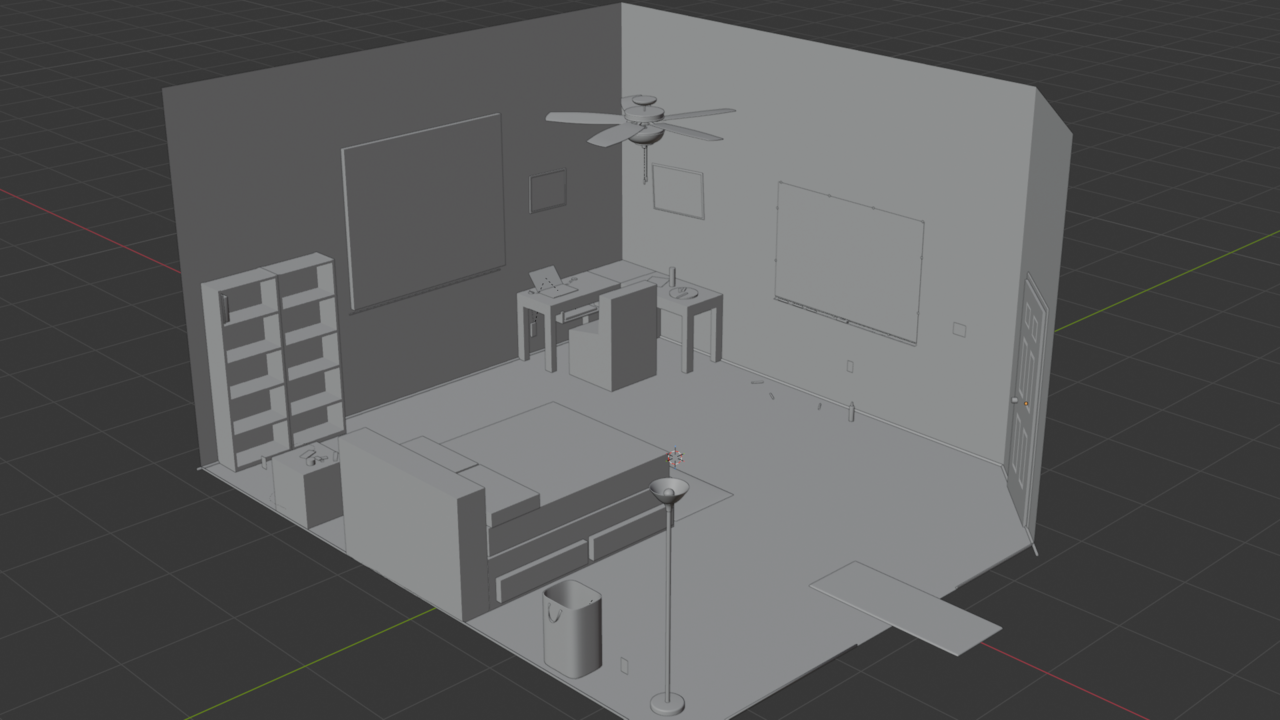
I haven't posted in a few days, so here's the current low poly room progress! Since last time I've modeled most of the objects on the outside of the room, including the pesky ceiling fan. If I had to estimate I'm probably halfway done...?
In any case, I'm learning a ton, but modeling this many objects is exhausting!
We keep plowing forwards. Onwards to the next object! I need to knock out that pesky doorknob and then we're taking care of the window!
06/21/2026 - continuing with the low (hah!) poly room!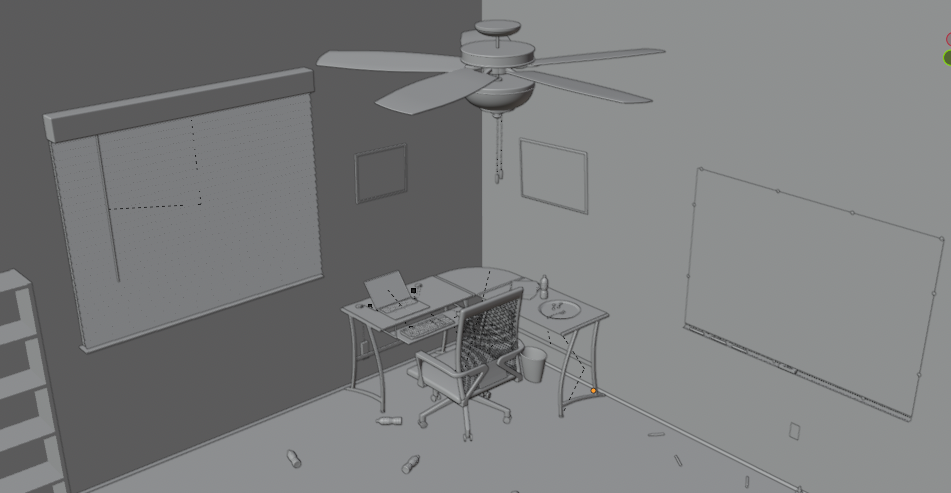
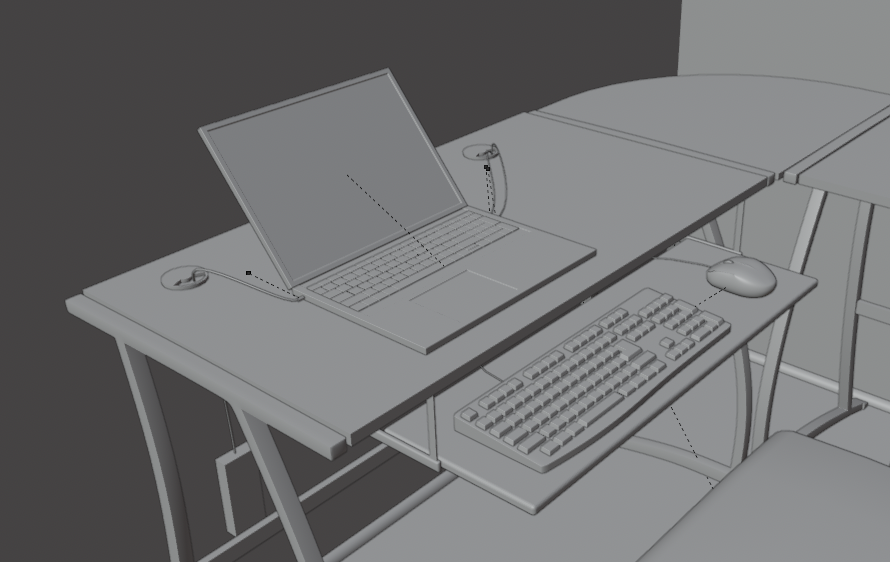
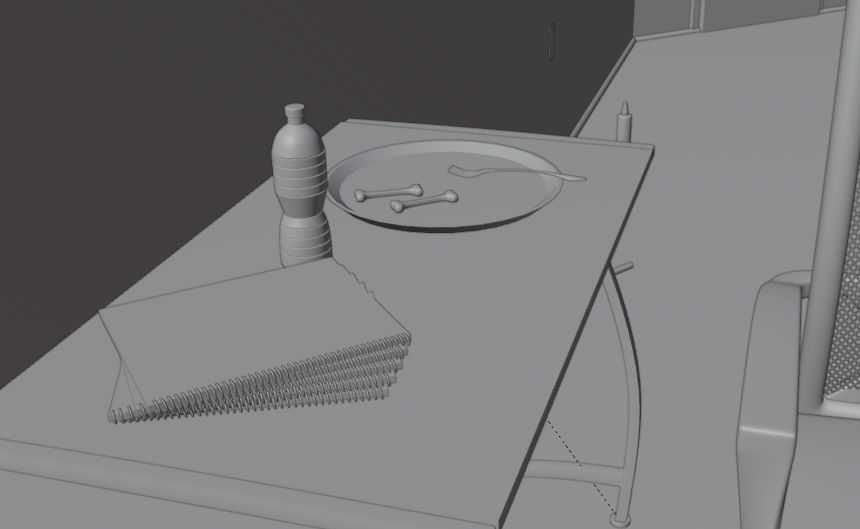
This has been quite the adventure, and I finished up the desk corner!
I also learned that a computer mouse is... actually really really hard to model. I'm going to revisit that specifically after wrapping up this course in the future. But otherwise we're just continuing at a solid pace!
I was actually pleasantly surprised at the laptop and keyboard. I thought they were going to be the toughest pieces of the whole thing. Turns out a keyboard is just a little repetitive, (though relaxing), and not that difficult.
The chair took a lot of effort compared to everything else. I modeled it in a few parts, and did the chair back separately. It doesn't perfectly match the original I used as reference, but it's good enough for my brain to say: "Yep, that's an office chair!" so I'm satisfied with it.
The fork was... actually surprising. I thought it would be easy but it ended up being the second hardest thing there? It's actually a really weird shape and I think it would probably require some modifiers I didn't think of to not make it a pain. But ah well! I'll look into it another day.
We're almost there! Just a few more things to model and then we're done!
Aaaand we're done!
Final room: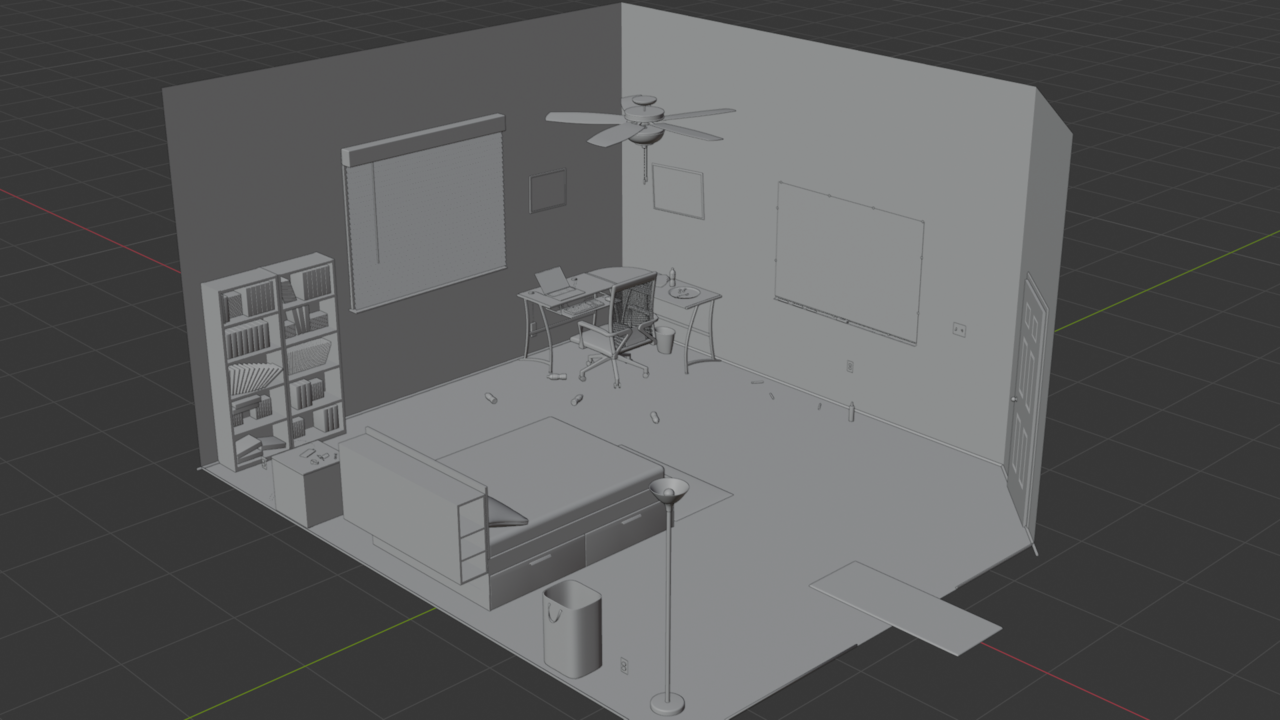
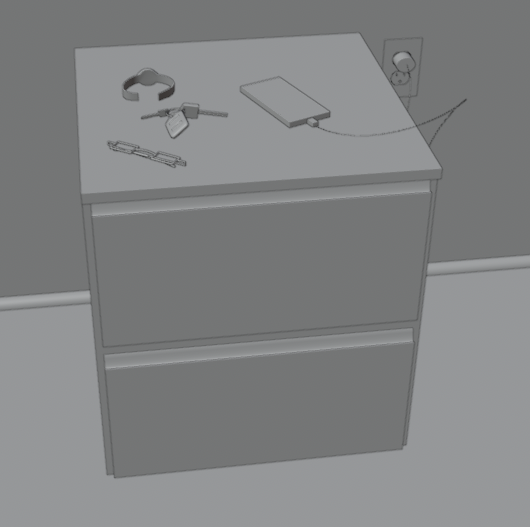
Knocked out the nightstand. Created a super simple phone. Created a super simple pair of glasses, a watch, and some keys.
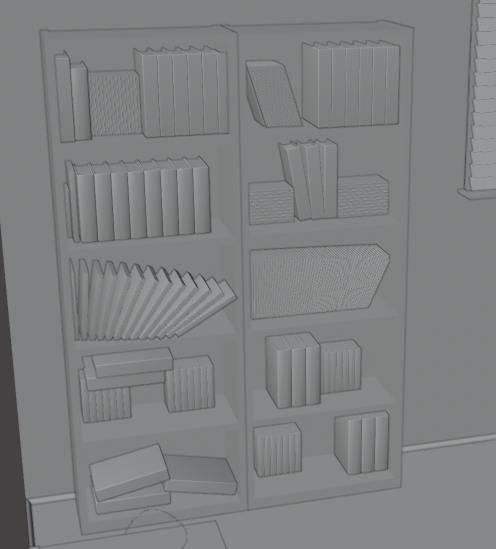
Filled out the bookshelf. It was a lot of fun with array modifiers!
Modeled the light switch and the outlet. I decided to keep these simple since you can't really see them at the render distance anyways.
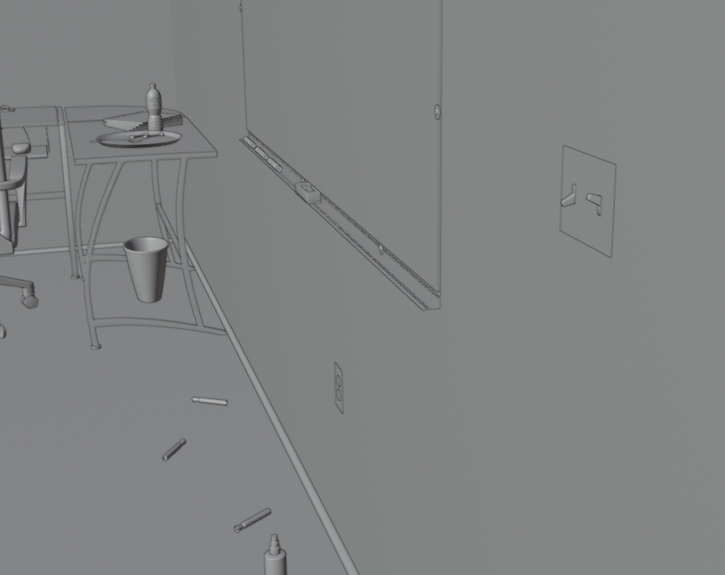
All in all, that's it! Lots of objects throughout the scene and I think ,(unless it gets rejected), I can fall this finished!
Next up: Sculpting!
06/24/2026 - Sculpted stylized shark!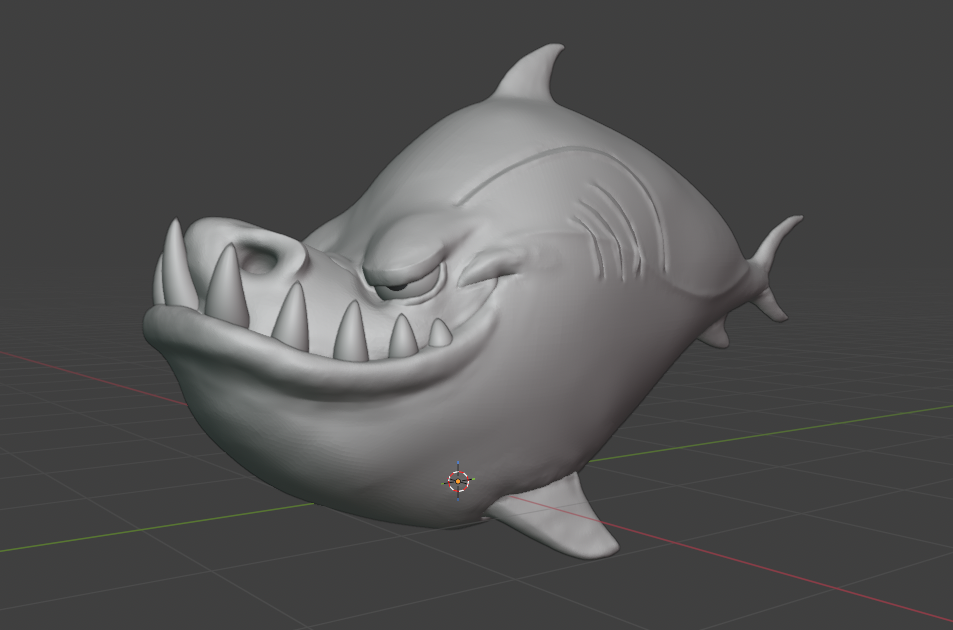
Look at that smug guy! He knows he's a big deal, despite his tiny fins.
I ran through the fundamentals of sculpting course, and boy was that an adventure! I followed through and created the shark at the end. I went and included the supergill because it looked cool.
All in all a lot of learning! I'm going to submit the assignment but sketchfab doesn't seem to be behaving. I'll troubleshoot it a bit later.
06/25/2026 - Tried my hand at another sculpt!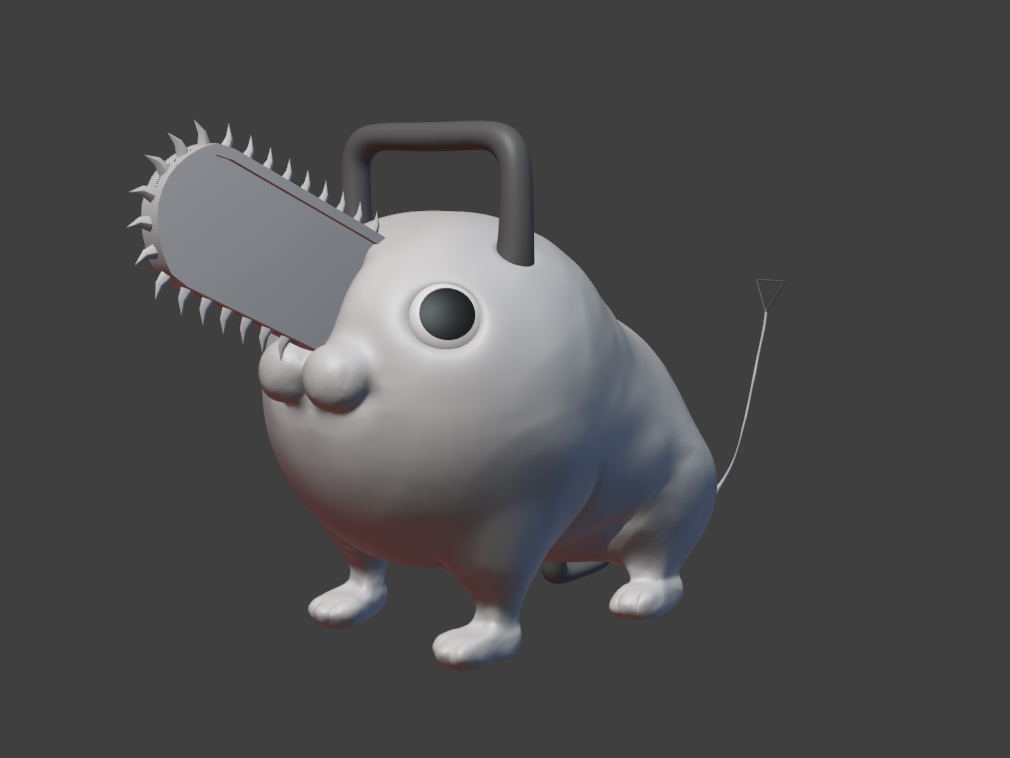
Took a jab at Pochita from Chainsaw Man. (Best boi, fight me)
Oddly enough, the hardest part was the paws, which I thought would be the simplest part! I also learned that thin pieces are really difficult to sculpt correctly. Symmetry also doesn't seem to be 100% consistent like for standard modeling, so that's a lesson to keep in mind.
All in all though? I'm happy with it! In retrospect I could have added more roundness/chonk, but I'll take it. I learned a bunch and got to apply my techniques to a brand new character, so 'sall good.
Yeah, Symmetry isn't perfect with Sculpting, especially (but not only) when using Dynamic Topology; that can easily mess up the line of symmetry and then different Topology is being created on either side, etc. This is why there is the Symmetrize Button, whih you can use, when things get out of hand.
And paws are hard indeed, as well as thin parts.
I just noticed I haven't updated this thread despite being on the discord, so here we go!
06/30/2026 - Dexter Sculpt
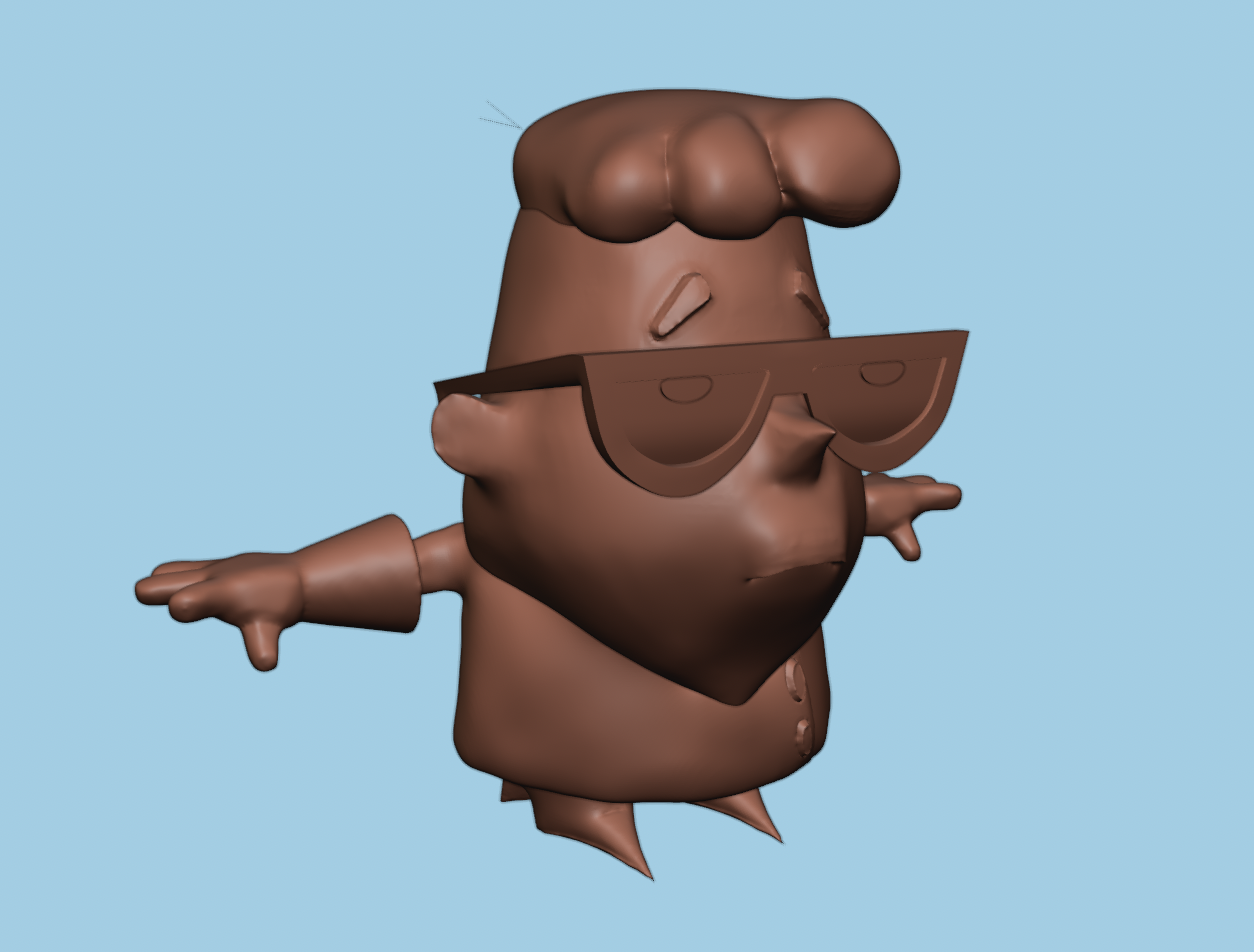
I wanted to try something closer to my interests, and I also wanted to try out a character with unique proportions. I found a model sheet of Dexter from Dexter's lab with his pilot design (as opposed to his more modern, square design).
This was a real tough one, but a good learning experience! I learned a lot about composing/sculpting multiple pieces to create a full item, and some important lessons about what to separate. (surprise, basically everything!)
I was pretty happy with how this turned out all in all. I set it up in a T-pose for rigging just to get some practice with it. (Sorry, no intent to retopo/rig this right now)
That leads us to...
07/01/2026 - Funamentals of lighting, final room.
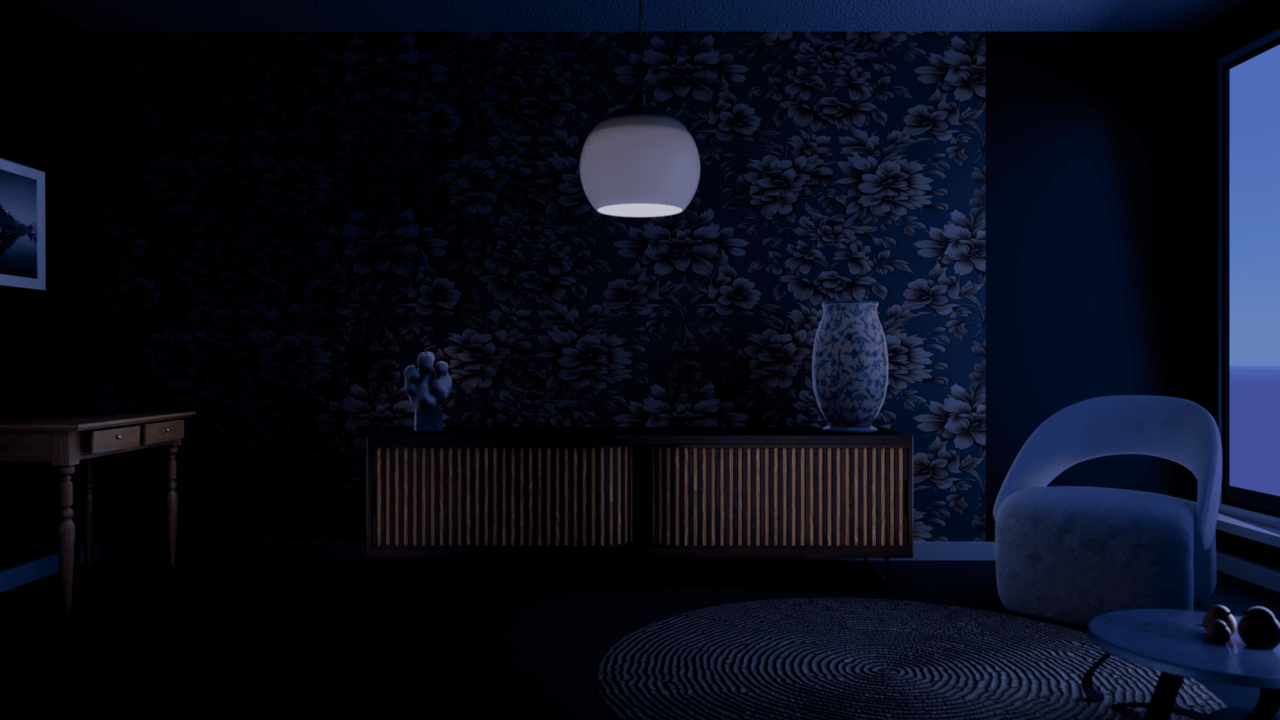
(I threw it in a compressor to be able to upload it to the forum, hopefully not much is lost)
This was a fun one! I wanted to do a different take on it, and there was no rule against doing a darker scene... so I went for it! Wayne gave me some solid feedback concerning both the vase and the chair. I went a liiiittle overboard with them. All in all I'm happy with what I learned though. There's actually a TON of lights in this! (I think I had more than 20?)
I absolutely appreciate lighting more than I did before, that's for certain! I'm going to be incorporating lighting in my renders as soon as I get through materials as well. I'm pretty tired of all of the gray so far and want to start incorporating some color!
But before that, we have...
07/02/2026 - Mandy Sculpt
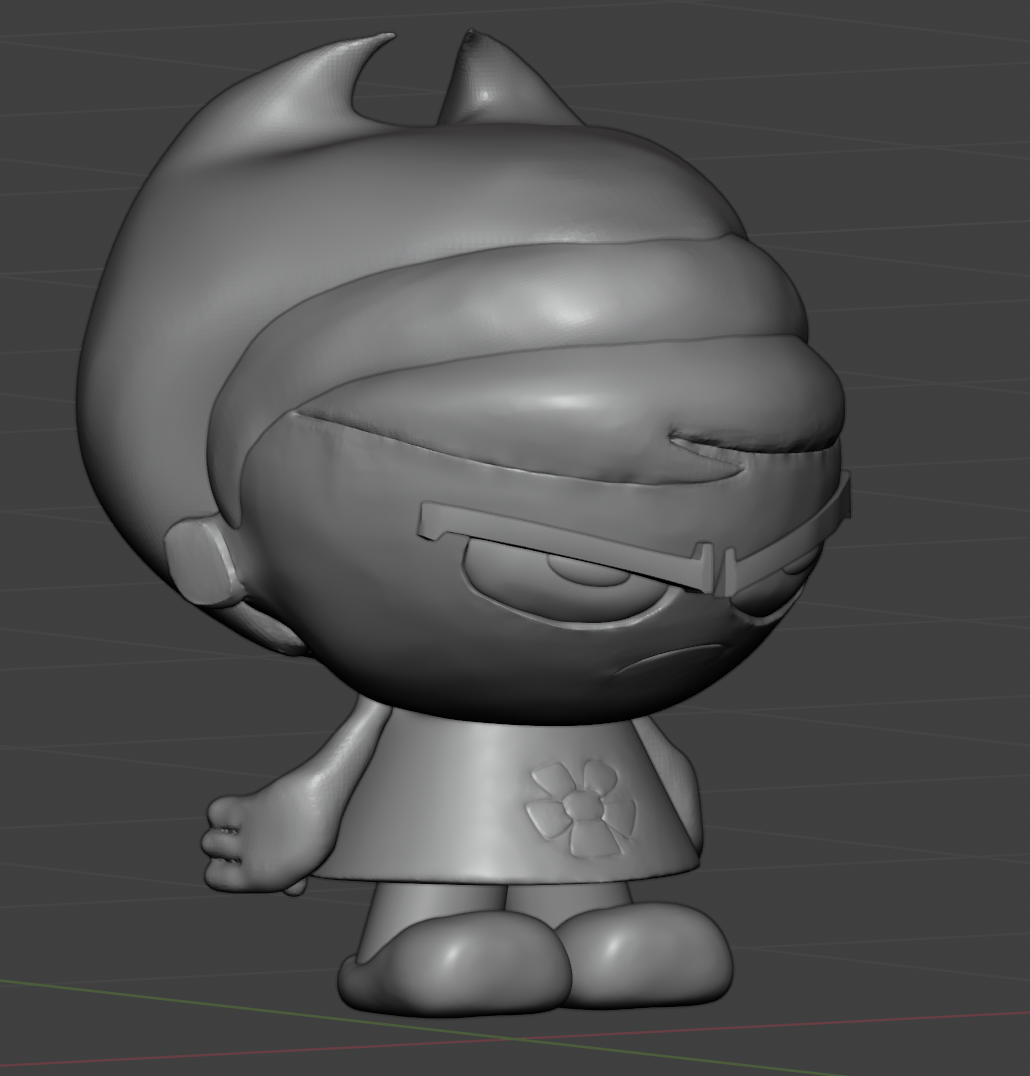
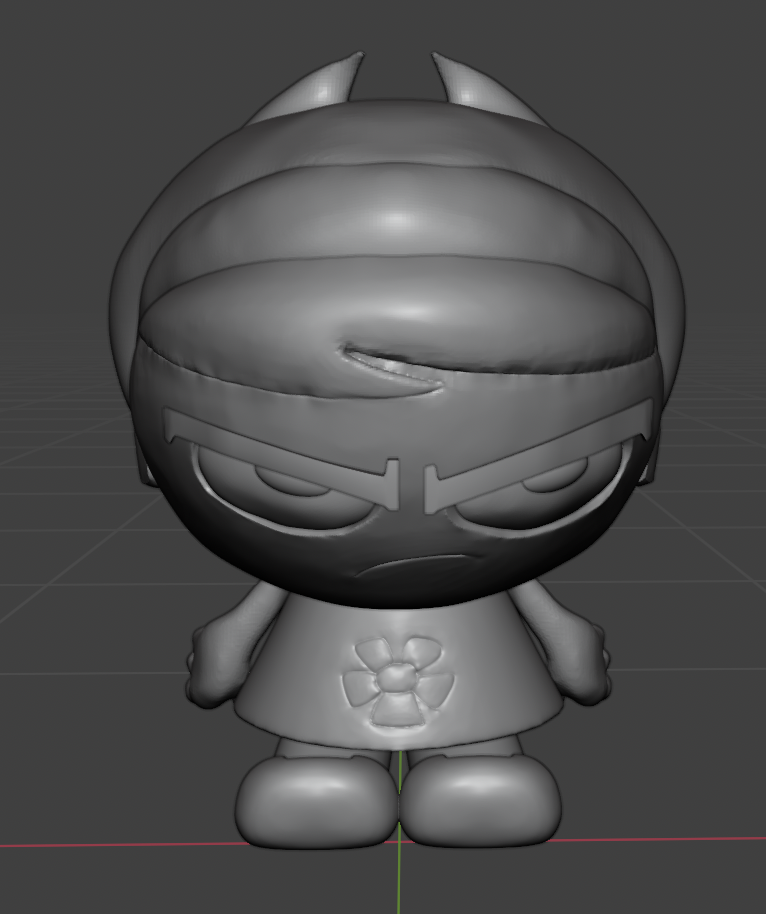
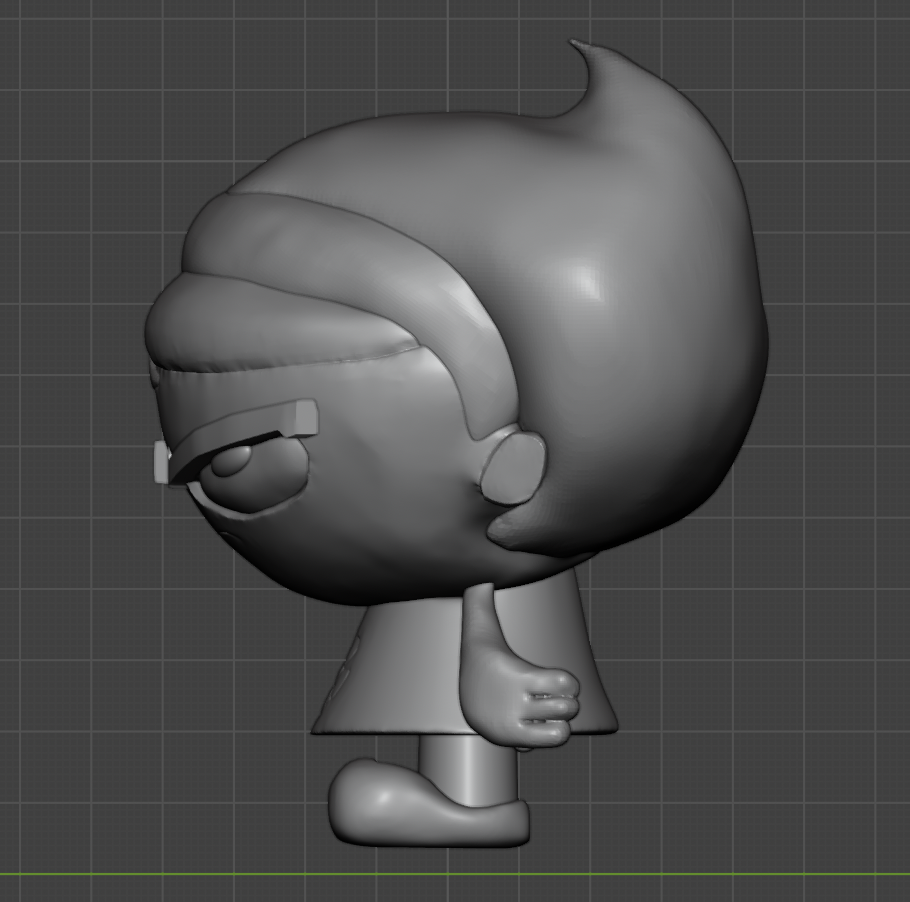
This was another attempt at a heavily stylized character. The challenges with these ones are real!
The big lessons I took from this one are that:
- It's totally OK to interpret and make choices where things would otherwise seem impossible
- Just... Just separate your mesh into as many parts as you can. Just do it.
I had a lot of trouble with the hairline because of the second. If I'd just separated that out into another mesh then I could have had a much cleaner hairline. But aww well! Spilled milk! I'll live with my mistake and just leave it as a reminder for future me.
That said, it does look like the character, and I'll take that as a huge win. I'm still growing and it's fine to not be perfect.
That's all for now! Next up I'm running through the materials course because I need a little less gray in the world.
Onwards!
Very nice! Having tried in the past to do a nighttime scene, they are definitely hard to do :D Nice job on the sculpts, too.
Oh no! I haven't updated this polybook in *checks notes* two weeks!
It's no problem though, dump incoming!
07/02/2026 - Candle
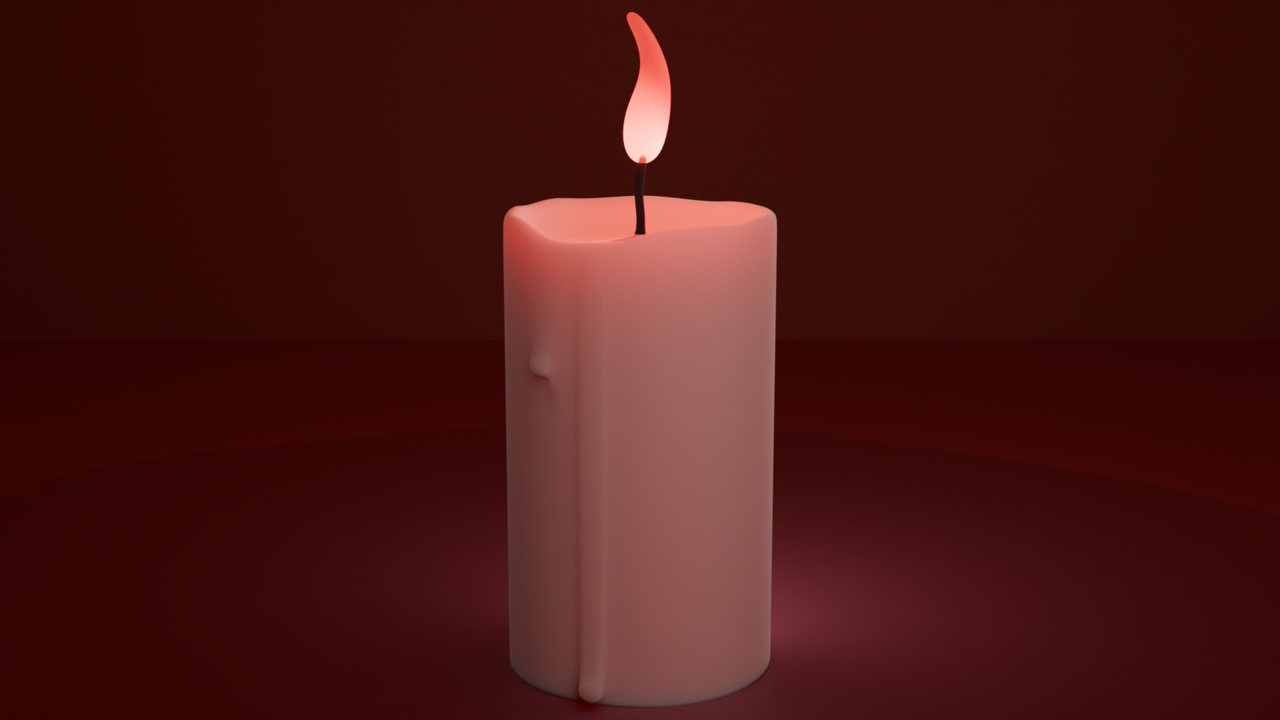
I was working through the CORE v1 fundamentals of materials, and I took a jab at the candle! I had an excuse to try practicing my modeling and lighting skills as well. Looking back at it, I can see some obvious improvements to be made, but hey, hindsight!
07/03/2026 - Cloud
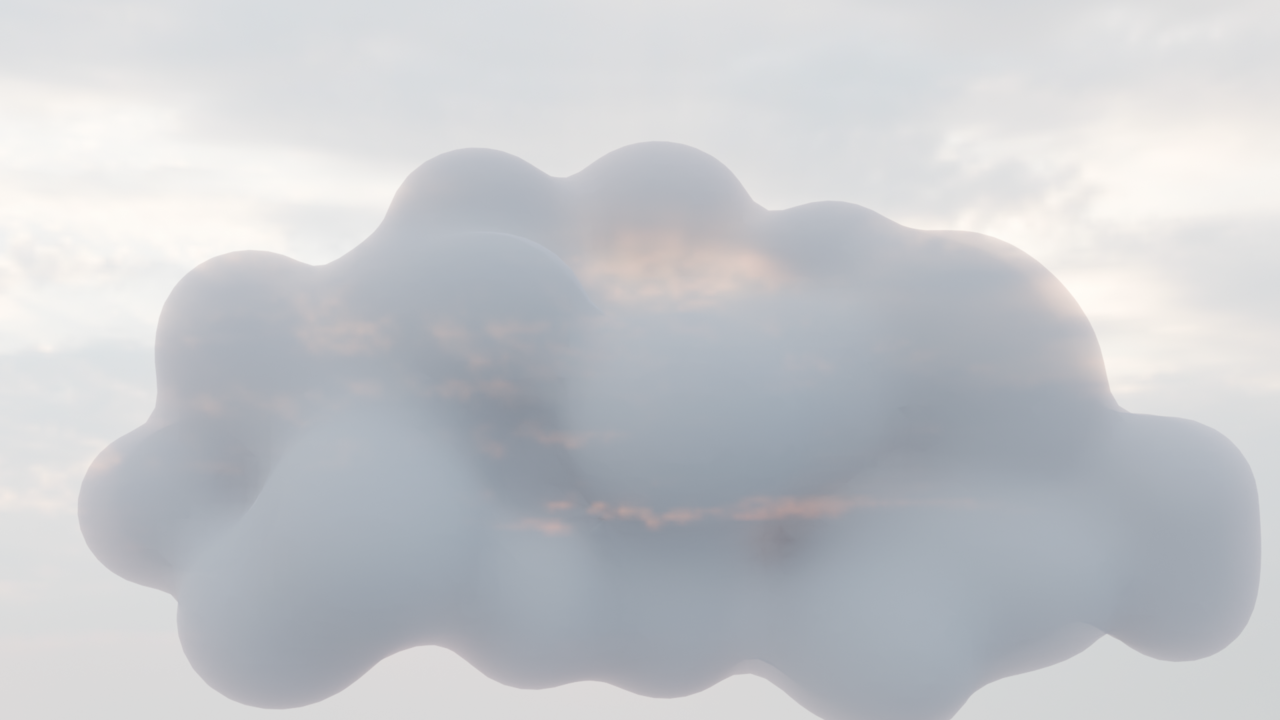
On this one I ran face-first into my lack of material understanding. I was constantly tweaking the volume nodes and wasn't getting a result I wanted, so I decided to call it here. I decided to start over with materials from the ground-up. Which leads us to...
07/09/2026 - Fundamentals of Materials final assignment, desk render
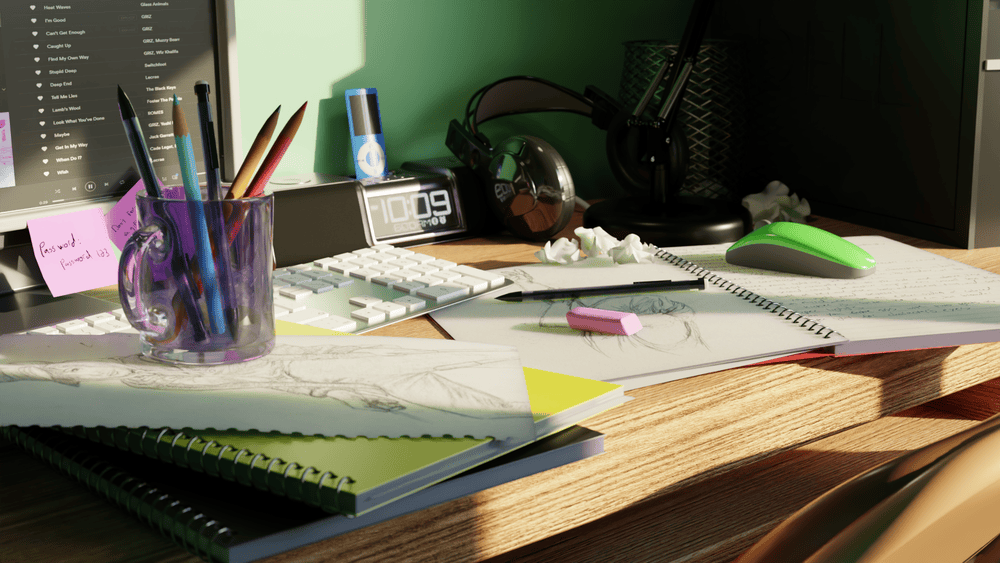
(Passed through a compressor to stay within the file size limit)
This was my submission for the final assignment for the fundamentals of materials and shading. I had a lot of fun working through these materials, and it was great seeing what they could do! I still need to get better at adding the imperfections, but I'm stoked with the progress.
Speaking of imperfections, that requires textures! Motivating us to do...
07/14/2026 - Fundamentals of Texturing - procedural dirt shader
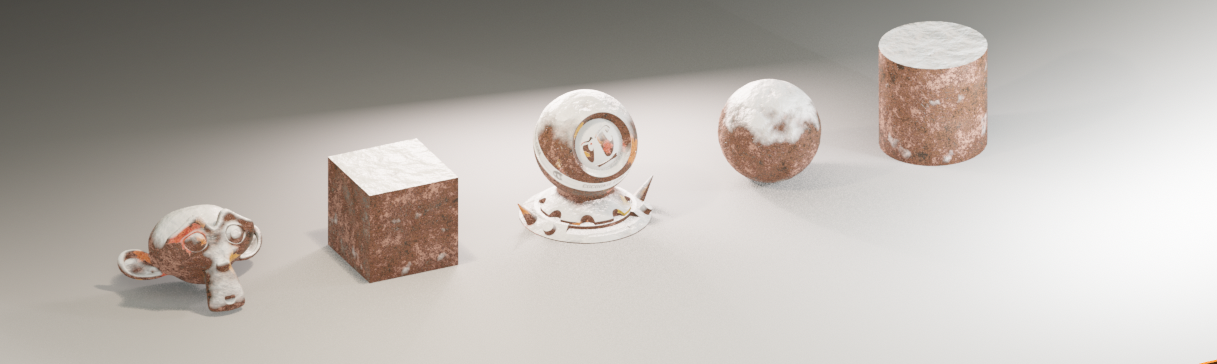
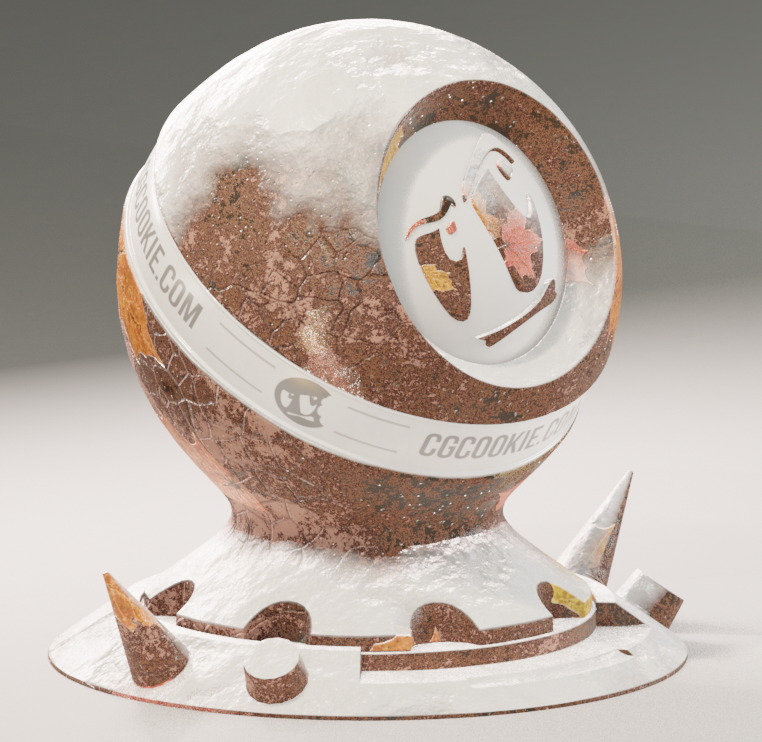
For this I just followed through with the lesson. It was a TON of steps but it pretty comprehensively showed how to do a procedural material! I had fun with it.
And then I got to use my newfound skills in...
07/15/2026 - Fundamentals of Texturing - Lava Texture Exercise
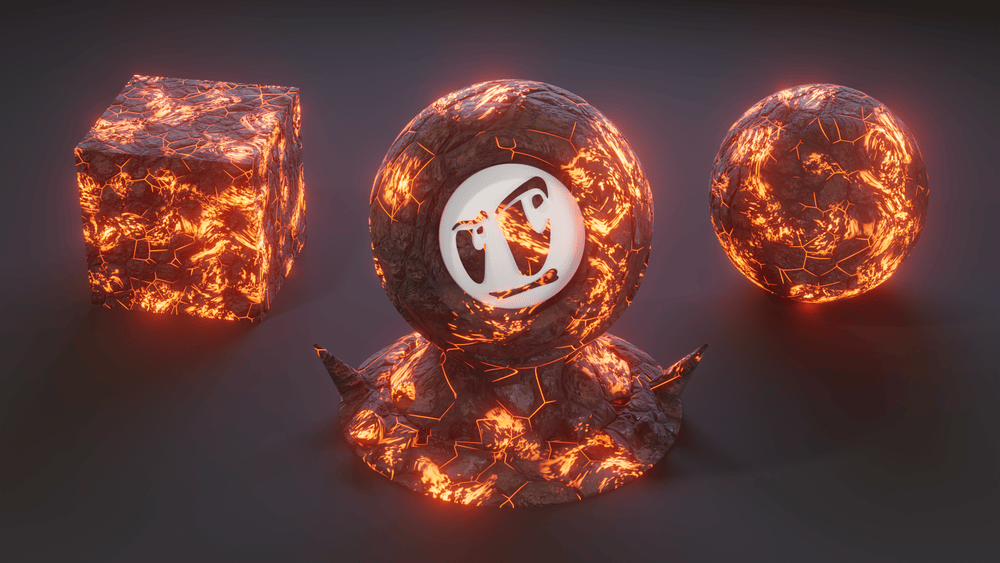
(compressed)
This one was a doozy! I combined everything I learned from both the materials and texturing courses so far to create this procedural lava texture! I threw a ton at it, and not gonna lie, my head hurt after! I'm pretty satisfied with the result though.
I realize after the fact that I probably could have kept going on it for another day, but I think I can forgive myself for just calling this one finished and moving on. It was an absolute blast though! I have my eye on the shader forge course in the future!