PRESS START: Your Simple First Blender Project

Instructor:
Jonathan Lampel

Looking for a simple modeling, texturing and lighting Blender project?

This Blender course is...

✅ made for beginners (or those who need a refresh)
✅ perfect as your first Blender project
✅ possible to complete on a weekend
✅ designed to be customized by you
❌ for creating a real game console (sorry!)

Oh, did I mention... we're keeping it light 
Creating in Blender should be fun, first and foremost. 

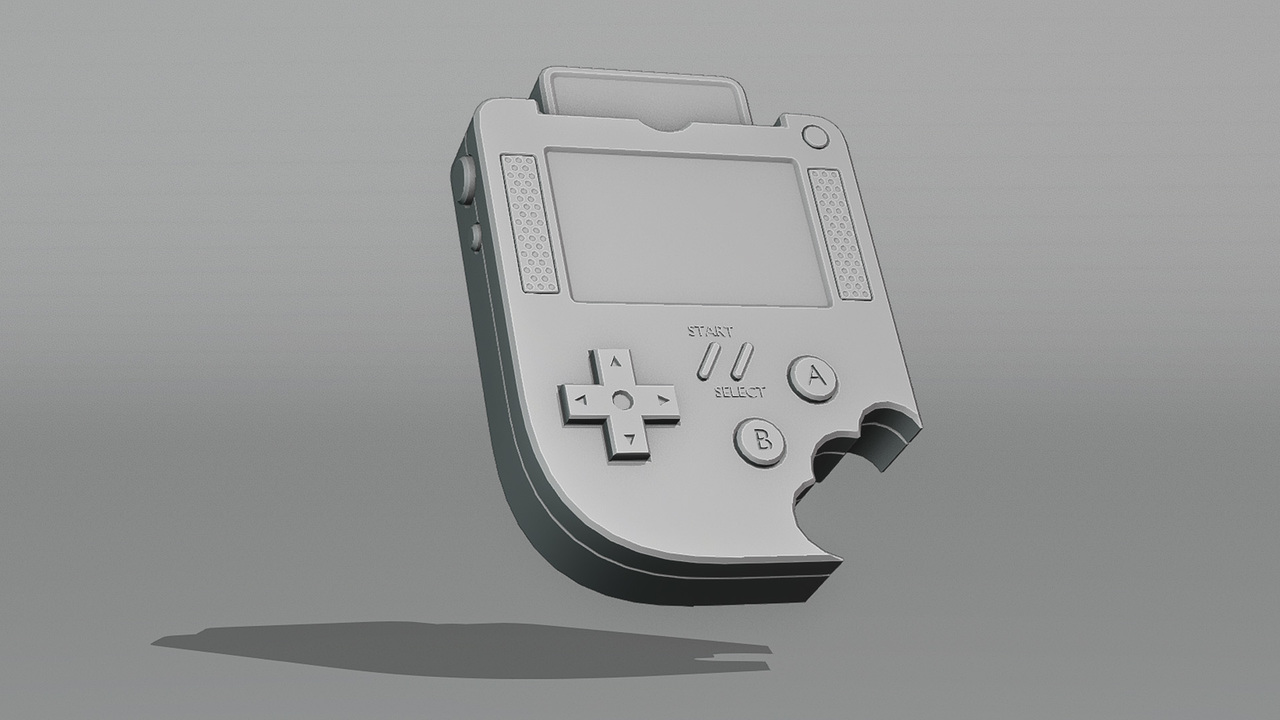
That is why we're bringing back an iconic 80s handheld gaming console from an alternate CG Cookie universe.

This object, though eternal and glorious, is just an example for teaching you the Blender workflow... so you can get up and running on creating your own endless Blender projects.

Totally new to Blender?

Watch the Blender Basics first 
Don't worry: it's quick. You'll learn to navigate in 3d space, move objects, and more. 
Stream the Blender Basics

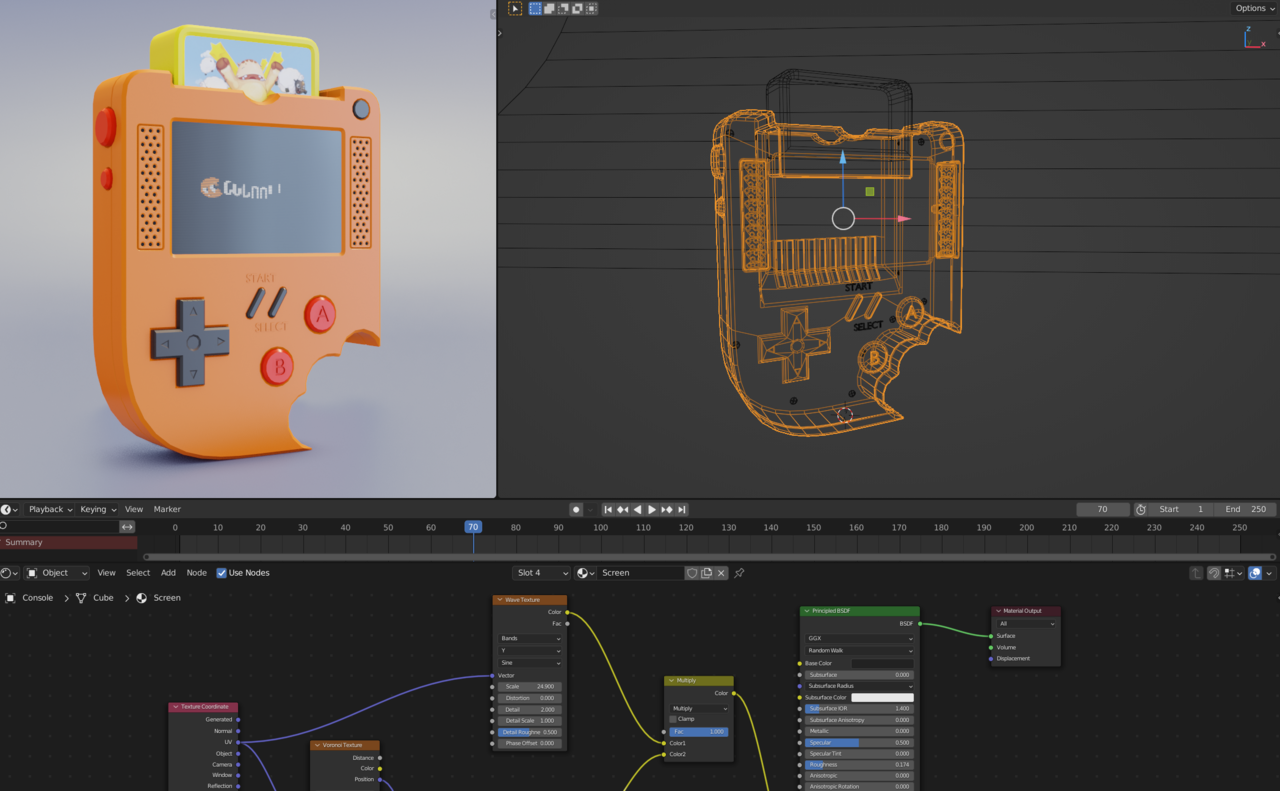
1️⃣ First, we'll model the console

In this part, you will learn how to...

  • model in Blender from a reference image
  • create your own mesh shapes
  • use the most important modeling tools
  • use modifiers (makes your life easier!)


2️⃣ Next, we'll add materials and textures

A model without textures is like a rhino without a pink bow on its horn. Just... boring.

Learn how to:
  • add materials
  • apply and customize textures 
  • load an animation
  • use a generated pattern

3️⃣ Let's light this and get to rendering

To make our model shine, we will apply nice, basic Blender lighting and render it out for the ultimate beauty shot.

Ultimately, you can make your own little pocket game console and customize and shape it however you want.

Plus: Learn how to troubleshoot and avoid pitfalls

Starting with Blender can be overwhelming. I'll show you the mistakes to avoid and the tricks I wish I knew when I was first starting out.

Feeling lost? We're here to help.

As CG Cookie member, you can ask any questions along the way and we will help you out with any roadblocks.

We also want to see your result: share your final render in CG Cookie Gallery so the rest of us can see your masterpiece! 

We love sharing your work on our social media, so make sure to tag your @ handles to your profile.

Get Caught Up

Are you brand new to Blender?

These courses should help you get up to speed in no time.

Awarded upon completion:
100xp +
Course Curriculum
74 Reviews
  • j
    Jordan LeBlanc(joralebl) ·

    This is an excellent little project if you just know the basic controls or have only done other beginner tutorials. Good job for making a project that any complete beginner can do with the basic controls and turns out looking very cool. Sometimes you need something a little more engaging than a donut to look at when you are done. 

  • c
    miles mccrear(celestialmonsta) ·

    Total beginner and this was great to learn with. Some things I had to google just because of version changes but overall super easy to follow along

  • C
    Charge10905 ·

    Excellent Lesson!

  • k
    Ha The Khoa(khoalu) ·

    if you are new, there are so many useful things to learn. Good Course!

  • K
    Kiteso ·

    This tutorial was straightforward and informative. I was nervous about the version difference between 3.0 and 4.5, but the discrepancies were hardly noticeable. Namely, the shade autosmooth function in Blender has been moved to the modifiers tab. A few other menus rearranged slightly as well, but it hardly affected the overall learning experience.

    • author Kent Trammell(theluthier) ·

      Thanks for the review! We have tremendous respect for learners that take the leap of faith that older courses can still teach effectively. For powering through the confusion of version inconsistency, we salute you 🫡

  • f
    Frank K(fk) ·
    This course was great: easy to follow, well explained and well paced. I feel like I learned a lot and was glad when I completed it. Thanks a lot especially for the fact that this was free.
  • C
    Chiara Glavina(Chiarita) ·

    Just finished it, it was amazing!! thank you so much jonathan, you´re a great teacher! can´t wait to keep learning :) i really recommend this course to anyone beginning like myself; instead of telling us which shortcuts to use, he actually explains the way blender and 3d modelling work in an understandable way. loved every minute, thank you again

  • C
    P S(Clonk) ·

    Great course, I am a beginer and really made great strides following this series

  • R
    Rade Bajic(RadeDev) ·

    I learned a lot from this course together with course: BLENDER BASICS: An Introduction to Blender 3D 4.5 LTS

  • Bernie Petterson(SoPasBoy) ·

    This is a *really* exceptional course. Just outstanding. I highly recommend this to anybody who is interested in getting into the Blender game. 

    At the time I went through it, this course had already existed for a year. I had some challenges such as: the fact that I used a Mac (!) and the most modern Blender download was a little different from the version in this tutorial (slightly altered layout, different menus, different tools had been moved around to different places, etc). I oftentimes had to sleuth out a different way of achieving the same goals, but none of it was insurmountable. Eventually, with a little patience, I was able to figure it out. 

    But really, you should think of this course as if it were a tutorial hype man for Blender: “Look how fun this is! Look at some of the amazing stuff that it can do! Look how you can do it yourself with your own two hands!” 

    I think this course’s meta-purpose was to get me interested in moving forward and taking all of the Core series classes. Which, yeah…Mission accomplished!

    I honestly can’t wait to get started :D

    -Bernie

In playlist: Free Courses