Hello!
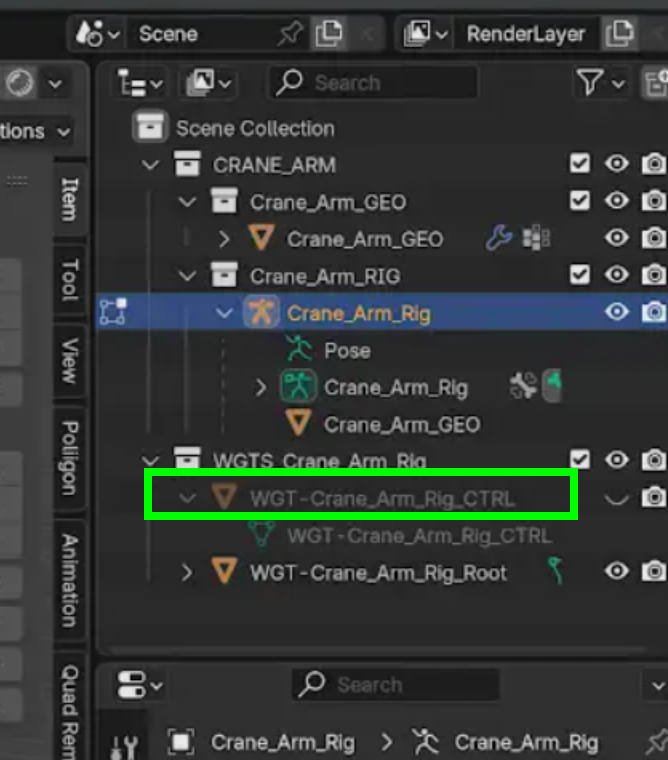
I added a rectangle plane bone widget to my Clamp bones, but I can't edit the shapes, when I try to switch to edit mode, bone widgets get back to regular bones, so I can't modify its shape. Not sure what's the issue. I use v. 4.3.2. I'm wondering, is it necessary to change the widget shapes in order to be functional?:)
Thanks in advance!
https://drive.google.com/file/d/18KY25rO5MBlz3hqQ_efkFYx9f4PSKZcS/view?usp=drive_link
https://drive.google.com/file/d/1MAfKrCZQ8oNtFti9wUqPhaGsRlOT_dUl/view?usp=drive_link

Hi Klemi,
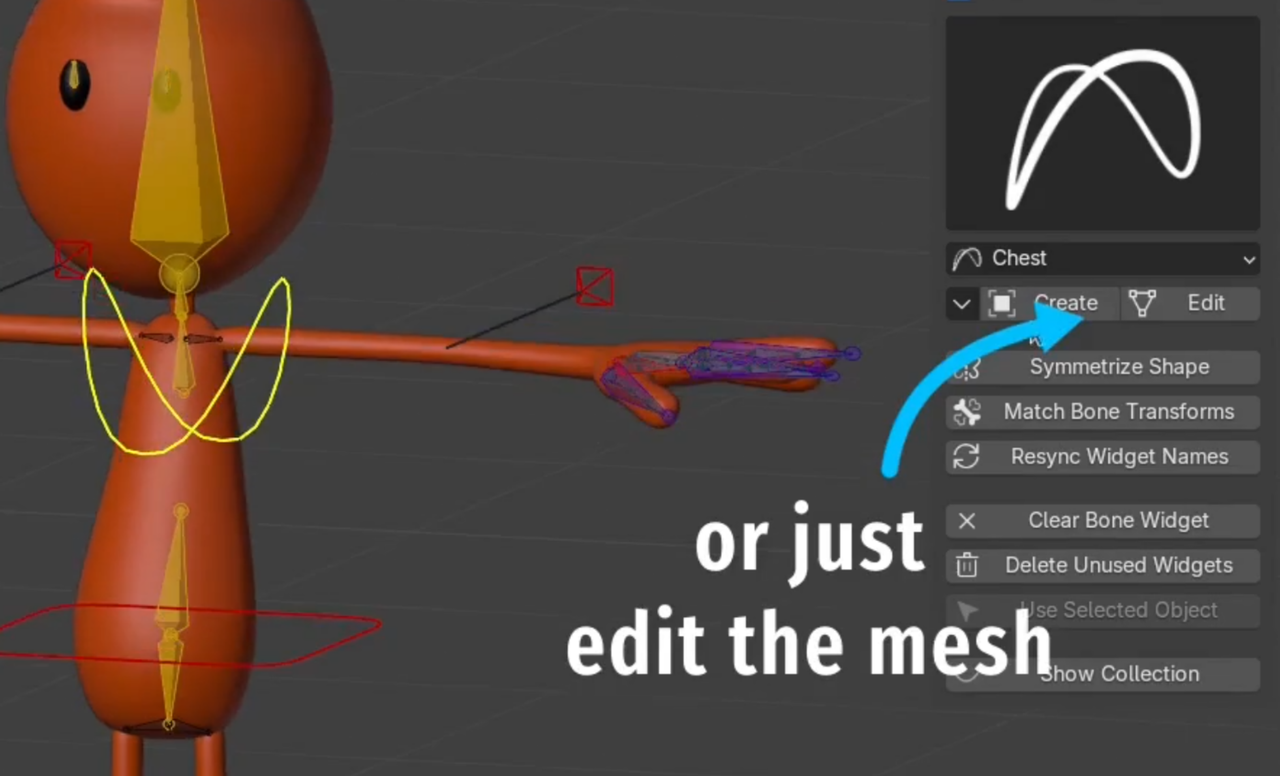
You don't edit the bones, you edit the mesh shape that the bone is using as it's display.
Click the "Edit" button in the add-on. (as Spikey shows in the image above)
That will jump into edit mode for that particular shape.
Then press it again to jump back to the armature.