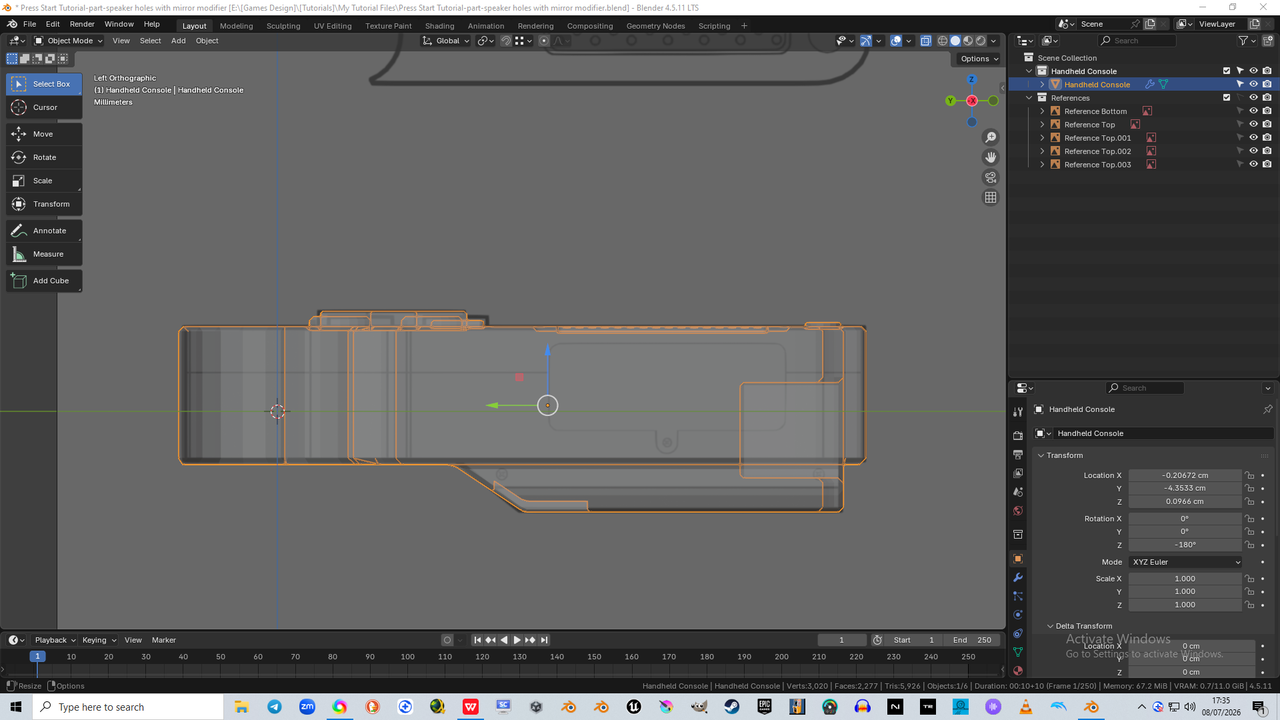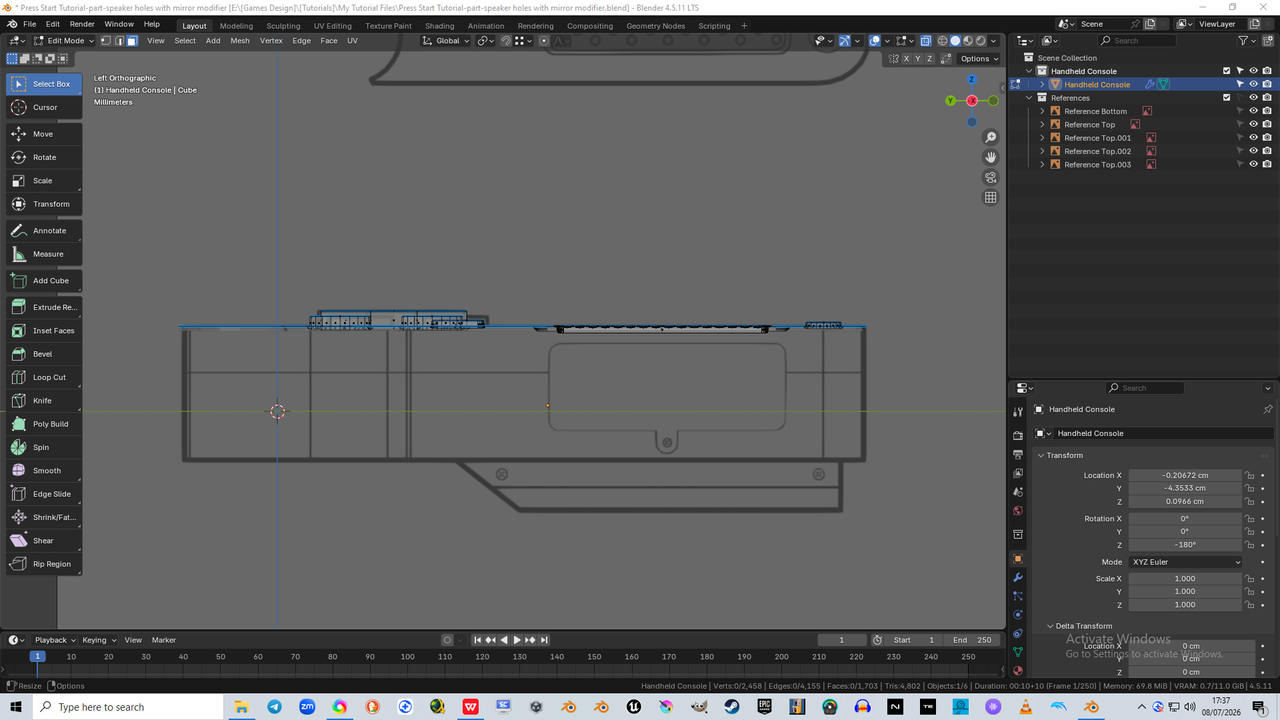
Hi there, so i have taken a break and come back to finish this tutorial off, followed along fine all the way and got to the stage where you chose to start on the sides
Now, what should be really simple, is now not, and i do not know why... but basically, when i switch from Object Mode to Edit Mode, so that i can hide every part of the console i do not need right now, and so we can model the side parts, somehow, it switches off everything but the top of the model (i have added pictures of this to evidence)
Any help here so that i can rectify it and understand how this happened would be greatly appreciate
I can continue anyway, but this is a strange one that i do not wish to replicate in future, so best to nip it in the bud now

Hi Charlie KingFisher78 ,
Most likely you have had the parts you can't see in Edit Mode already Hidden (and forgot about that). Has happened to all of us at some point. Parts that are Hidden in Edit Mode will still show in Object Mode, hence the difference.
Just ALT+H in Edit Mode to bring everything back (hopefully).
Silly thing is, i tried to unhide the hidden geometry in both modes before i asked the question, or at least thought i had, but i went back in and tried it again in edit mode and it did indeed unhide all that was missing... phew, i am glad it was that simple lol, i thought i'd broke the software then lmao