Ring material turns into white disk after adding Noise Texture to planet material

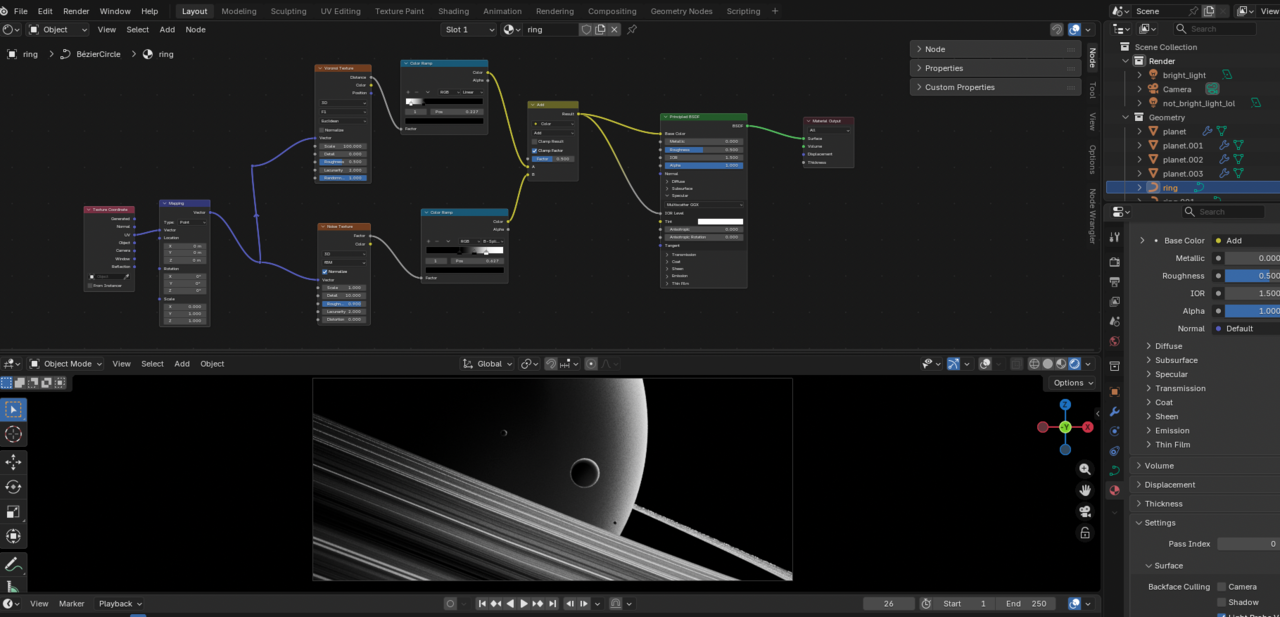
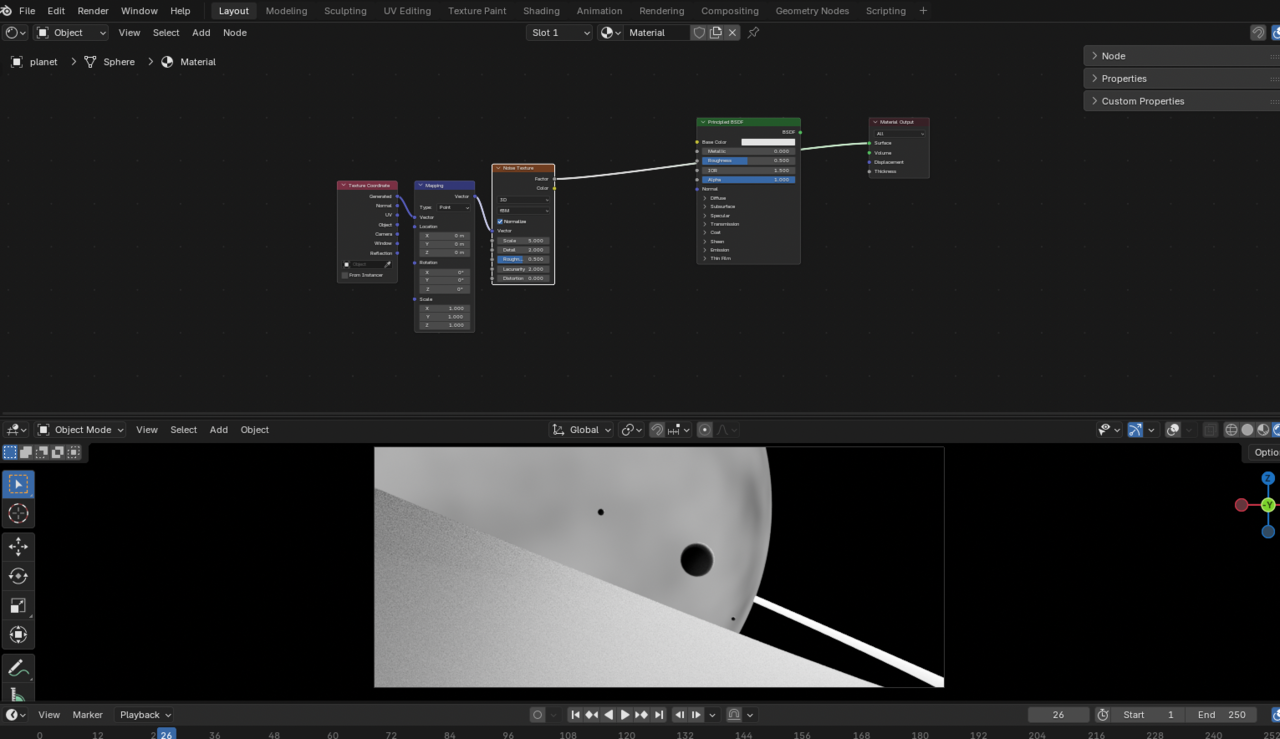
The issue starts when I add a Noise Texture to the planet material. After adding the planet texture, the ring area becomes a mostly white filled disk instead of showing the previous layered ring pattern. I tried changing the ring material’s Add mix to Multiply, but that did not solve the issue and made the rings look too harsh/black-white. I also confirmed that the planet and ring are using separate materials. One thing I did manually, outside the tutorial, was add a compositor bloom/glow effect.
  • Nurzhan Zhaksylyk(nur) replied

    Here is before and after:


    07-05 в 21.01.17.png


    07-05 в 21.02.30.png

  • Martin Bergwerf replied

    Hi Nurzan,

         "One thing I did manually, outside the tutorial, was add a compositor bloom/glow effect."

    That may well be the cause of this. Not sure how exactly, but changing the Planet Material shouldnt have such a drastic efect on the Rings, so something else is causing it and if the Compositor is the only thing you did....

    So, disable the Compositor and see if that gets the Rings back.

    If it's not that, you might need to post a link (via Dropbox, Googledrive, or so) to your .blend file, so we can troubleshoot.

  • Nurzhan Zhaksylyk(nur) replied

    Thank you for your reply, but disabling the Compositor didn’t help. Here is the Google Drive link (the Compositor is enabled there):
    link

  • Martin Bergwerf replied

    Hi Nuzran,

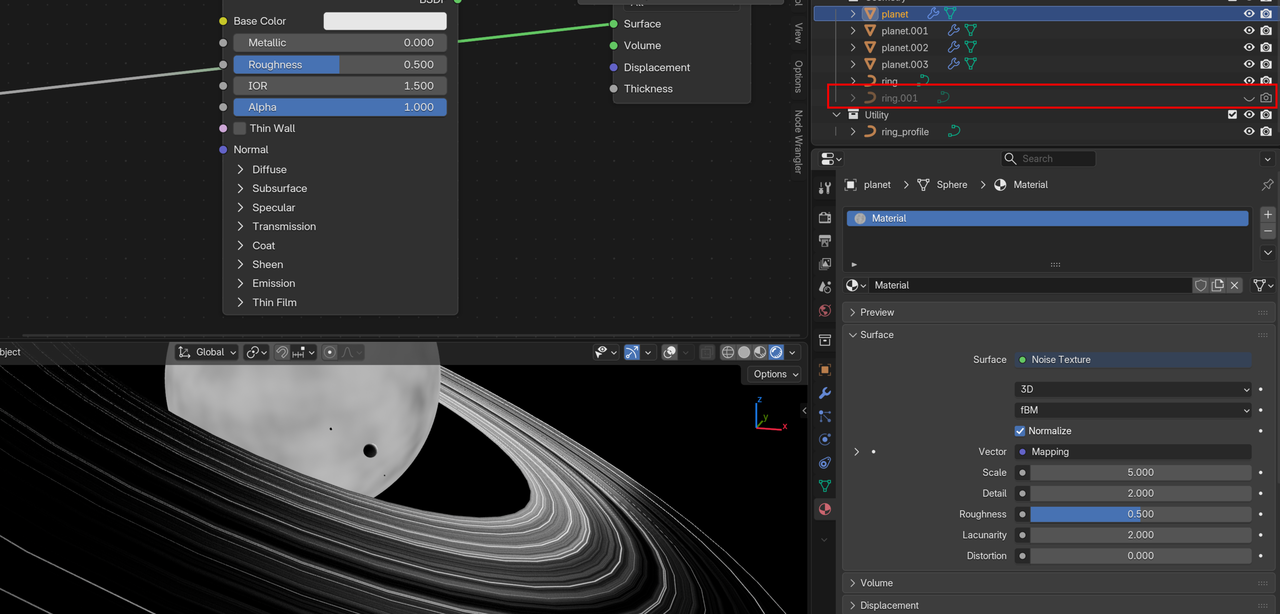
    The problem is not the Planet, but the fact that you have 2 Rings. Just disable (or Delete) the second one:

    Rings.png


    1 love
  • Nurzhan Zhaksylyk(nur) replied

    Thank you!! I've tried to solve this for one hour 

    • 👍