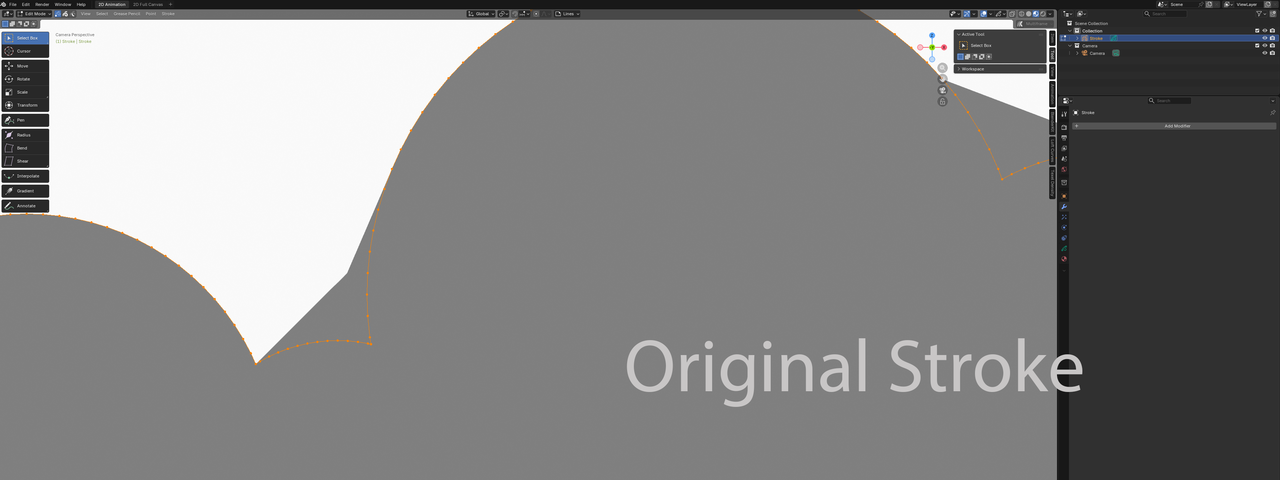
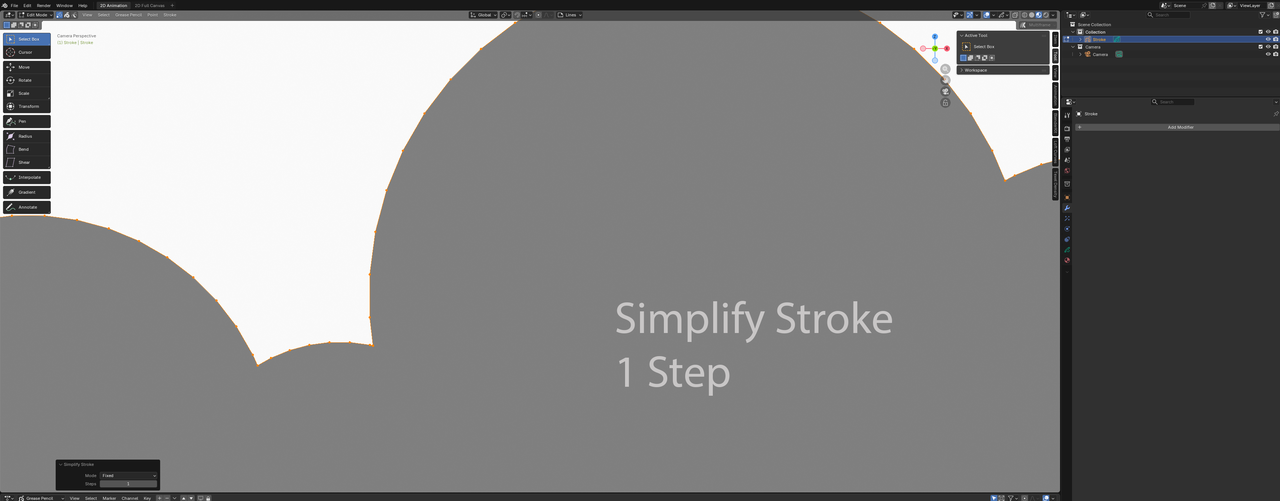
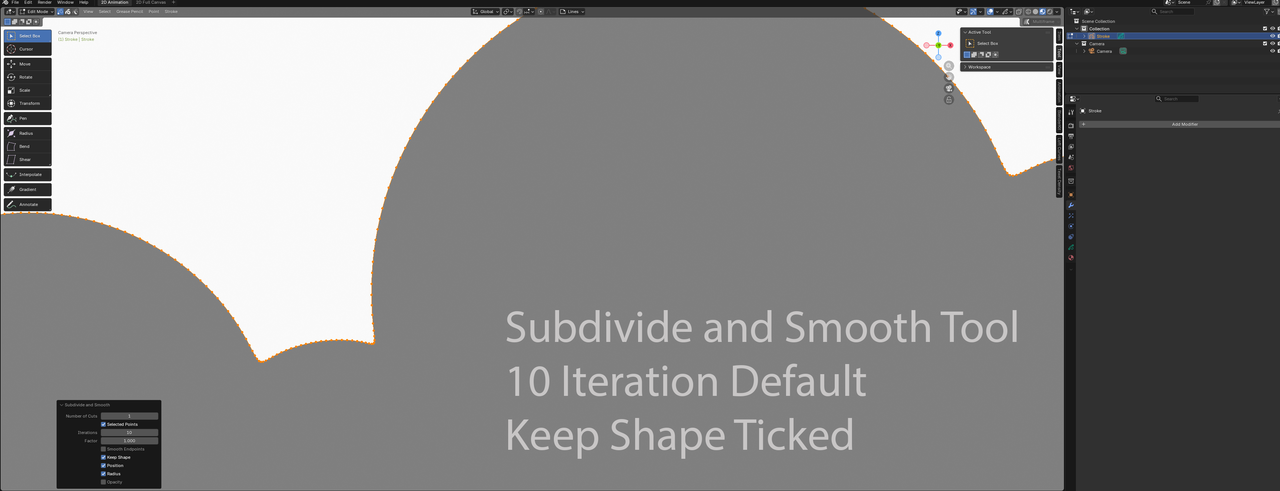
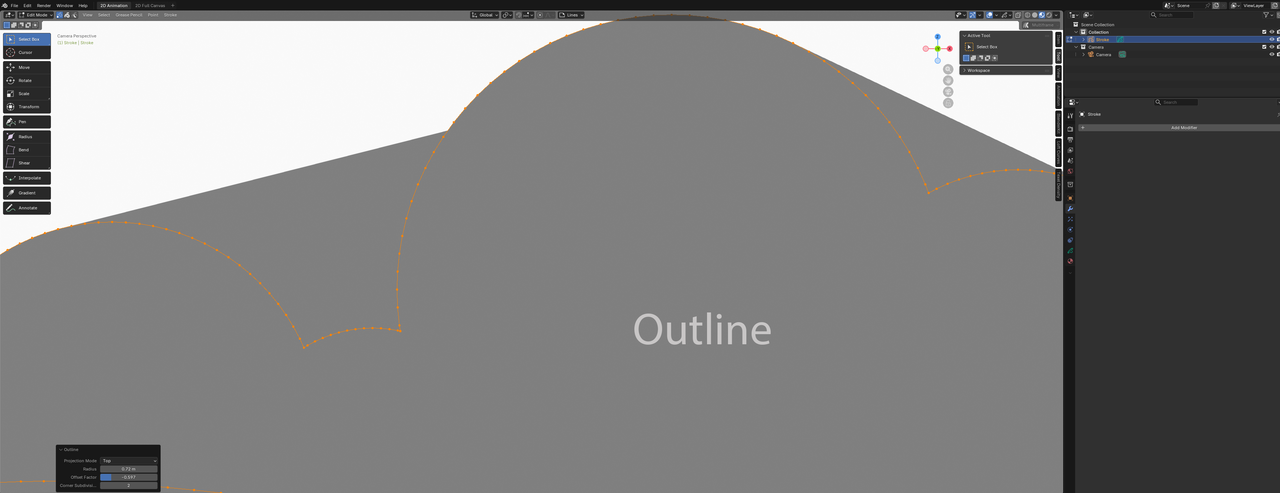
So I have an issue, where after assigning the fill for the cloud, some points of the cloud are skipped entirely, so I get straight lines.

Hi Carl - can you show a screen shot of your issue?
I'm just trying to imagine that you are drawing a shape (say the curve for a cloud) but maybe only the start and end points are registering?
Or something like that?
I could be that your system is lagging when you are drawing, or maybe it's a tool setting, but without a screen shot I'm just guessing.

Can you show us that in Point Selection Mode?
Can you tell us what exactly you did to fill the clouds? (A timestamp of the part in the video will also be helpful.)
Not sure if you did something wrong, or if it's just because of a Version difference (Grease Pencil has been completely re-written since this Course).
I seem to have fixed the problem, albeit perhaps sweeping the problem under the rug with the fix. With a fresh file, I followed the video; use the trim tool, select all the geometry and Ctrl+J, then fill the object. I found I was still experiencing the same problem.
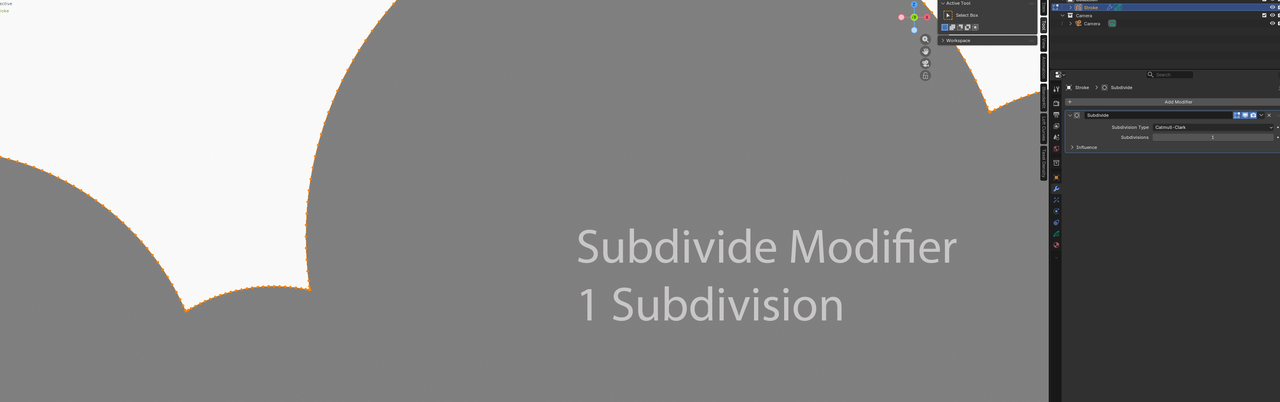
I found that adding a Subdivide Modifier (1 Subdivision), it instantly removed the problem, so started doing some digging.
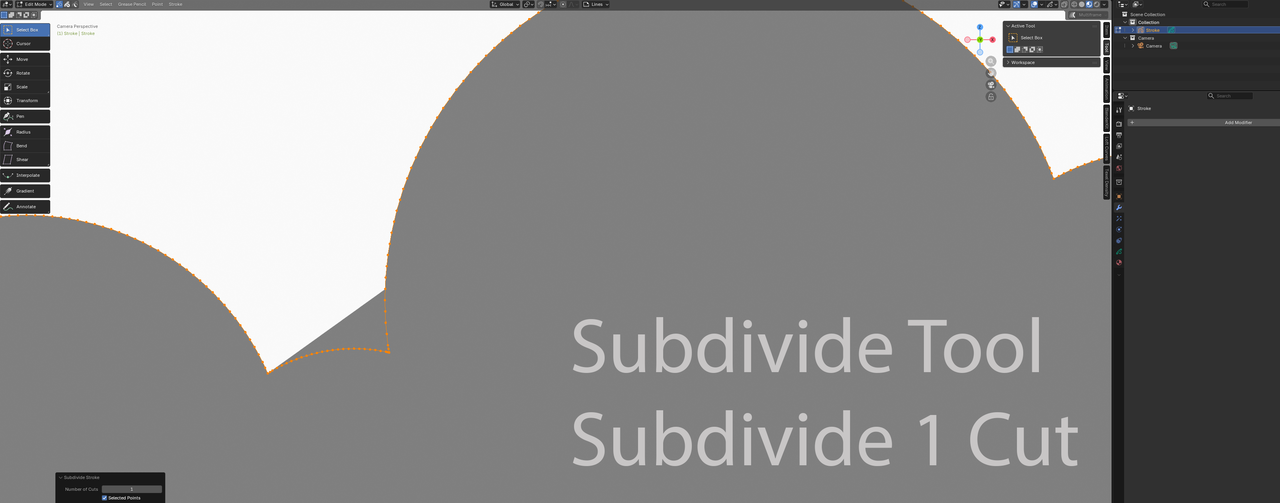
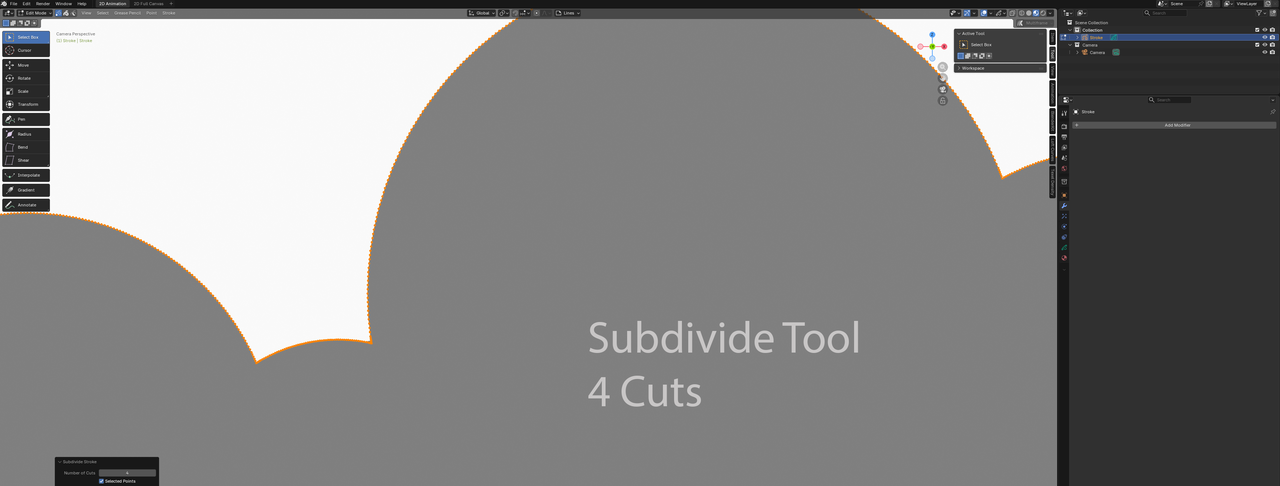
Alternatively, Right-clicking after selecting the stroke in edit mode brings up options:
How does the Subdivide modifier and Subdivide tool distribute additional vertices? At 1 level, it seems the results are not similar.