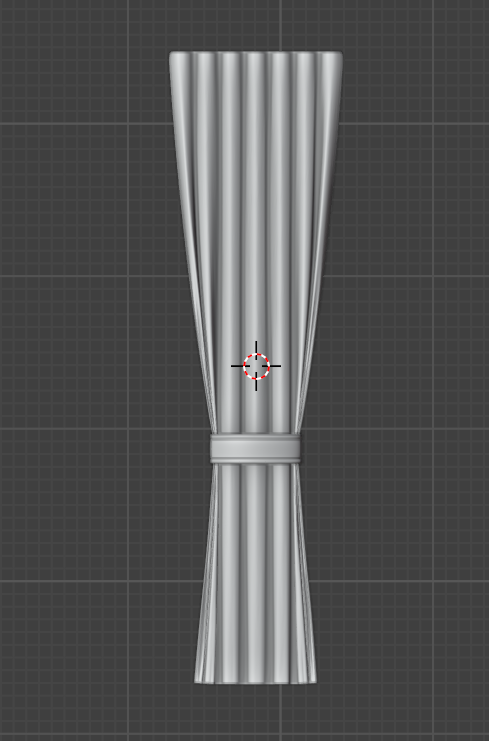
Idk much about these yet..so i am only changing the cloth preset to silk and adding a pin group and then adding this torus as a collision obj and adding key frame to it...a video i watch doing the same thing but mine is breaking idk why...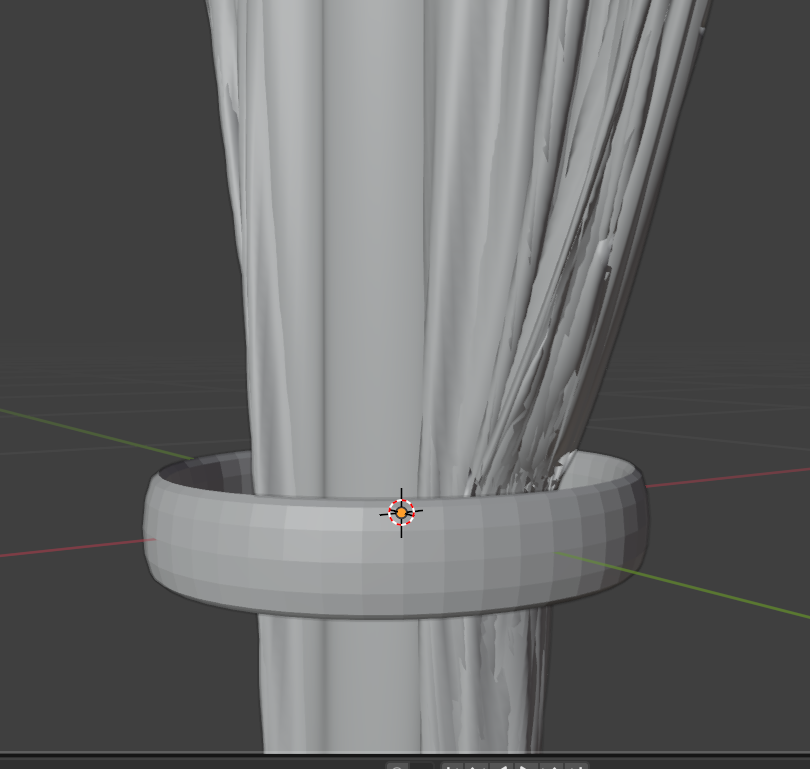
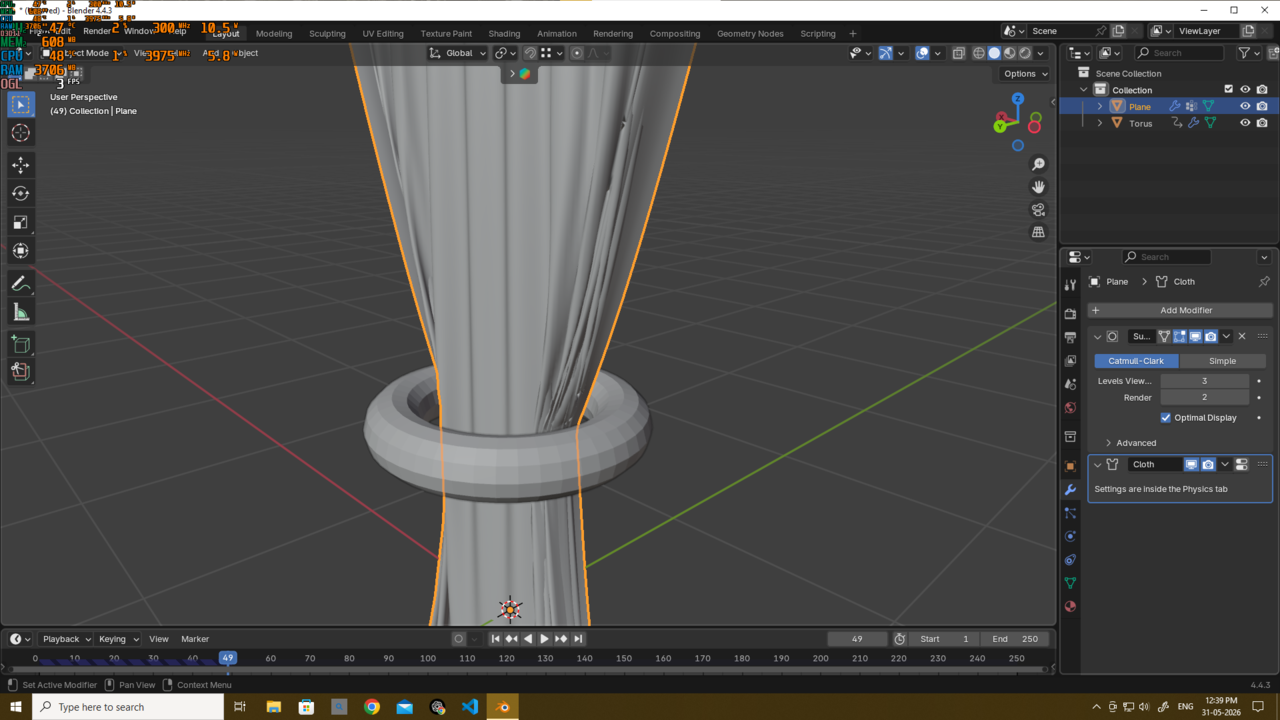
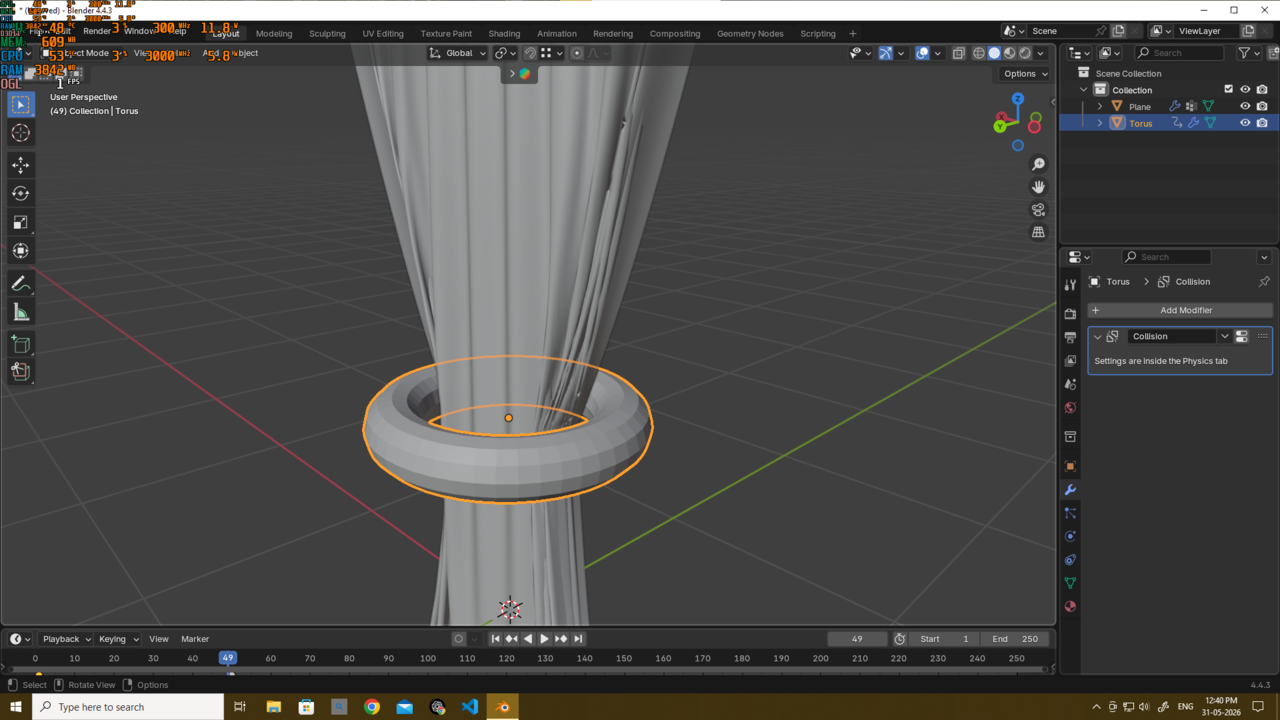

Honestly, while I love the look the cloth sims create, the Blender defaults are way whack and usually takes a lot of playing around with to try to find what works. When I did my mushroom girl last year, i spent hours just playing with various settings trying to get the dress to come out looking halfway decent. It's a matter of finding the right balance of the various values for the weight of the cloth. Also, you want to make sure both collisions and self collisions (i mean the ones on the cloth properties) are turned on, though their distance values might need to be tweaked lower from defaults
Also... if you could give a screenshot with the values you have set up for your cloth

Hi Deb,
That's 'simply' a matter of tweaking the Cloth Settings. This is not going to be a walk in the park (unless you get lucky). Most Settings wil affect other Settings. Just Copying the values from a Tutorial will rarely work.
I am not an expert in Simulations, but I expect that the Stiffness and Self Collisions Settings will be your best starting point. Maybe also changing the Bending Model. Leave increasing the Quality Settings for last (if you need to, that is).
The thing with these Physics Sims is, that unless you use them a lot, they're often a pain to set up, so they do what you want.
Maybe watch some Kenny Phases videos, like this one: https://www.youtube.com/watch?v=TZ1Snt99PwY&list=PL3GeP3YLZn5hNd8eLSC64RX3Cr2I9xu8o&index=27
You might get some insights from it.
Good luck!
gradyp thank u mate..i did not actually change any values at all for the cloth ( as shown in the video) but change the value of thickness outer to 0.002m
And Martin thank u too...gonna watch the video...

Most likely you don't have self collision checked. It's under the collision subpanel of the cloth sims settings. Another option is the quality under collision needs to be set higher. Maybe 3 or 4. As the others have said it's a lot of messing around with the setting.
Didn't see a video, only saw two images, but yeah, if you didn't change any cloth settings, then you probably don't have self collision enabled (it's not on by default). Enabling that and tweaking some of the distance values (in the same place) for both self collision and object collision will help. The values are way high by default. If you're going to add thickness to your cloth, factor that into the collision distance.
But it really is just playing with those values and running the sim over and over. Try at first with lower mesh density (as this can be faster to make sure you're on the right track. Then as that gets better, you can up the mesh density, the quality steps and the collisions quality. (These settings are the ones we're telling you to look at)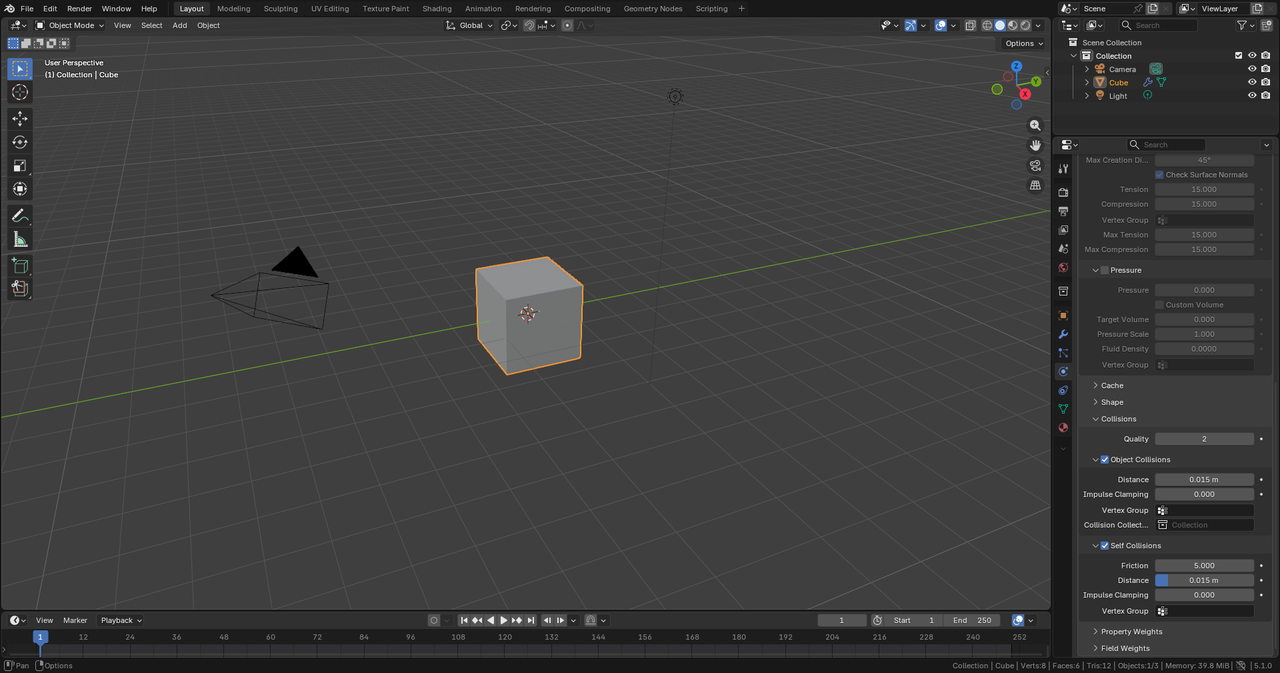
Thank u guys all..gradyp dillenbata3 and martin..
Yes u guys are right i did not have self collision checked (because it was not shown in the video its all 2 year old though)
It fix after i did this - quality step increased to 7, selt collision check, i lower the value of friction and distance in the self collision section..
it will do for now...i will make better cloth sims after i learn about them indepth..for now it will do..
thank u all