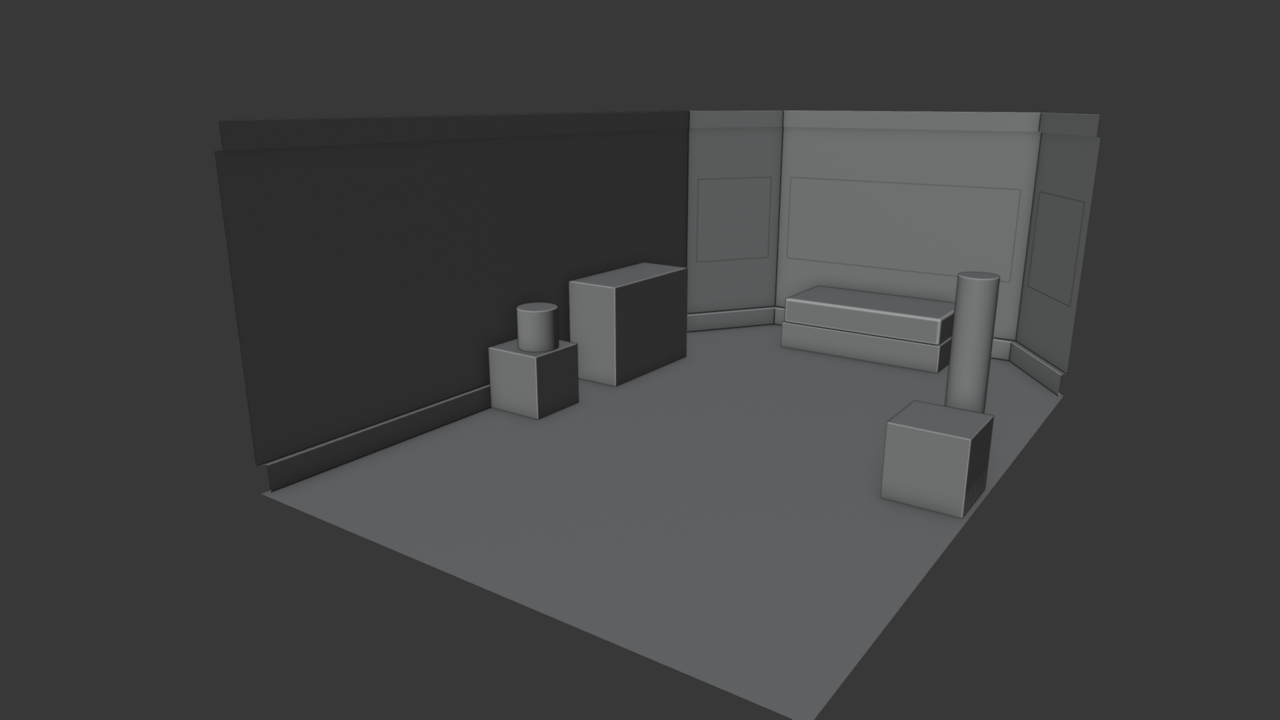
Going through CG Cookie courses I got a while back (again), this time with the intent to work through the exercises. Starting with modeling. I'm focusing on archviz because of my work, and I'm going to try my darnest to bring real-world scale/measurements into my models (for better or worse).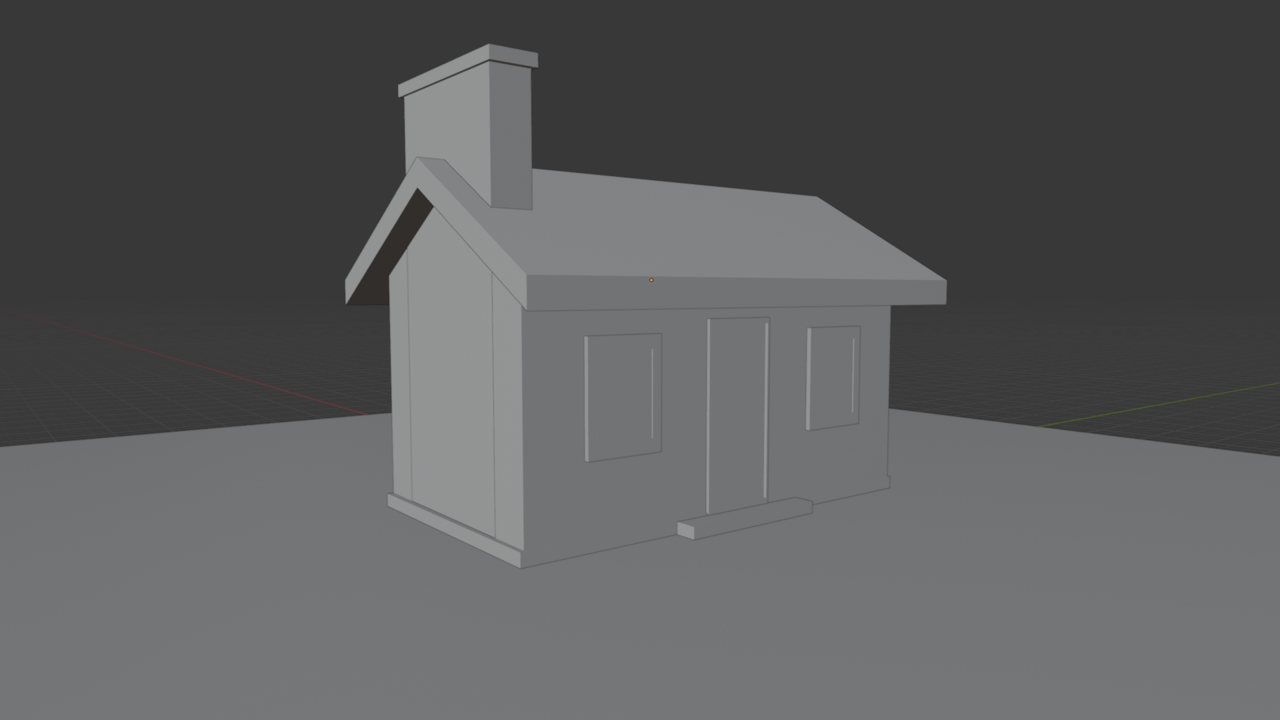

Hi Martin! Yes, this is from the primitives exercise, but this isn't my first time watching the videos. Not everything done here was in object mode, so I'm guilty of not following along with the course strictly.
I did some extrude along normals, inset, mirror modifier, and scale commands while in the edit mode for a few of these primitives just to give them some depth for when I come back to materials and lighting later. My overall plan is to get better at modeling with real-world measurements. For now I'm trying to just model with numbers that are easy stand-ins.
Looking forward to re-watching these videos and fixing my model. Right now the chimney is hiding a gaping hold between the roof & the exterior walls, and the camera is hiding the other side with its position.
Thanks for dropping by and commenting!
Martin, I probably will try again with modifiers. Right now I know they exist but they're not as intuitive to me. I am very interested in less destructive workflows. I'll check back in when I've done some more of the modeling course. Almost done with part 1.
Subdivision surfaces practice. This is one of the tools I struggle with a lot, conceptually. Fundamentally, I think I understand how this works and I've done similar actions in other programs that require more effort to do this same function. Looking at a primitive and trying to figure out how to divide it so I can move/extrude/bevel or whatever to get the result I want takes me a lot of mental power. I might come back to this later today and see if I can't make a simple door or window with it.
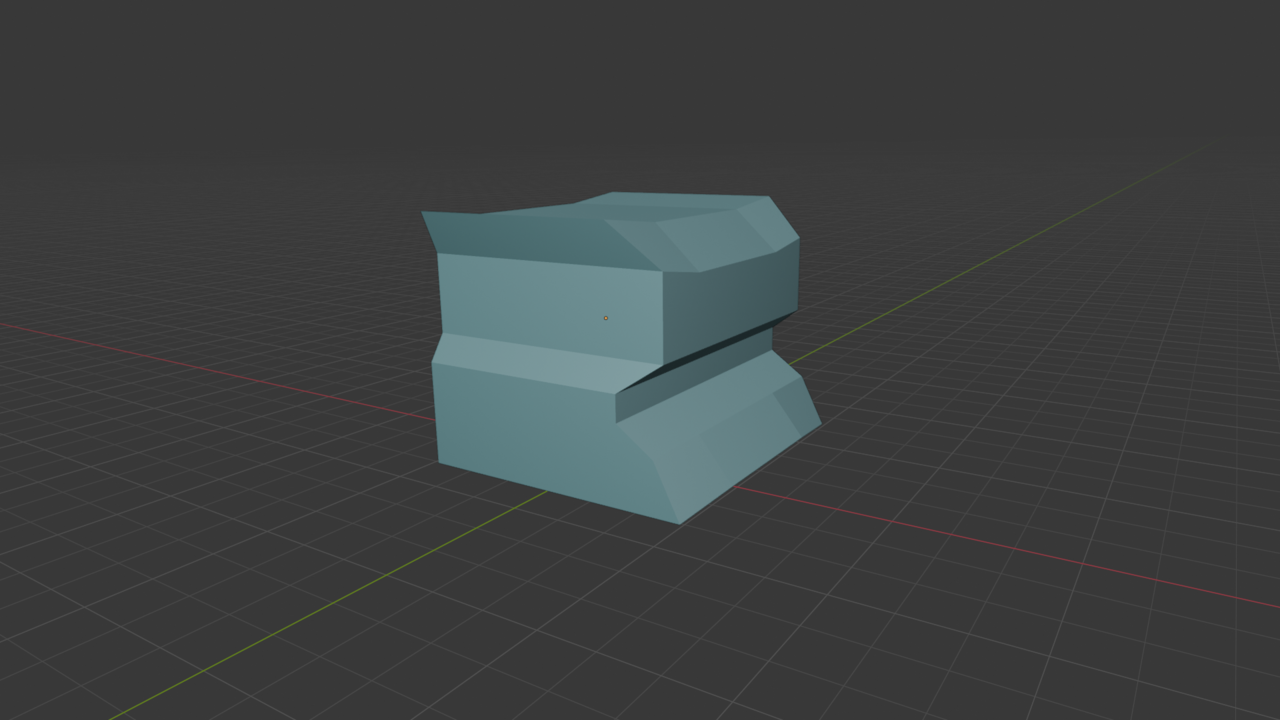

It has something to do with averages. I remember Martin explained it with graphics once and I was like ooohhh ok. I have always known what it does and how to use it, but see the math behind it was cool. There was once an super old video by now that also explained why things softens, how it was averaging middle points, but it would be impossible to find it on YouTube by now. The thing is, subdivision is great.
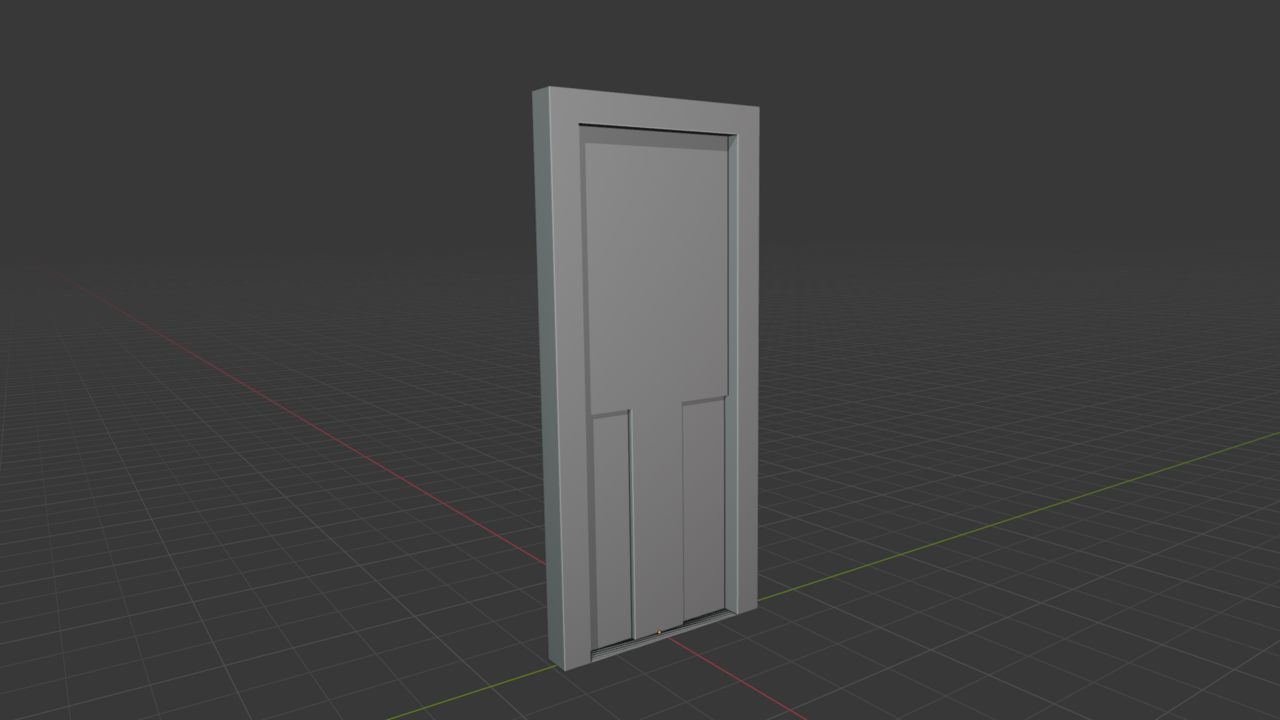
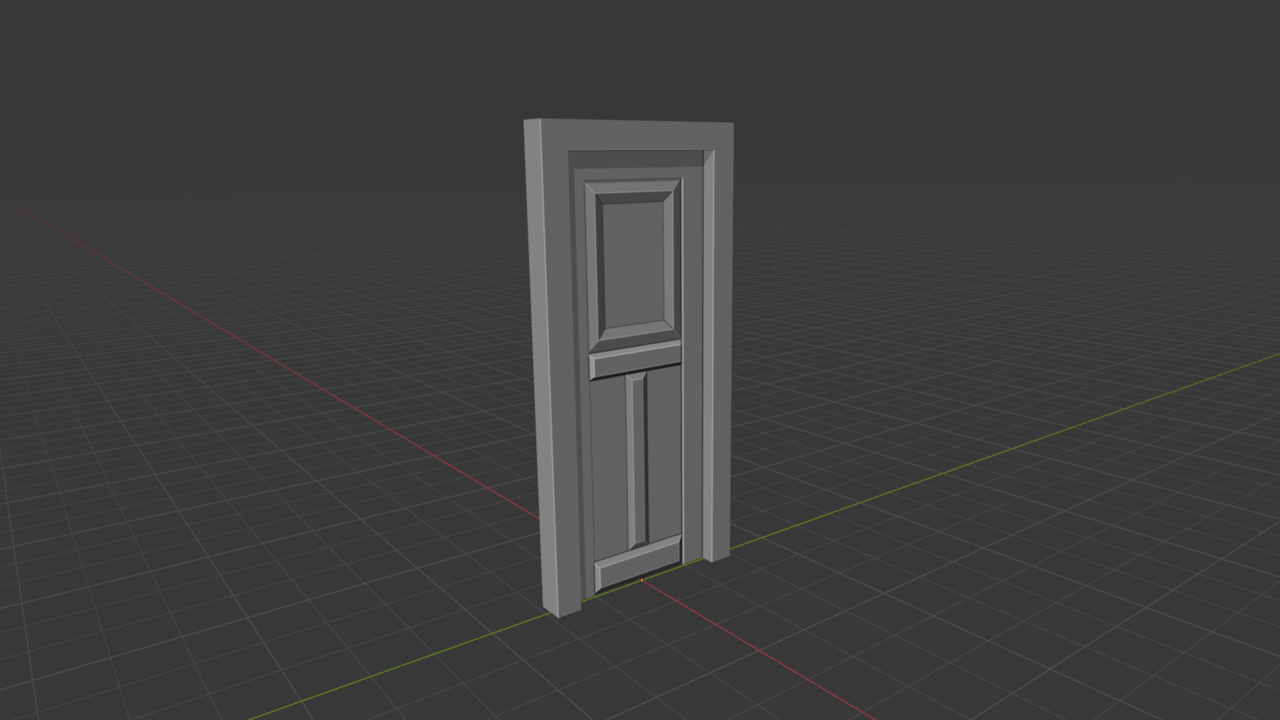
Very rudimentary door, as promised. I was initially worried I wouldn't be able to do some of these things with a single primitive, but with some loop cuts I was able to take the cube and rough out a 2 panel, half-lite door. And as an extra bonus practice, I got to use the MeasureIt add-on to make sure my door trim was 5-1/2". The next step on this would be to add in the appropriate size stile & rails, then try to figure out the best way of handling the paneling depending on if I wanted it raised or flat. After that would to figure out the half-lite window.

Looking good.
Little tip: When you intend to do a stiles & rails construction it's easiest to work your way from the outside in, doing them first and then the paneling and other details.
Sascha, thank you for the tip. It makes sense to do it that way, but if you hadn't said anything I might have tried to do panels first... and that would have been funky.
Below is my practice using the inset tool. I re-created my door without loop cuts and only a few extrusions. I'm looking forward to when I can give the stiles and rails a bit more detail so they look handcrafted instead of a solid slab, but the middle and bottom rail look nice raised like this as a start.
Nicely done.
When it comes to making everything look more detailed bevels will be your friend but also consider that not everything needs to be geometry. Eventually you'll have textures and with a proper UV-unwrap you can make it look very detailed and like it's constructed.
Knife tool practice. Gave the little guy some pupils and a toothy grin for flair. Squished the sphere in the Z-axis to give it a not-so-perfectly-circle look. Good practice for the extrude, scale, and rotate tools too. Wonder if I should have done shade auto-smooth, but too late now. Half tempted to go back in and carve out a timber bracket from cube.
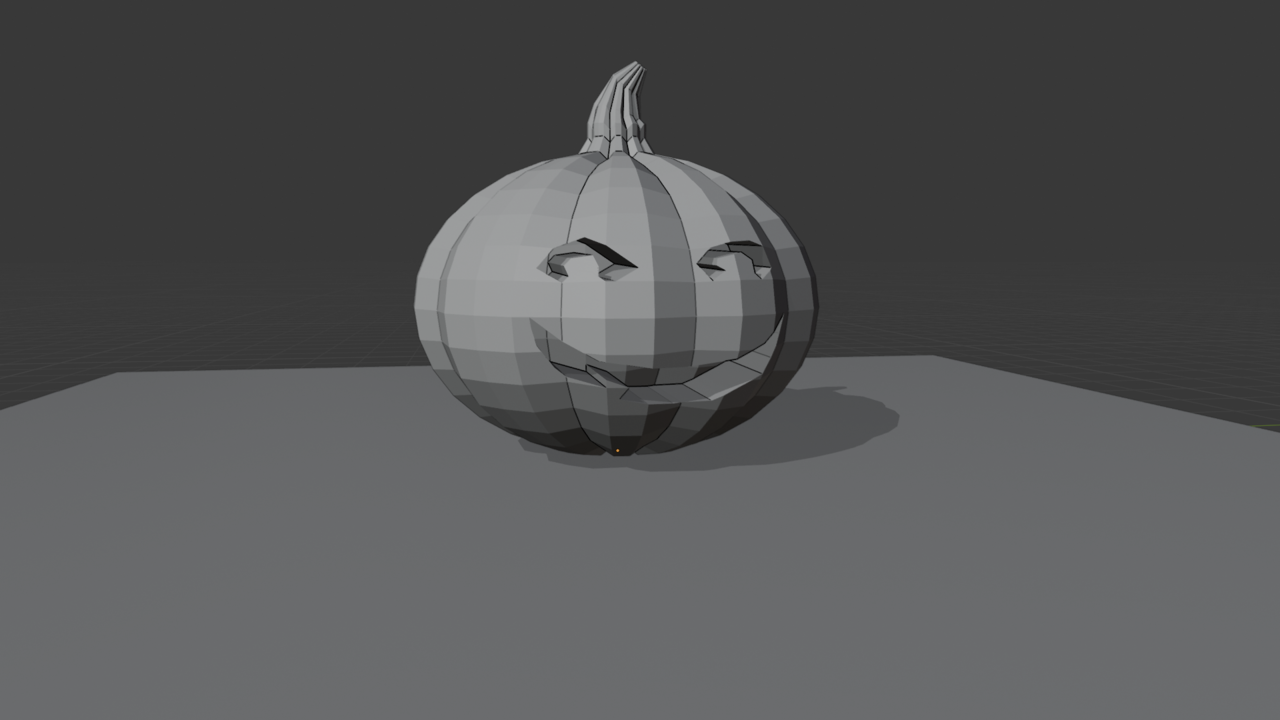

If you really want to push it, you could use proportional editing with connected only to go in and select verts at random to pull in any direction. Not a lot, but just enough to pull it away from "perfect". or even take the stem and rotate it around some, pulling the top around. Look at some references of actual pumpkins and you'll see just how much variation there can be. And if you do this, make sure you do it without symmetry. Simply doing this to even as few as 4 or 5 verts can really change the look of a pumpkin.
(or, alternatively, you could do the same idea, but with a lattice modifier, deforming the lattice while keeping the pumpkin mesh unchanged)
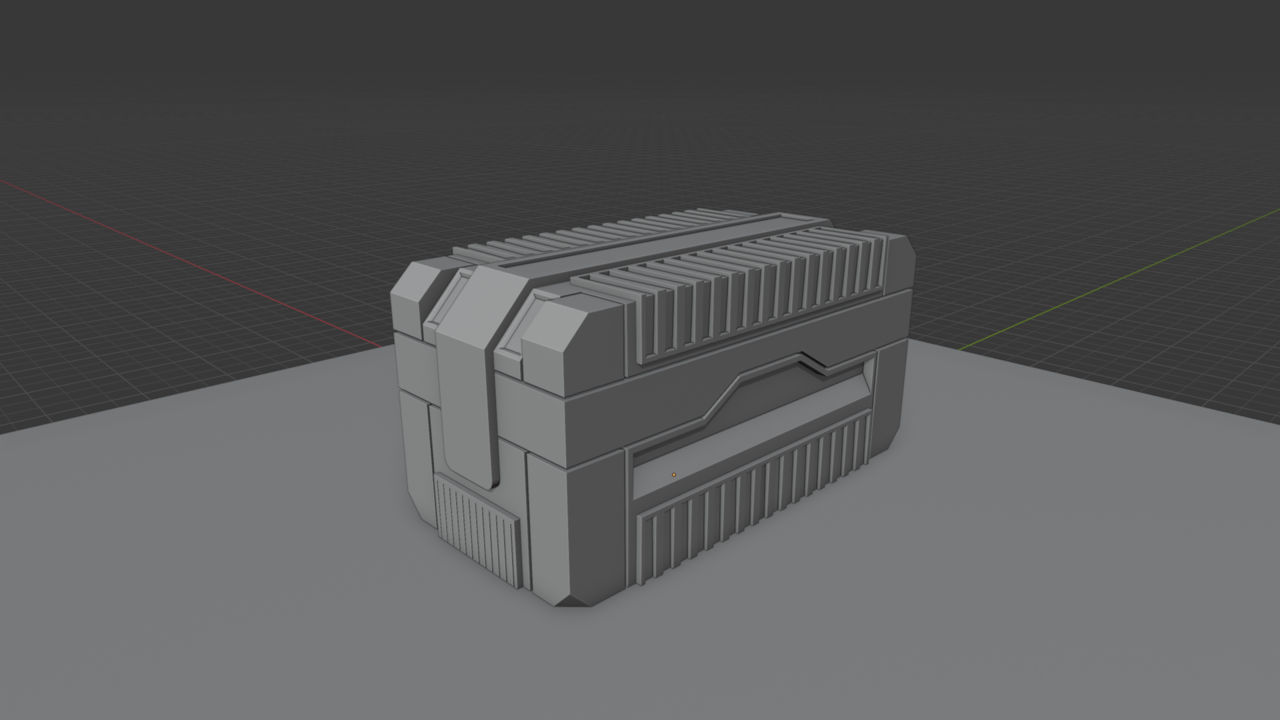
My scifi crate result. Decided I wanted it to be a little more rectangular than what was in the video. Bevelled the latch to have a rounded edge instead of a chamfer and inset the latch face at the top for a future screen, maybe. The mesh wasn't perfect. Had to fix an edge loop issue for the bottom bumpers, and I somehow deleted a face on the bottom. Fixed it, but I wonder where I made the goof lol.
Thank you guys for your help, encouragement, & feedback!
Not much to show right now, but getting a start on the final modeling video, and then it'll be time to learn modifiers. Set up this cube for my room as a 15'x20'x9'. Turned backface culling on, but it hasn't worked (might just be in the wrong view?) so need to check into that. Made a short checklist of some of the stuff I want to do.
Tried to make a column the other night. Nothing super fancy but just something to practice the subdivision modifier on and each time I tried to add the modifier to the cylinder my Blender/laptop would crash :< Gonna have to be aware of that limitation going forward.
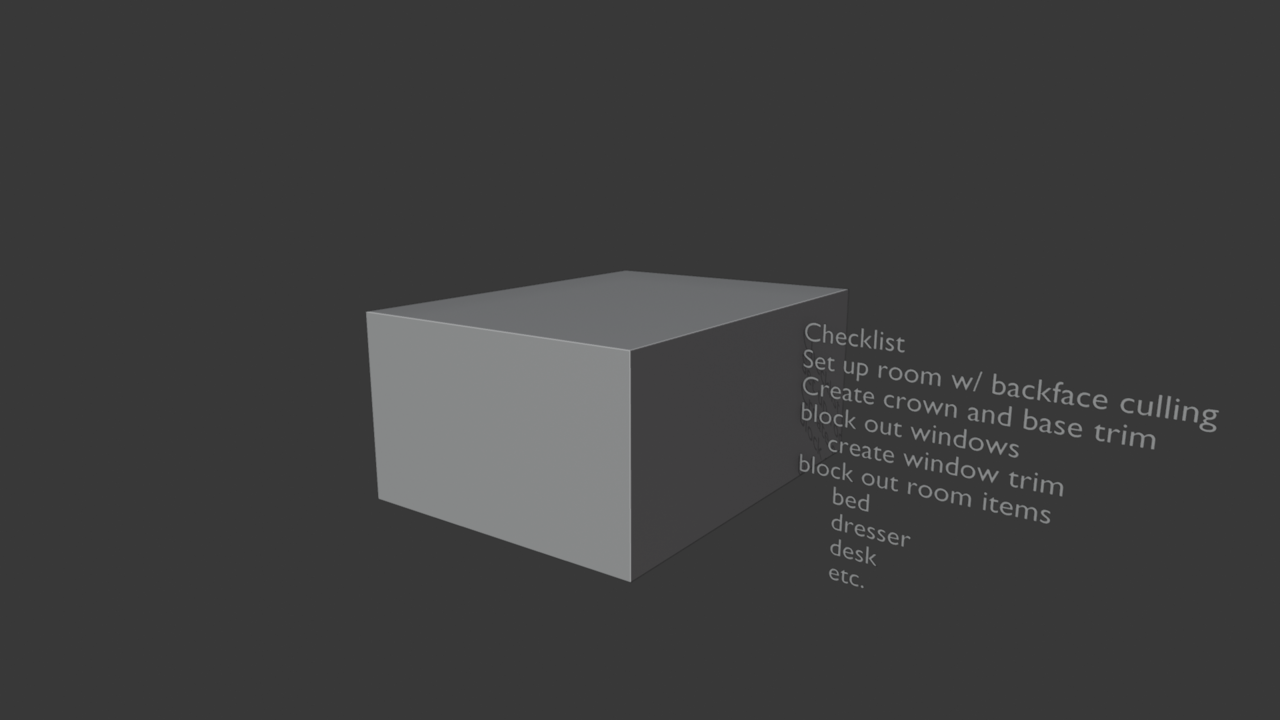
Basically when you look at a face head on, it's front face, it'll show solid. It'll only show it transparent if it's seeing the back of the face. That is why Martin says to flip the normals, so the back of the face comes to the front and then the backface culling will "work". Because it is working, it's just that you're seeing all the front of the faces on the cube, so it wont show.
Progress updated. Thanks for the help with the backface culling and normals! I did that shortly after you guys updated me on that, and finally got around to blocking out some objects today. Need to apply some real-world sizes to the items and then I think I'll tackle the windows. I gave the room a baseboard and crown molding that needs a little more work, but I'm not going to try and be too detailed. Just enough to imply the trim. I might come back to this exercise after I've done the modifier course to see if I can't get some neat book displacement.