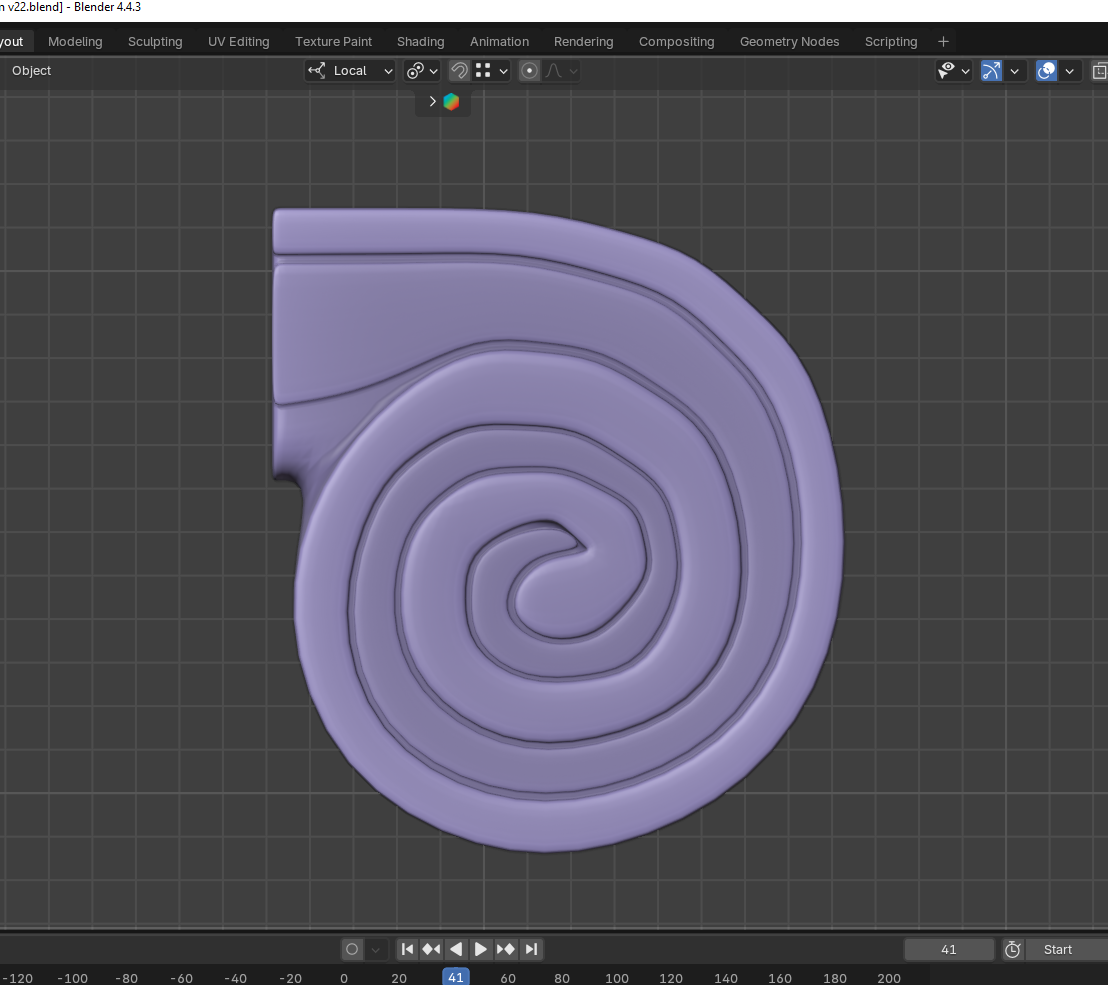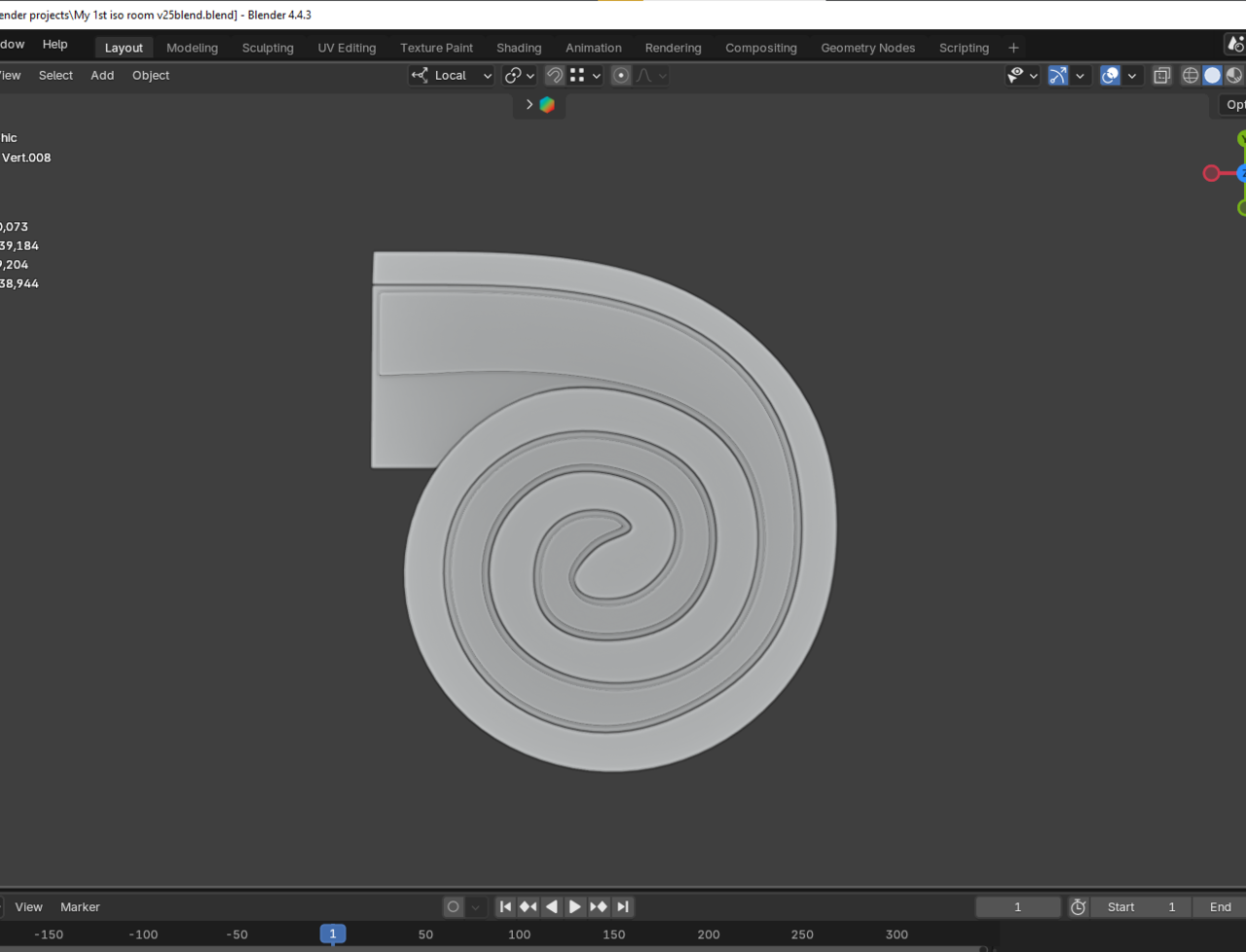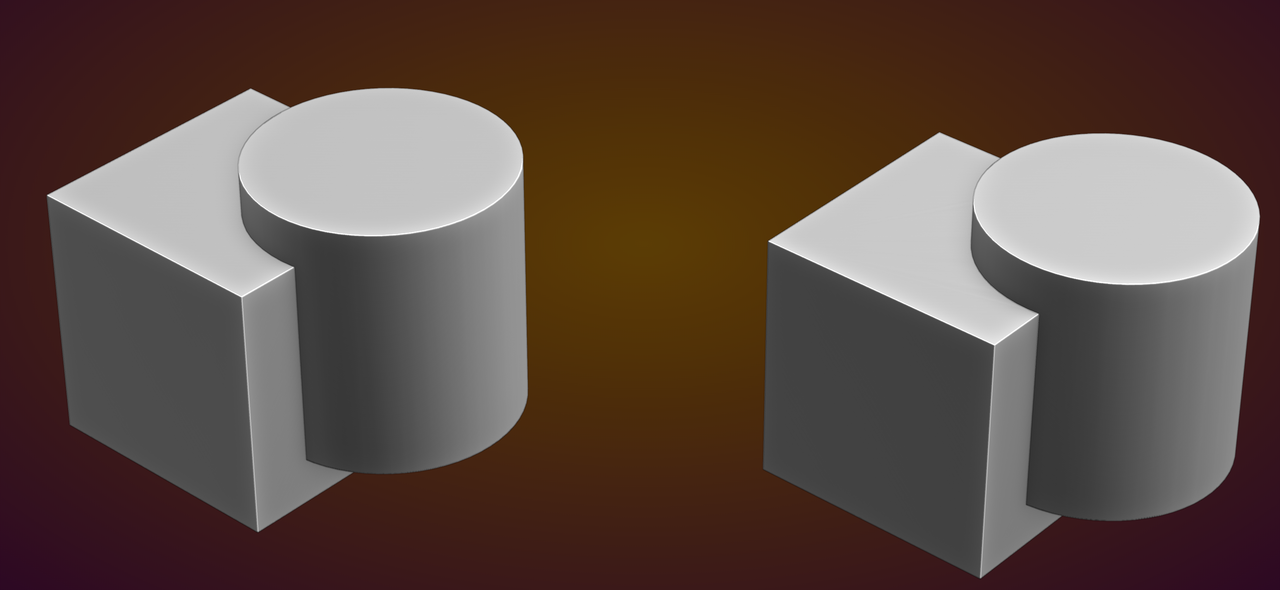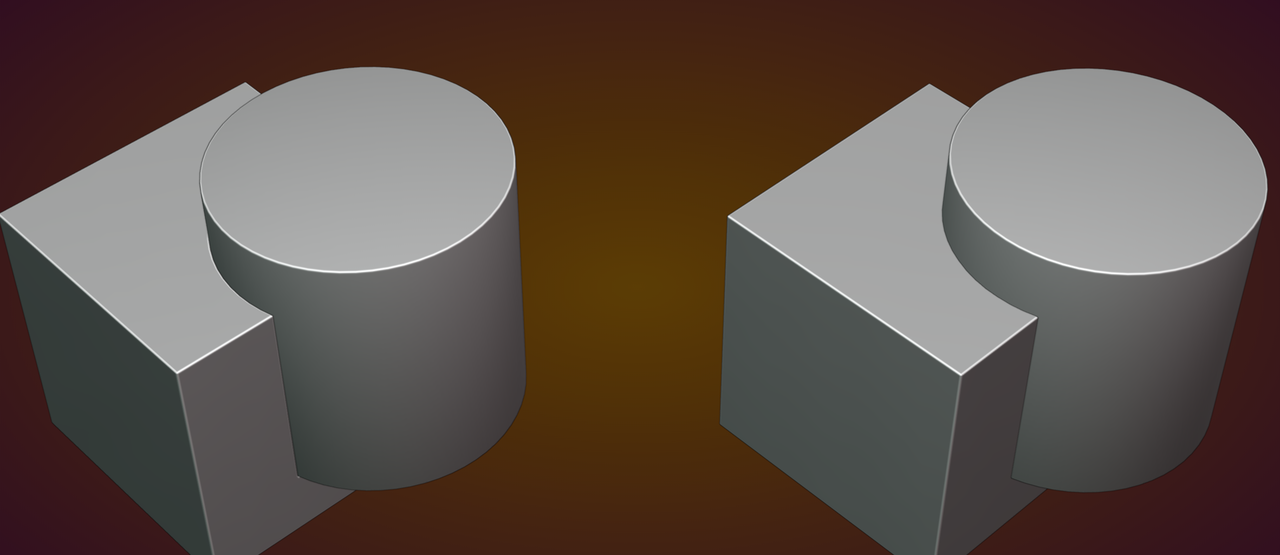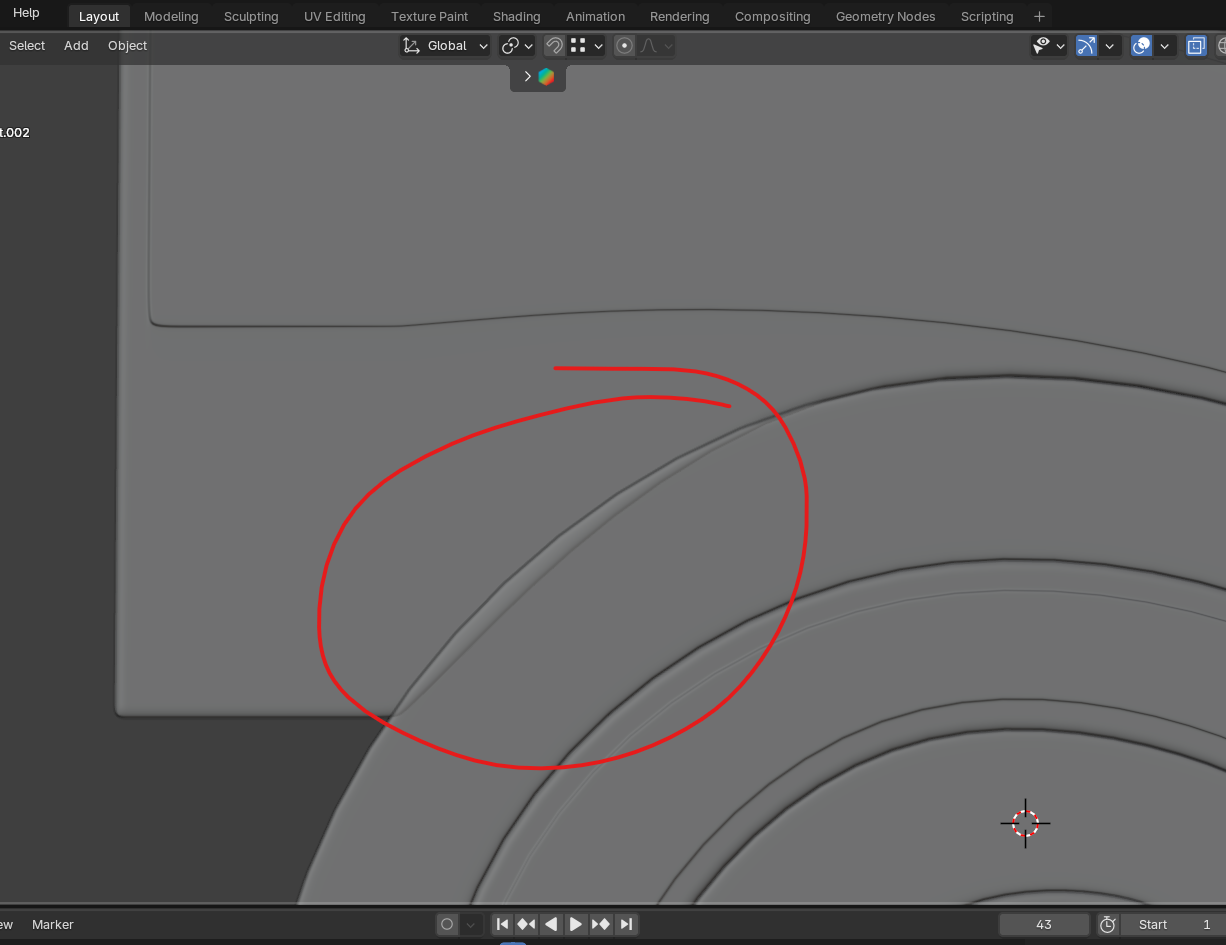
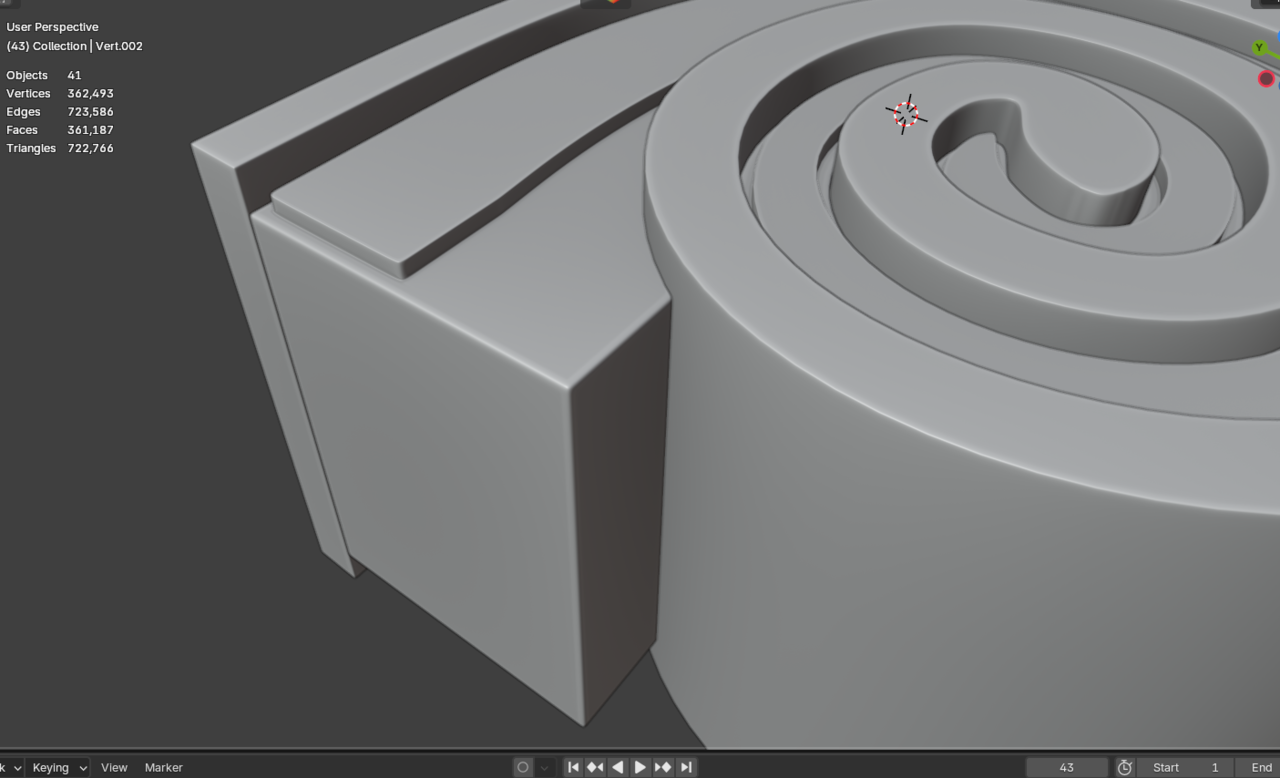
Thank u martin...i dont need bavel also its not a important piece but i can just use the shading tabs bavel (Cycle off course) if needed.....Thank u again martin..

Also, thanks for reminding me of the word 'intersecting' haha
Even with the Bevel Node, you will get a different result, depending on whether the Meshes are intersecting or not.
So, it all comes down to how visible it's going to be, versus how much work it is to 'fix' it.
In general it is not recommended, but if you can get away with it, why not.
Okay Martin, thank you very much. I really need to clear a few things up now. Here’s what’s happening:
First, I wasn’t able to model this as a single mesh because it was creating a 6-edge pole in a very tight area also baveling things was messy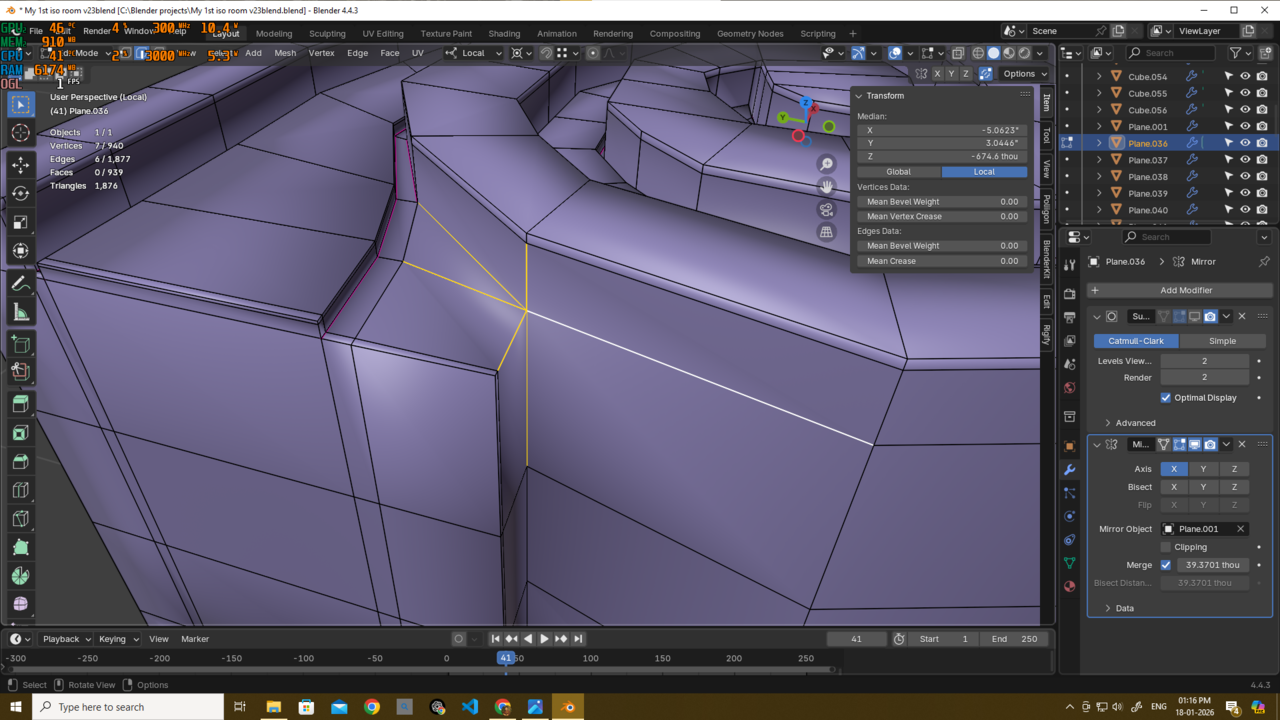
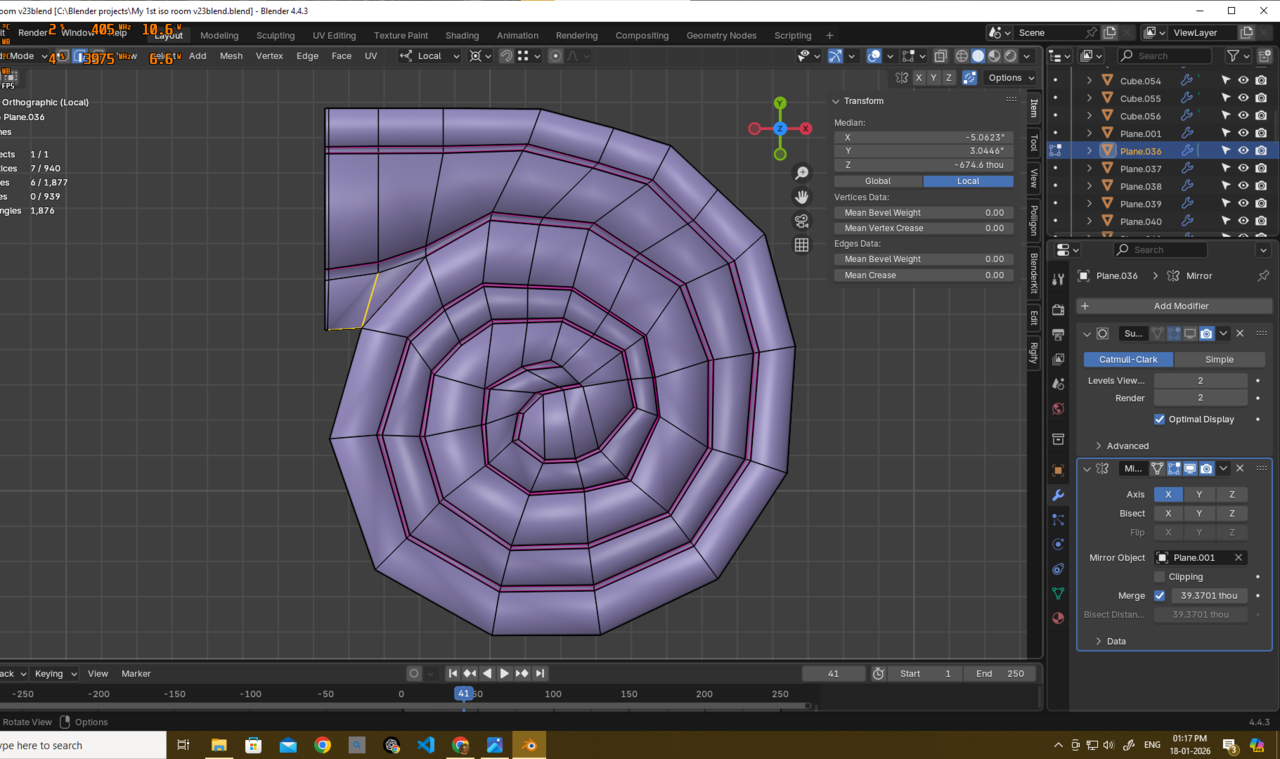
and I couldn’t figure out how to resolve it properly. That’s why I ended up creating two separate meshes.
Because of that—and probably due to some incorrect vertex placement—I’m now facing alignment issues between the parts.
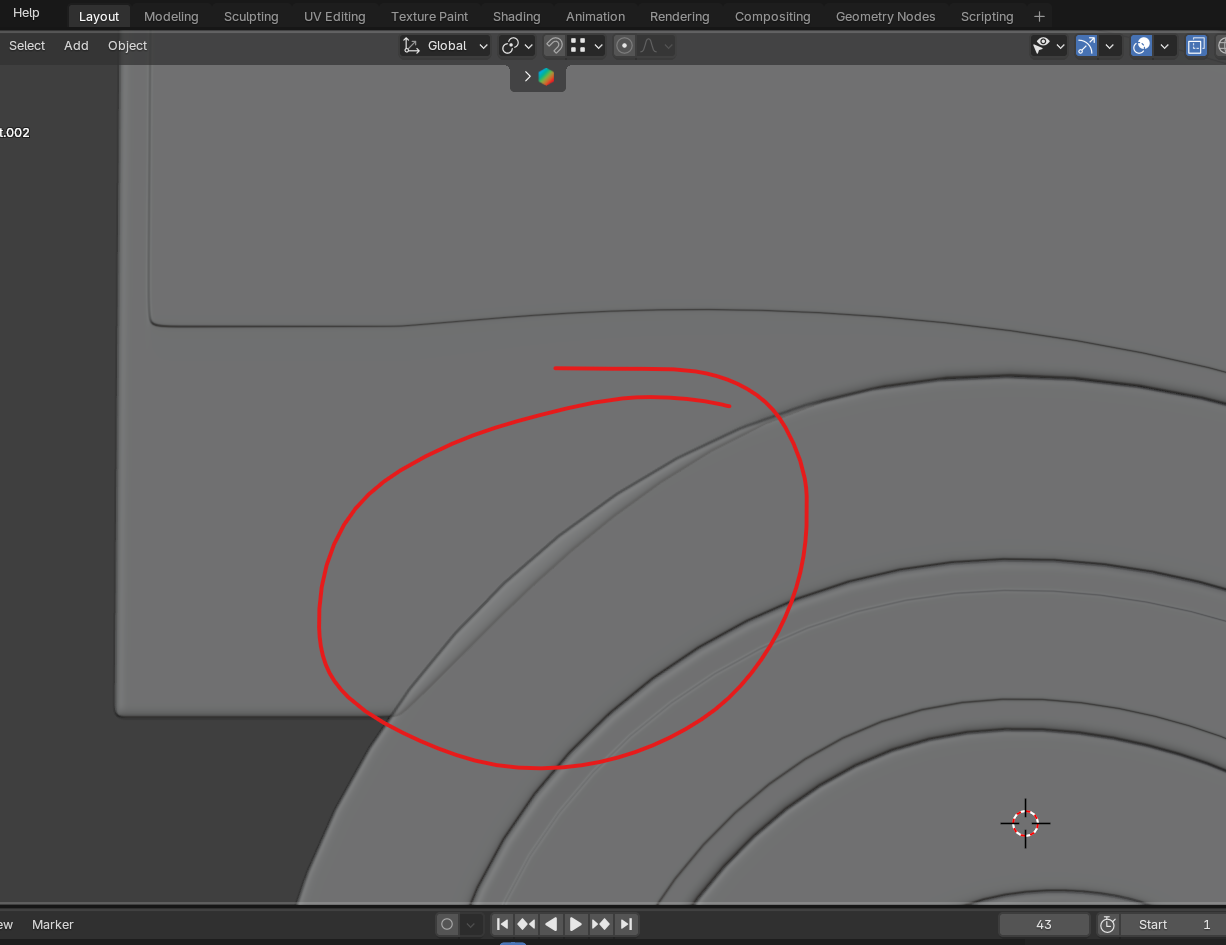
As you can see here, I’m using this as a completely static object, only as a decorative element.
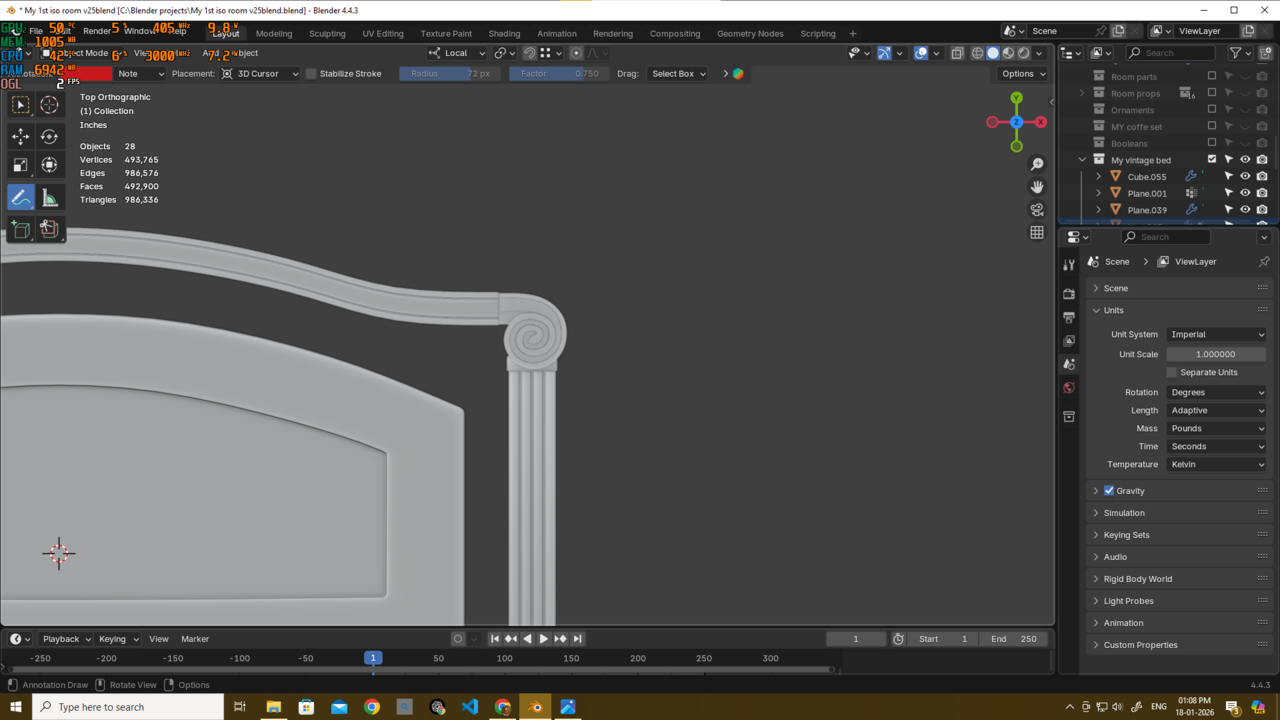
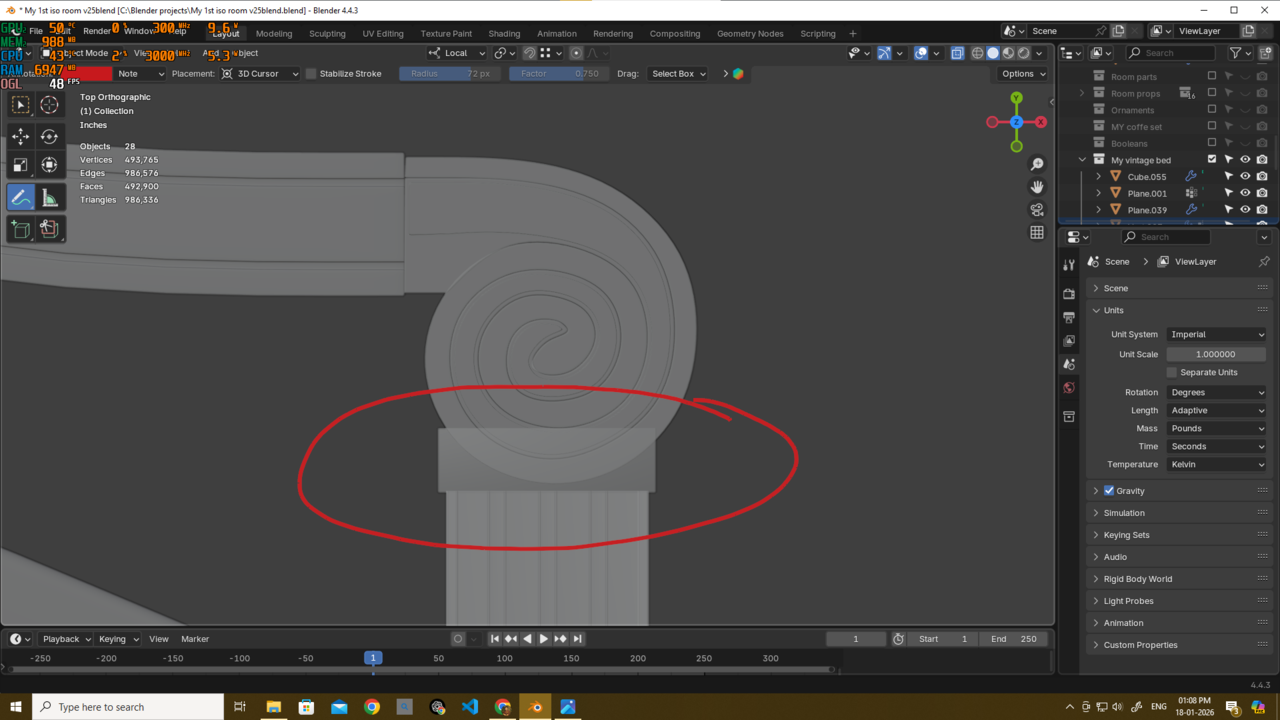 Please let me know what I should do now.
Do I need to fix anything at this stage?
And if yes, how should I fix it without introducing bad practices?
Someone else also pointed out that if a mesh does what it’s supposed to do and looks correct, then it’s fine. But if the asset is meant to move and the topology breaks during deformation, that’s when it actually needs fixing.
What do u think about this? i also want to hear ur oppinion

I would stick with a single mesh. Avoid the pole by adding supporting edges either side of this join. Where it gets complex is doing so in a contained way without propagating loop cuts all around the model. I have to say you have some very fine loop cuts that really should be removed but they are possibly there due to propagation from other loop cuts you've made. You need to keep on top of these or the model will become very difficult to manage
thehomme. I understand your point and really appreciate it.