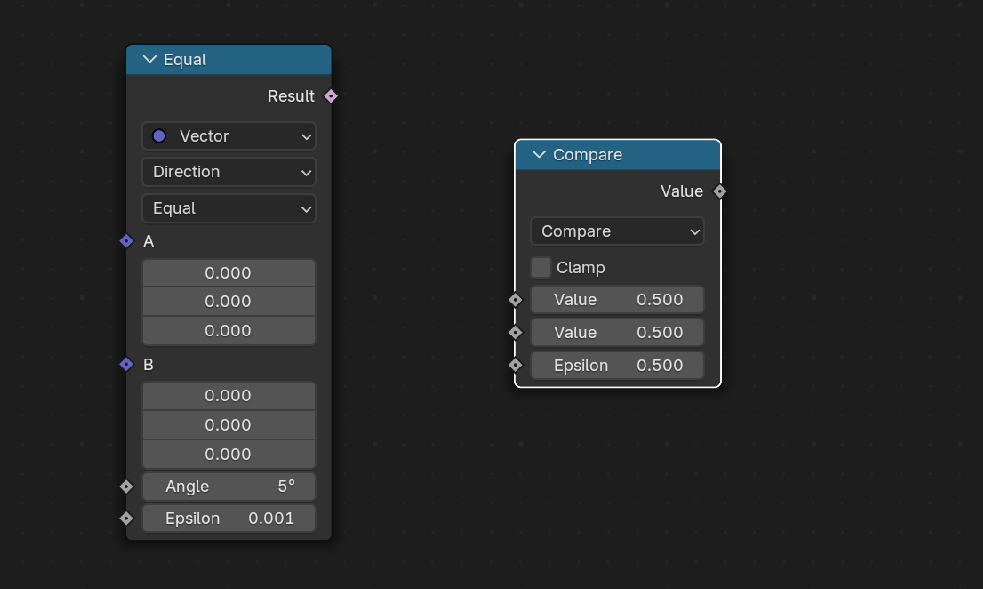
Hi there,
At many instances we used the compare node in these lessons. I can't quite recall if 100% of the time we choose the "compare node" instead of the "math node" set to "compare". But in a couple of times where I had a mishap and went back to the course files to compare node per node, I caught that as being one of the differences in our node trees.
It was never at fault for my mishaps (those were usually a missed domain setting on a dropdown menu somewhere). However, it made me keep an eye on which one you use every time it shows up again. Turns out that when you use it at 10:30 in this lesson I can't find the "compare node", just the "math node".
I guess that's the only one available in the shader editor, vs the geo nodes editor.
That was a long story, to just ask if there are any differences between them, and if I should opt for one over the other for any particular reason.
It's a silly little detail, but the more I try to learn Geo Nodes the more I feel like it's a whole lot of "you'll get used to the nodes as you use them". So I might as well ask.. lol.
Thanks for any insight!
LOL.
Maybe a little... I feel a mix of "I'm a little more robot, a little less human" and "this is like a superpower!"... let's see how I feel about it at the end of the week/course. Lol
So it's mainly out of habit then? Using the one with most options because you usually reach out for the most options, even if there's a "simpler" node that accomplishes the same thing?

I'd say that there are two main differences.
The math comparison is probably more performant, since Blender won't have to check what to compare, and that's maybe a reason to use it. But I'd say that the "true" compare node is the one you want to use most of the time.