Hello! I’ve been loving the introduction course for blender and have almost completed it fully! I decided to head on over and subscribe to the YouTube channel to show support and look out for updates on new courses, and I noticed that I saw new uploads for the blender basics course Like sculpting being uploaded and I just got a little confused. Is this introduction course still being updated and added unto or is there a separate introduction course being made or am I just being dumb again which is the most likely answer haha. I’ve just been loving the content here and want to make sure I’m utilizing every resource there is! Thank you again!

It was released over time instead of all at once. Last week he finished the course.

Hi Samuel, the entire course was available here on the website from the release date, and each lesson is released on Youtube a day at a time. All the lessons are now public in Youtube. Both ways of accessing the course are free; signing up as a free member here has the added advantage of: participating in the Community boards, accessing the entire course from day 1, and accessing all course files supplied. Some people don't want to become mambers - and that's ok! That's why we still make the course available on Youtube as well.

After the Blender Basics, the course that follows is CORE:
CORE is where things start to get serious. As in lets take those training wheels off the bike. We'll be there to help if you fall, but not so much so we make a total looser who will just stay on the floor crying waiting to be rescued. There's a fine balance to strike.
Hi, I appreciate the work you're putting into this tutorial lessons. This isn't my first time using Blender, but I've always felt a bit intimidated by it for some reason, so I finally decided to just give it a real shot instead of overthinking it.
I did run into an issue though: allow internet access isn't working.


Hi Donaire RRolon ,
That might be something on your end.
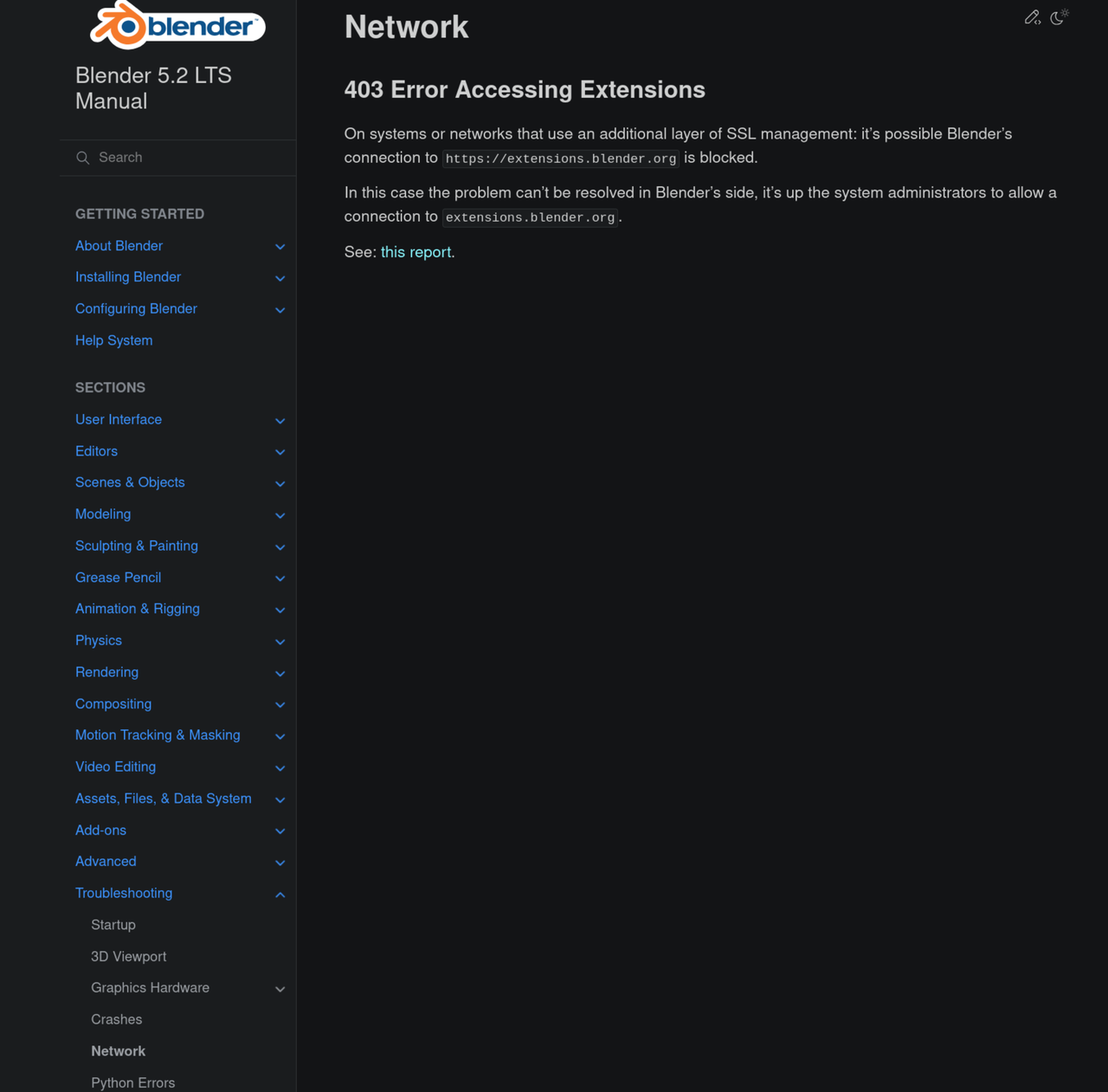
Please make sure that your Internet connection is working. Or maybe you have a Firewall that is blocking the access. Or, less likely a VPN.
It is also possible, that extensions.blender.org is temporarily unavailable (maybe because of some DDossing?), but you can easily check that directly. In that case you'll just have to wait it out.

I've been having trouble with extensions, whether through Blender or through clicking and dragging from the site. So I don't know if something is going on on their end or what... only way I've got it to work in 5.1 has been downloading from the site to a folder on my computer and installing from my computer.. Not sure if it's the same thing you're experiencing or not... I also keep seeing some error about a failed SSL certificate that i can't seem to figure out how to resolve.
There are some addons that add repositories or sometimes the repository link get's messed up. It could also just be their SSL cert is in the process of updating. Which I believe is every 90 days now, because of hacking attempts. Goto preferences(Ctrl+Comma)->Extensions. In the top right is a repository drop down. Click it and uncheck all except Extensions.blender.org. Go to the system section and make sure allow online access is checked. You may need to increase this to 20 if you have spotty internet. Also 0 can be used on Linux to use the OS's default setting. I don't know if 0 works on MAC or Windows.
You can also check the link. In that repository dropdown click on the extensions.blender.org name and it's link will show below the list of repositories. It should look something like: https://extensions.blender.org/api/v1/extensions/
Note: I'm using 5.3 so yours may be different best way to test it is click on the menu icon(3 bars in bottom left corner) Uncheck Auto Save preferences and then click the save preferences button that appears. Then click it again and click Load Factory Preferences and see what it is. Then you can close blender and restart go back to preference and check auto save preference and click the save preferences button. Note: If you don't mind all your preferences getting reset then you can skip the unchecking, restarting and rechecking part.
User Default and System are only two other ones I have, but even with those unchecked, whether I have require token or not, and that is the address I have for the extensions.blender.org, but I still get the error, even in trying to refresh.
Oh and Dwayne dillenbata3 ,
You don't have to uncheck Auto Save Preferences, to test out the Factory Preferences, those are never Auto Saved. Blender is clever sometimes.
 spikeyxxx Yeah old habits. I'm always using alpha versions so I can help find bugs and I've ran into times where it did auto save.
Ah good to know Dwayne dillenbata3 ,
I use mostly Alpha too, but I don't switch to Factory Preferences very often and haven't encountered that bug yet.