

Six sessions · Blender
6
Finished scenes
36
Lessons
2 hrs
Per session, start to finish
0
Scanned texture libraries
The format
The time limit is the point. Two hours forces the decisions most tutorials skip: what to model, and what to fake.
Sessions is the CG Cookie format for building a complete scene inside a two-hour window. No multi-week project, no sprawling asset list, no lesson that ends with "we'll finish this next time." You start with an empty file and end with a finished, composited image.
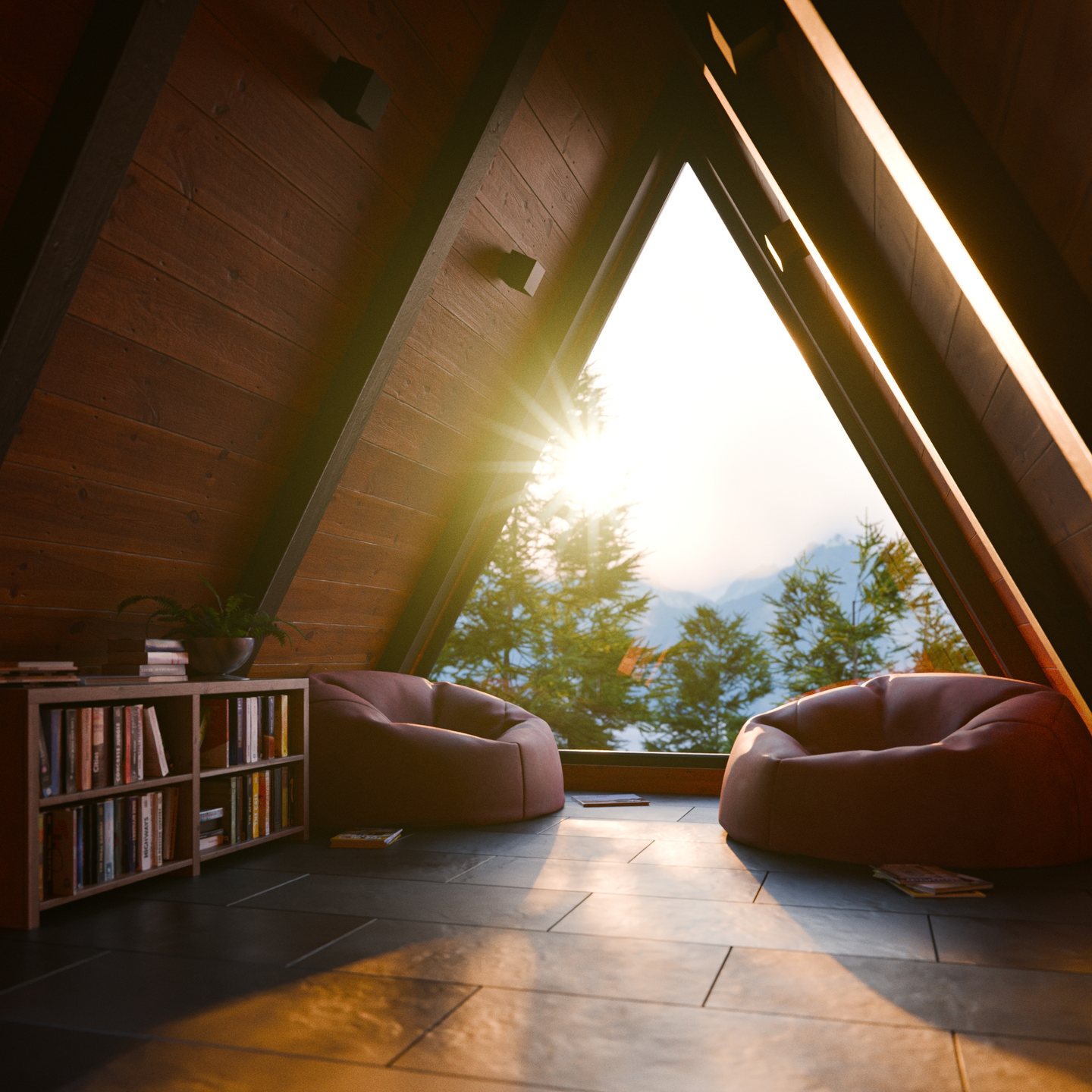
In Sessions: Interior, Sascha Feider does that six times over, and the scope widens with each one. A single lit stair step. A coffee-table corner with a fur rug. A curtain breathing in the wind. A marble colonnade. An A-frame cabin with a sunset outside the window. A dust-filled vintage room where the light does the storytelling.
Each session runs the full pipeline in miniature: model, material, light, animate, composite. You repeat the entire loop six times instead of practicing one stage in isolation.
Two hours means deciding when to build a complex procedural material with nodes and when to append something from Poly Haven, and how much detail an object earns when it isn't the hero of the shot. Those judgment calls are what separate people who can model from people who can finish.
What you'll learn
Stairs get real rise and run, rooms get real ceiling heights, furniture gets real dimensions. Scenes built to scale light and photograph correctly, and it costs nothing to do from the start.
Microcement, veined marble, velvet, patterned curtain fabric and aged plaster, all created in the shader editor from procedural textures and color ramps. No texture packs, no scanned libraries.
The marble shader you spend most of Session 4 building becomes the floor, the columns, the walls and the statue, each re-tuned for contrast and variation. One shader, an entire scene.
Build a full pile rug with the hair system for a soft, natural centerpiece that reads as fabric rather than a displaced plane.
Simulate a curtain in the wind with pin groups and animated shape keys, bake it to an MDD cache, then reimport it as a seamless, endlessly looping animation.
Video gobos casting exterior shadows, image planes standing in for mountain ranges, LODs, and procedural masks that let sunlight through some parts of an image and not others.
Area lights driven by array modifiers, invisible faked sources, light intensity that shifts with the camera move, and volumetric god rays thick with dust.
Short cinematic moves, depth-of-field pulls that bring a subject into focus, and a sunset timelapse that hands off from exterior sun to interior lamp light without a seam.
Render layers, stacked glare types, color shifts and grading. The step that takes a render from technically correct to actually compelling, treated as a real part of the process.
The six sessions
SESSION 01
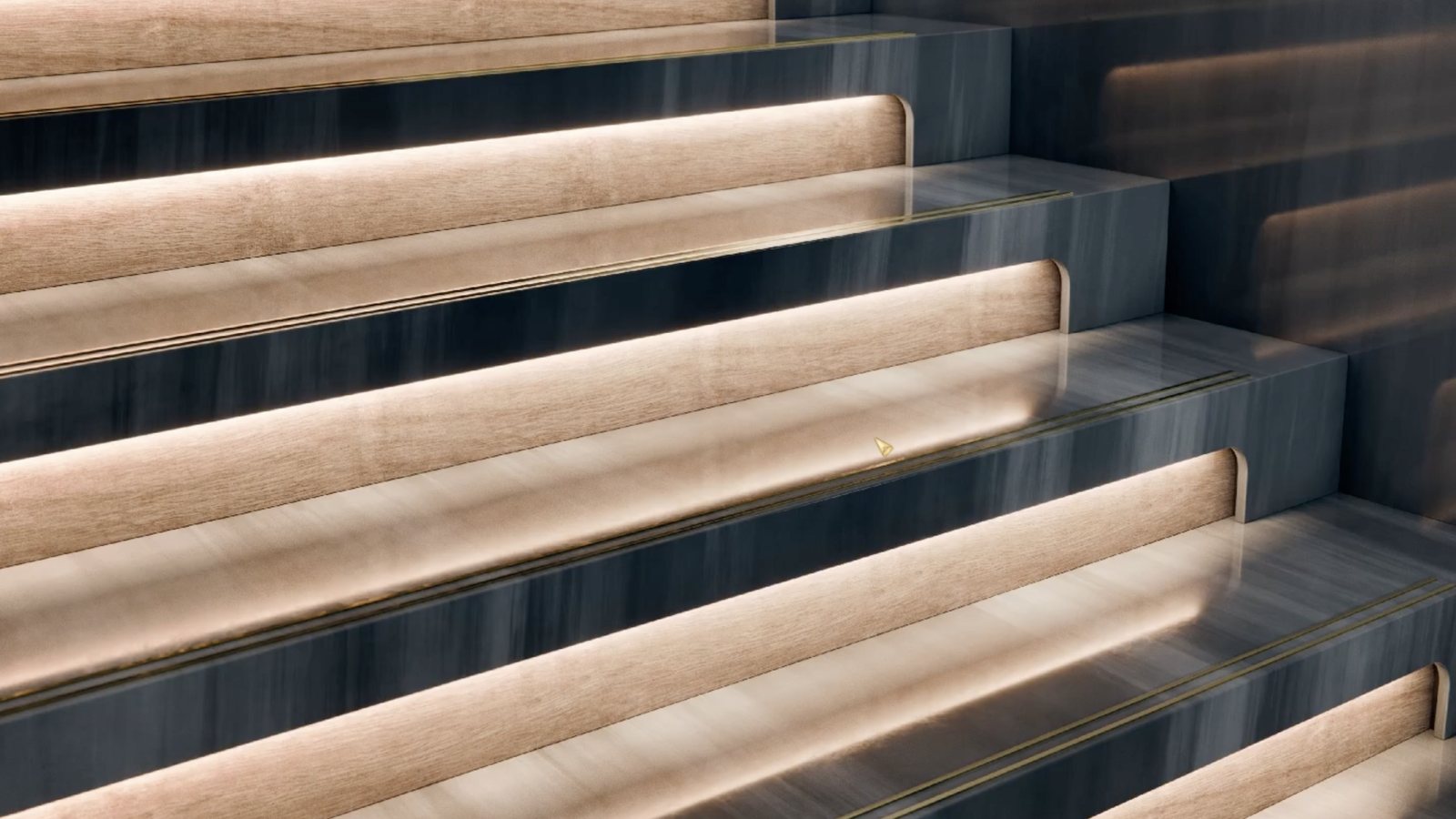
Stairs are everywhere in architecture, which makes them the perfect first vignette. Box modeling and array modifiers, a flowing procedural microcement material that varies on every tread, and the array-on-a-light trick that carries the whole shot.
Framed 16:9

SESSION 02
The classic interior vignette: a corner of a room, a chair, a table, good light. A geometry-nodes fur rug is the centerpiece, the coffee gets its crema from clever UV mapping, and a video gobo fakes an entire world outside the window.
Framed 16:9
SESSION 03

Close in on a single piece of fabric. A cloth sim with wind, baked out and rebuilt into a perfect loop, and a material where the pattern itself drives brightness, translucency and sheen so sunlight reads through the weave.
Framed 16:9
SESSION 04


Classical architecture, shot wide. Subdivision creases and arrays build the columns fast, so the time goes where it matters: one procedural marble material, adapted across the entire scene.
Framed 2.39:1

SESSION 05
The vignette opens to a whole room, and for the first time the outside world enters the frame. An A-frame cabin, beanbags built with cloth simulation and a procedural velvet, and a sunset timelapse that hands off from exterior sun to interior lamp light.
Framed 1:1

SESSION 06
Where archviz meets still life. Modeling drops to almost nothing so the focus can shift to storytelling: aged plaster and paint, borrowed assets made old and dirty, dust dancing in volumetric god rays, and the heaviest compositing pass in the course.
Framed 9:16
Two hours, start to finish
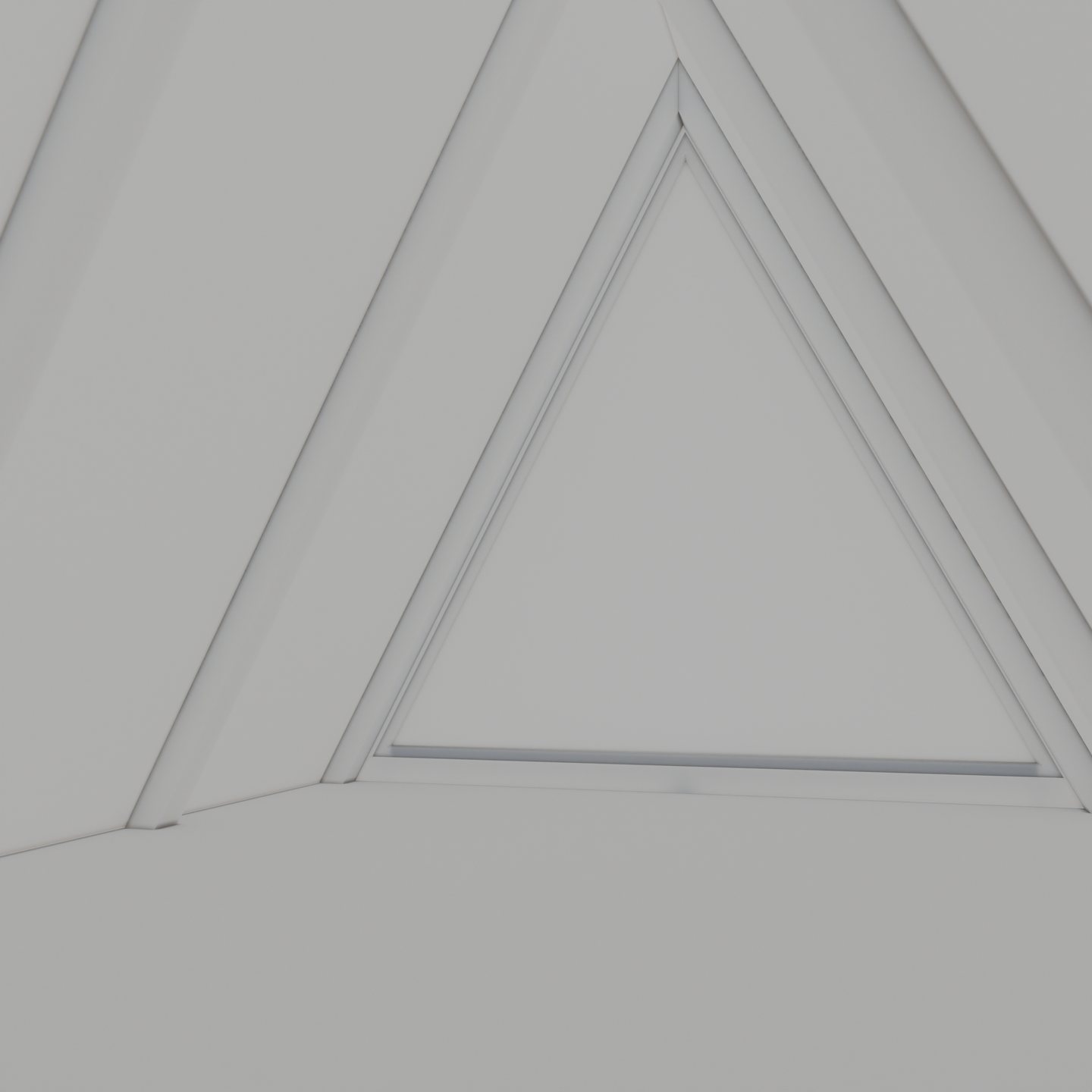
Blockout and modeling
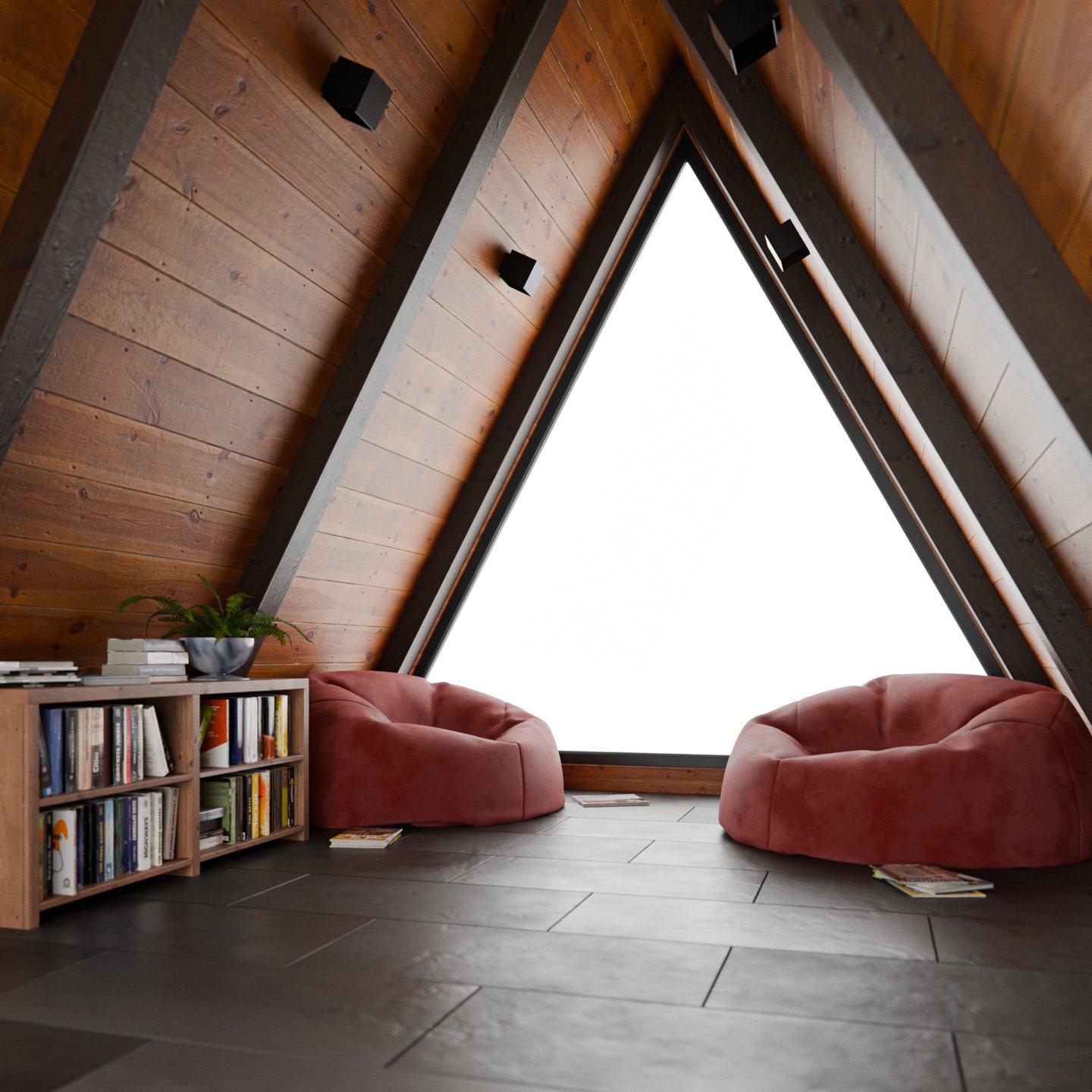
Materials and assets
Lighting and compositing
Who this is for
You'll get the most out of this if
Look elsewhere first if
Your instructor
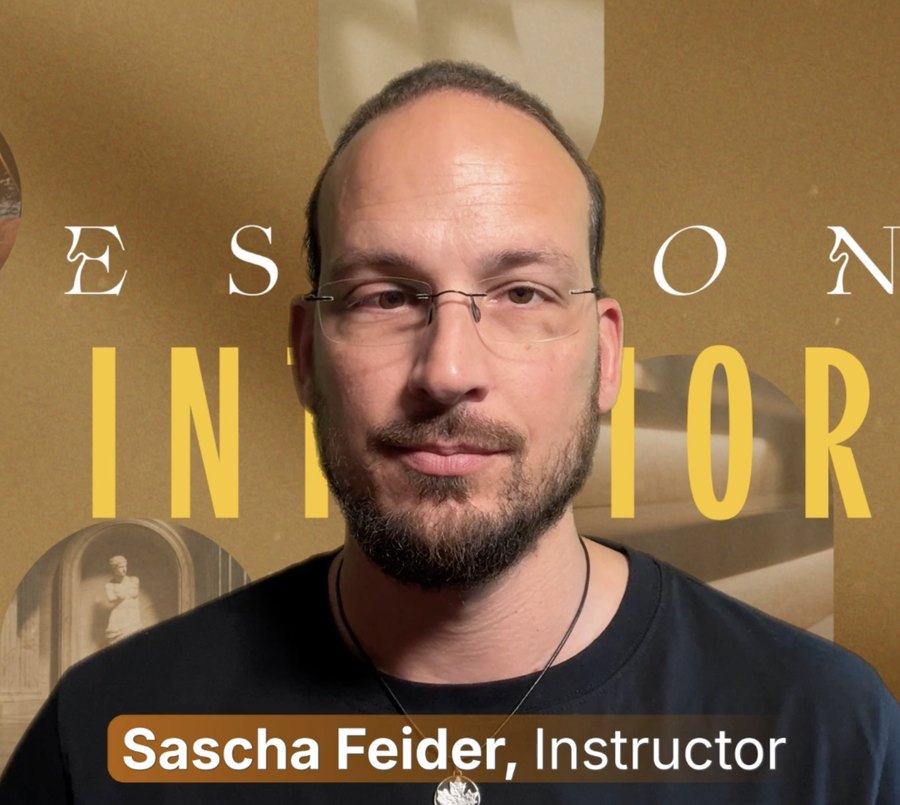
Sascha teaches the part of Blender where craft meets deadline. His course Craftsman goes deep on precise, real-world cabinetry modeling, down to the millimeter.
Sessions is the opposite discipline, and he's candid about it. At one point here he admits the quick and dirty bookcase he's about to build physically pains him, then builds it anyway, because it sits forty pixels from the camera and the clock is running.
Two ways in
Session 01 is four lessons and about two hours. You'll finish it with a composited render, not a half-built file to come back to.
6 sessions · 36 lessons · Blender
Streaming now, included with Inner Circle Membership
Not a membership person? Own it outright, files included.
Get this course and 292 others by joining CG Cookie