
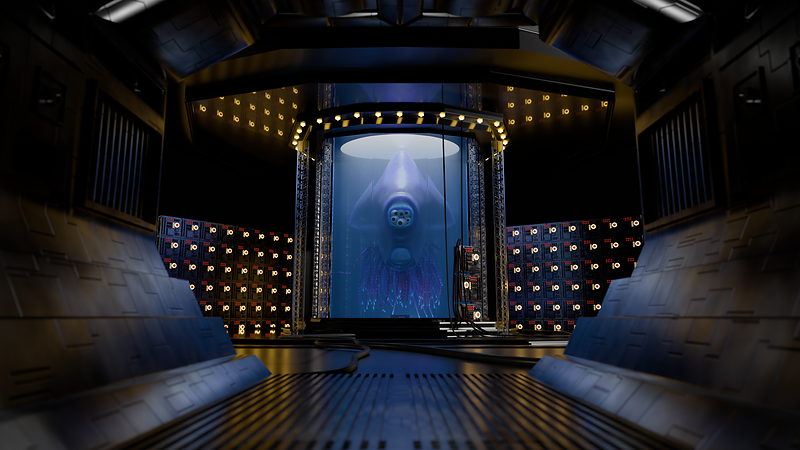
Fundamentals of Texturing shows how to take materials further using UVs, texture files, texture painting, and procedural textures in Blender 5.2 LTS. Chris Bailey teaches the course, and it builds directly on the specimen tank, alien creature, and switch box created in the Mesh Modeling and Materials courses, culminating in a final challenge to texture the entire sci-fi lab.
Materials tell Blender what something is made of. Texturing is what makes a surface look lived in: weathered, painted, grimy, or organic. This course picks up right where Materials and Shading leaves off, covering UV unwrapping, texture files, hand painted textures, and procedural textures side by side so you can choose the right approach for a given surface.

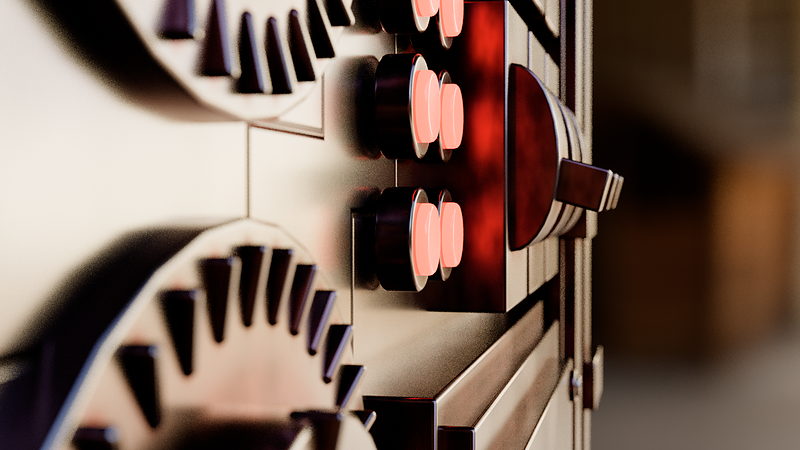
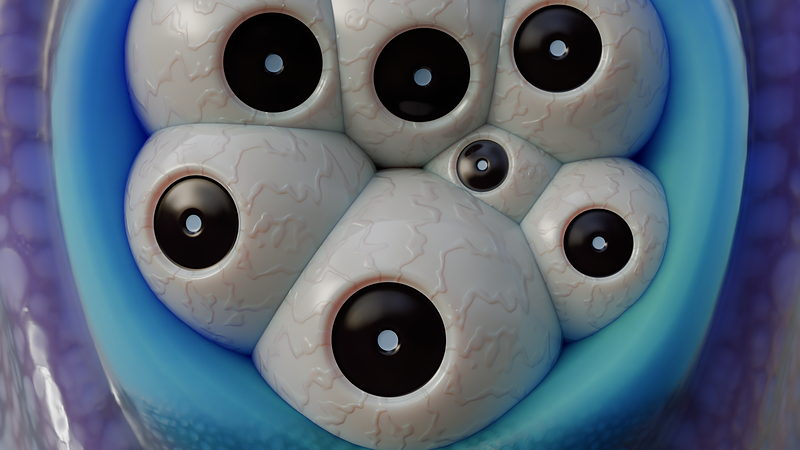
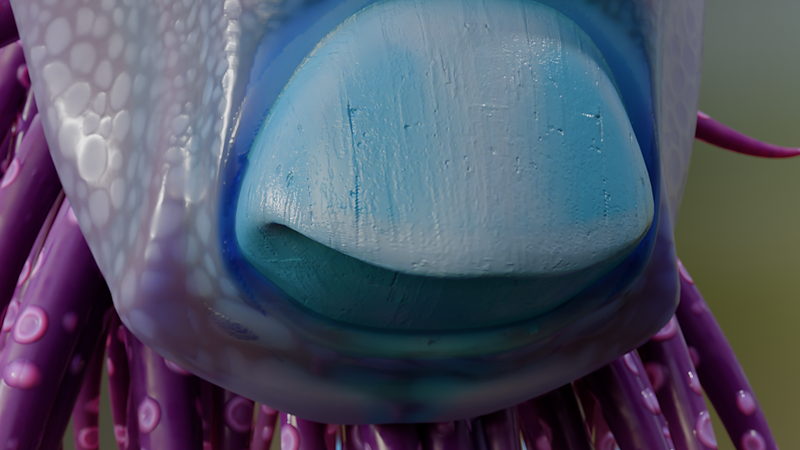
Texturing exercises apply directly to the assets carried over from earlier courses: a procedural mechanical texture on the switch box, hand painted and procedural textures on the alien creature's eyes and tentacles, and finally the entire sci-fi lab in an open ended final challenge.
By the end, you'll be able to move fluidly between hand painted and procedural texturing, choose the right workflow for organic or mechanical surfaces, and bake finished results down to portable texture files.
This course assumes you've completed Fundamentals of Materials and Shading, since it builds directly on shader concepts covered there. It also picks up the specimen tank, alien creature, and switch box from the Mesh Modeling course, though project files are provided if you don't have your own.

YOUR INSTRUCTOR
Chris teaches Texturing at CG Cookie, building on the original course material by Jonathan Lampel. He takes you from UV unwrapping through texture painting and procedural textures, then sets you loose on a final challenge to fully texture the sci-fi lab built across the earlier courses.
Yes. This course builds directly on shader concepts from Fundamentals of Materials and Shading, and assumes you've completed it first.
Blender 5.2 LTS, a long term support release that continues to receive bug fixes as newer versions of Blender ship.
Assets carried over from earlier courses: a procedural mechanical texture on the switch box, hand painted and procedural textures on the alien creature, and finally the entire sci-fi lab in an open ended final challenge.
Yes. The first chapter covers UV unwrapping in depth, including seams, projection methods, pinning, and a dedicated unwrapping exercise, before any texturing begins.
Project files for the specimen tank, alien creature, and switch box are provided in the downloads, so you can follow along even without having built them yourself in the earlier courses.
Get this course and 292 others by joining CG Cookie
