
Fundamentals of Rigging shows how to put bones inside your models so they can be posed and animated, from basic bone tools through constraints, weight painting, and inverse kinematics in Blender 5.2 LTS. Wayne Dixon teaches the course, building from small practice rigs up to a complete biped character rig by the end.
Rigging is the connective tissue between a finished model and an animator's ability to move it. This course is built for two audiences at once: if you just want your characters to move, you'll have enough by the end to do that, and if you want to go further into advanced rigging, this gives you the foundation to build on. Rather than only covering theory, most constraints get applied directly to a project, building in complexity as the course goes.

Practical projects run throughout the course rather than sitting at the end. You'll rig a tracking gun turret using constraint chains, build a crane arm with named clamp controls that open and close on command, and work through the same inverse kinematics setup used later to rig the legs on the course's final character, a biped named the Wrangler.
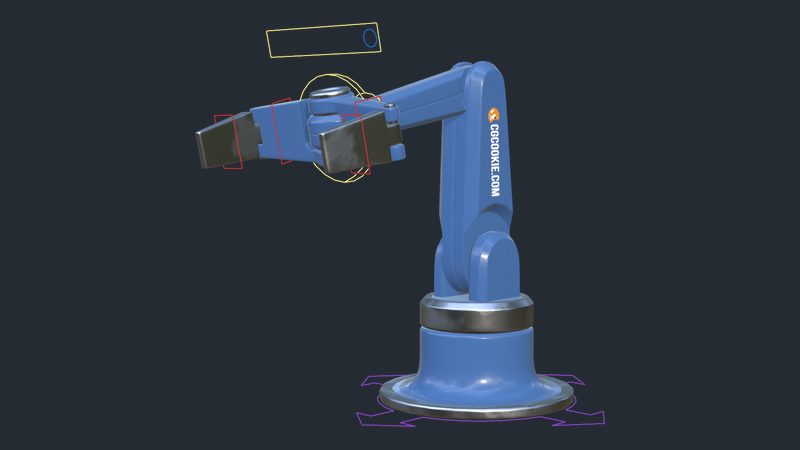
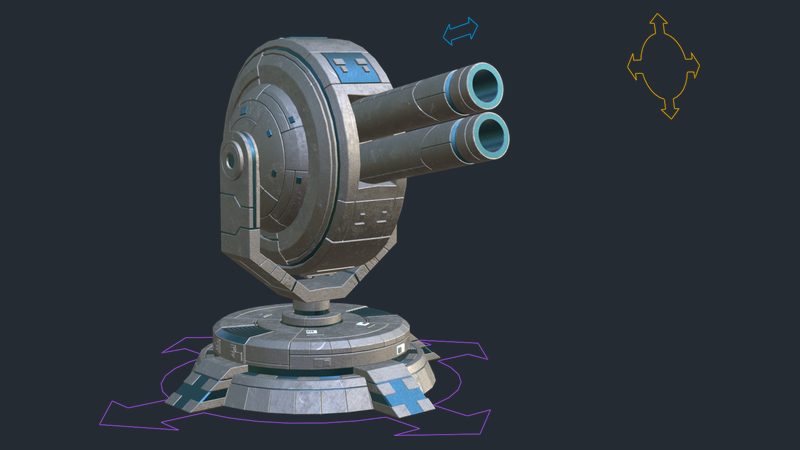
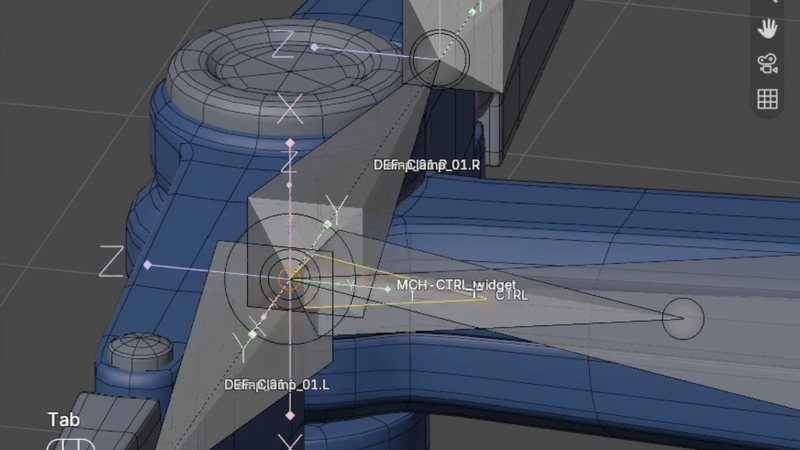
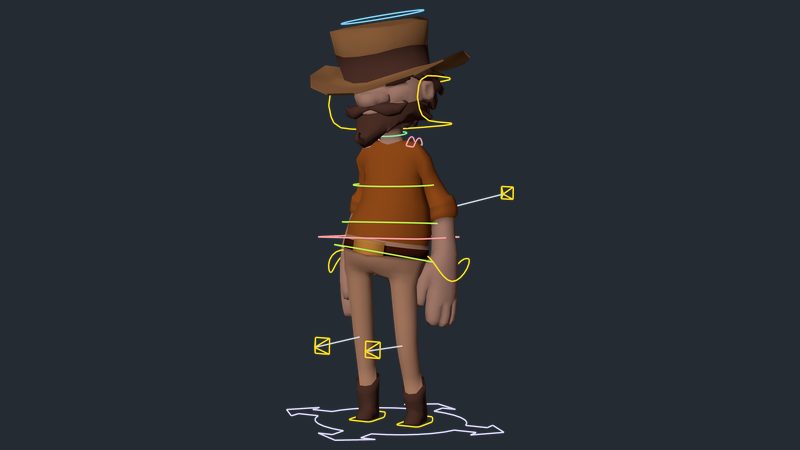
By the end, you'll have enough of a foundation to rig your own characters and make them move, along with enough understanding of constraints, spaces, and weight painting to keep tackling more advanced rigging problems as they come up.
This course assumes general comfort with Blender's interface. No prior rigging experience is required. It builds in difficulty gradually, from small isolated bone exercises up to a full character rig, so you don't need to have taken Mesh Modeling first, though a modeled character is required for the final project.

YOUR INSTRUCTOR
Wayne teaches Rigging at CG Cookie. He takes you from bone tools and constraints through weight painting and inverse kinematics, building in complexity across several practical rigs before ending on the Wrangler, a complete biped character rig.
No, but you will need a modeled character for the final project. The course provides its own practice files for every exercise before that point.
Blender 5.2 LTS, a long term support release that continues to receive bug fixes as newer versions of Blender ship.
Several projects that build in complexity: a simple bone constraint exercise, an IK leg setup, a bendy stretchy rig, a tracking gun turret, a crane arm with clamp controls, and a complete biped character called the Wrangler.
No. While the final project is a biped character, the course also covers mechanical rigs like a gun turret and a crane arm, and the constraint reference chapter applies to any kind of rig.
This is a fundamentals course, built to give you enough to make your characters move and a solid foundation for tackling more advanced rigging problems later, rather than covering every advanced technique in depth.
Get this course and 292 others by joining CG Cookie
