

Fundamentals of Physics in Blender shows how to set up rigid body, soft body, cloth, fluid, smoke, fire, particle, and dynamic paint simulations in Blender 5.2 LTS. The course builds through a series of contained projects, from a rigid body Galton board and wrecking ball to a fluid logo reveal, a smoke cannon, and a dynamic paint rain effect.
Physics can look intimidating because of how many settings each simulation exposes, but nearly every system in Blender follows the same underlying idea: you define a set of rules, and Blender calculates the result. This course focuses on that shared logic across rigid bodies, soft bodies, cloth, fluids, smoke, fire, particles, and dynamic paint, so a new simulation type stops feeling like starting from scratch.
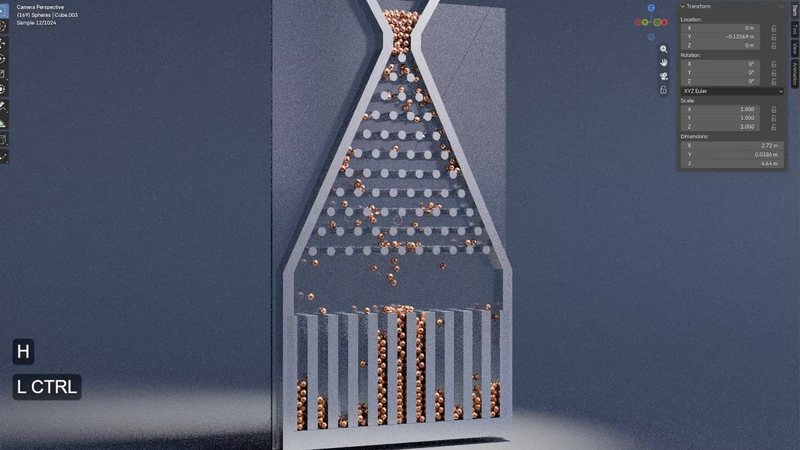
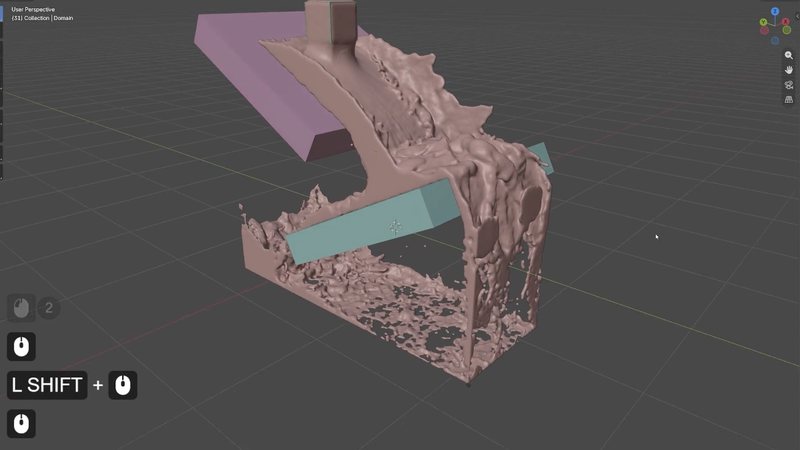
Rigid body physics gets applied to a Galton board, a classic device that sorts falling spheres into a bell curve through rows of pegs. Fluid simulation builds a logo reveal effect from a domain, a flow object, and an obstacle. Smoke simulation culminates in a smoke cannon project, and dynamic paint and fluid surface effects round out the course's later chapters.
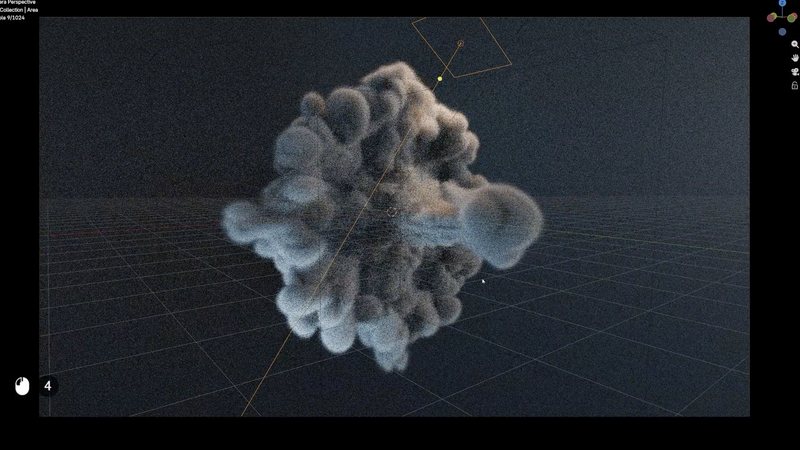
By the end, you'll understand Blender's major physics systems well enough to set up your own simulations from scratch, troubleshoot the problems that come up, and build a small library of physics based effects you can adapt for real projects.
This course assumes general comfort with Blender's interface. No prior simulation experience is required. Each physics system is introduced from first principles before being applied to a project.

YOUR INSTRUCTOR
Kenny teaches Physics at CG Cookie. He takes you from rigid body basics through soft body, cloth, fluid, smoke, fire, particles, and dynamic paint, applying each system to a real, contained project along the way.
No. Each physics system is introduced from first principles, and the course assumes only general comfort with Blender's interface.
Blender 5.2 LTS with the Cycles render engine. Smoke and fire simulations use NanoVDB, a more memory efficient volumetric system introduced in recent Blender versions.
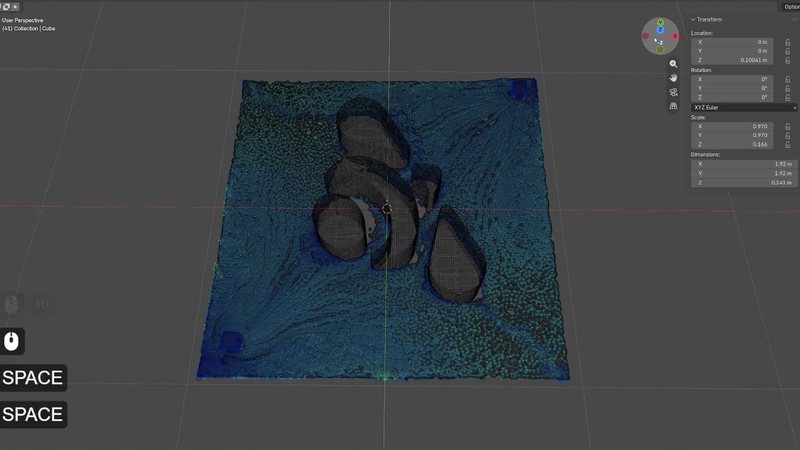
A series of contained projects: a rigid body Galton board and wrecking ball, a soft body project, a cloth product reveal, a fluid logo reveal, a smoke cannon, and a dynamic paint rain effect.
Yes. Force fields are covered alongside the course's other simulation systems, and the course also covers the cell fracture add-on for breaking objects apart with rigid body physics.
Not always. Blender 5.2 replaced some older simulation cache formats, so projects baked in earlier versions may need to be rebaked to work correctly.
Get this course and 292 others by joining CG Cookie