
Fundamentals of Mesh Modeling shows how to build 3D objects in Blender 5.2 LTS, from primitives through box modeling, topology, and subdivision surfaces. Chris Bailey teaches the course, building on the original material by Jonathan Lampel, and walks through a connected sci-fi scene: a control panel, a hallway, a specimen tank, and an organic alien creature, before a final challenge that ties the whole lab together.
Mesh modeling is the foundation underneath nearly everything else in Blender. Sculpting, texturing, rigging, and simulation all start with a mesh someone had to build well. This course focuses on the tools and thinking that hold up regardless of style, whether you end up working in games, animation, visual effects, industrial design, or architecture.

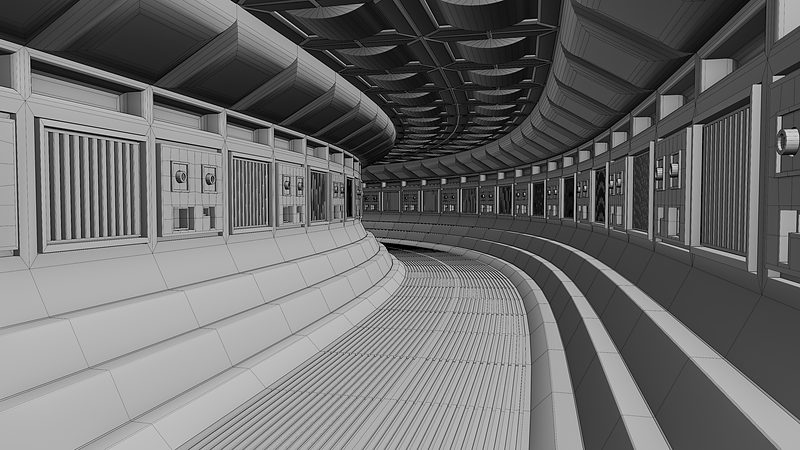
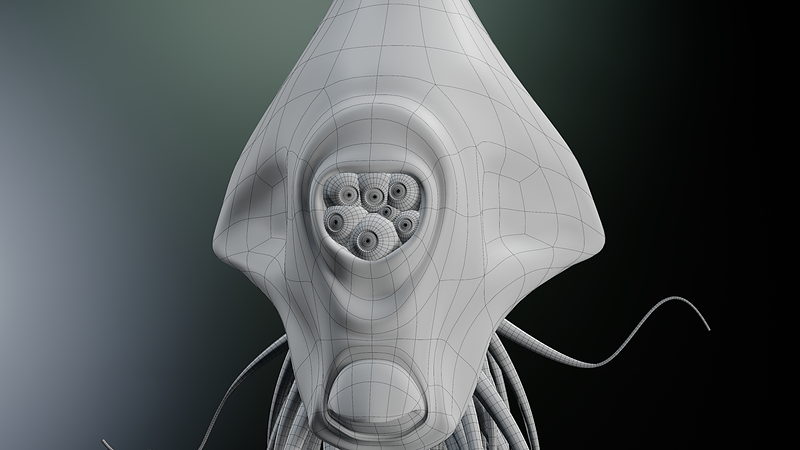
Each chapter works toward a real object rather than a throwaway exercise. In the primitives chapter you'll build a sci-fi control panel using nothing but primitive shapes. Box modeling takes you through a curving sci-fi hallway using array and mirror modifiers, and dedicated lessons on edge flow, loops, and quad junctions give you a set of solved reference examples for when your own topology gets stuck. In the subdivision surface chapter, you'll model an original creature, complete with a beak, a single eye, and tentacles, that gets appended into the tank scene you build alongside it.
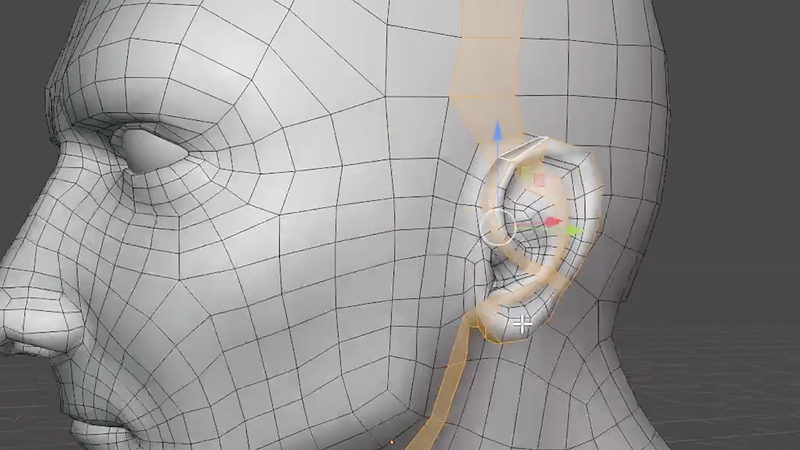
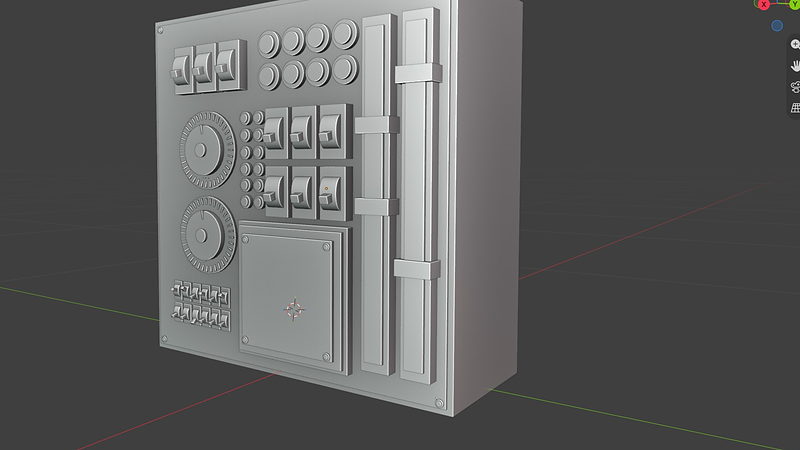
If you're new to modeling, you'll be able to build basic objects with ease and have a clear approach for tackling more complex ones. If you're already modeling in Blender, expect to fill gaps in your fundamentals, pick up better habits, and raise the overall quality of your topology.
This course picks up right where Blender Basics leaves off, so it assumes you're already comfortable navigating Blender's interface. No modeling experience is required. It's built to work for complete beginners and to fill in gaps for intermediate or advanced modelers alike.

YOUR INSTRUCTOR
Chris teaches Mesh Modeling at CG Cookie, building on the original course material by Jonathan Lampel. He takes you from primitives through box modeling and topology into subdivision surfaces, using a connected sci-fi scene to ground every technique in a real, finished result rather than a disposable exercise.
No. The course starts at a beginner level and builds foundationally, though it assumes you have already completed Blender Basics so the interface itself is not new to you.
Blender 5.2 LTS. Since it is a long term support release, it keeps receiving bug fixes as newer versions come out, so it stays relevant even if you are watching this well after a newer version of Blender has shipped.
Four connected pieces of one sci-fi scene: a control panel made entirely from primitives, a hallway using box modeling, a specimen tank using hard surface modifiers, and an original creature using subdivision surfaces. The final challenge asks you to design the rest of the lab that connects them.
Yes. Expect to fill in gaps in your fundamentals, pick up better habits, and improve the overall quality of your models, even if you have been modeling in Blender for a while.
No. This course focuses on box, point, and boolean modeling using traditional mesh tools. Digital sculpting, geometry nodes, and simulation modifiers each have their own dedicated course later in the series.
Get this course and 292 others by joining CG Cookie
