
Fundamentals of Materials and Shading shows how to build realistic and stylized surfaces in Blender 5.2 LTS using the Shader Editor, from glossy and diffuse shaders through volumes, hair, and the Principled BSDF. Chris Bailey teaches the course, building on the original material by Jonathan Lampel, and it culminates in shading the specimen tank and alien creature built in the Mesh Modeling course.
Materials are what separate a gray clay model from a surface that reads as metal, skin, glass, or fire. This course builds a foundational understanding of shaders themselves, the node level building blocks, before textures ever enter the picture, so you understand what you are actually looking at when you break down a real world material and rebuild it in 3D.

Throughout the course, you will build these shader types on a dedicated shader ball before applying them to real objects: a metallic glossy and diffuse mix, a volume shader for translucent and smoky surfaces, the Principled Hair shader for fur, and the Principled Volume shader driven by simulated VDB fire data. Everything comes together in the shading exercise, where you materialize the specimen tank and alien creature from the Mesh Modeling course.
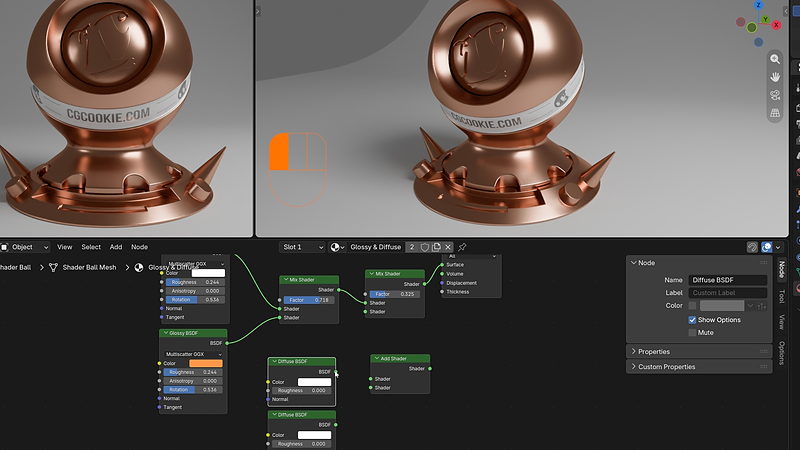
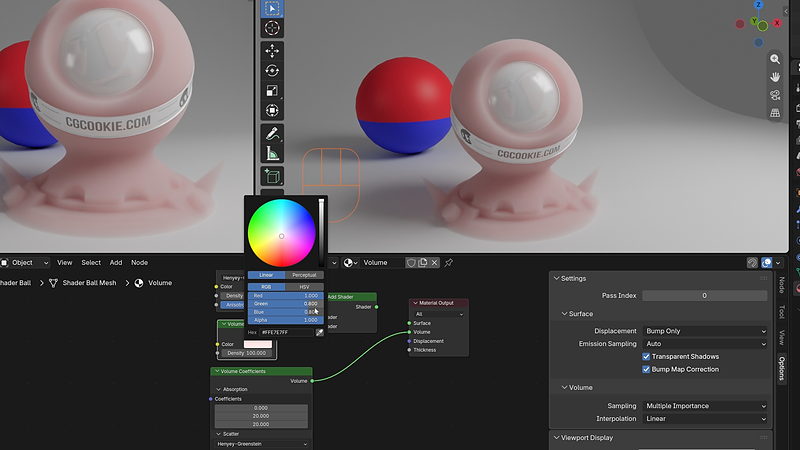
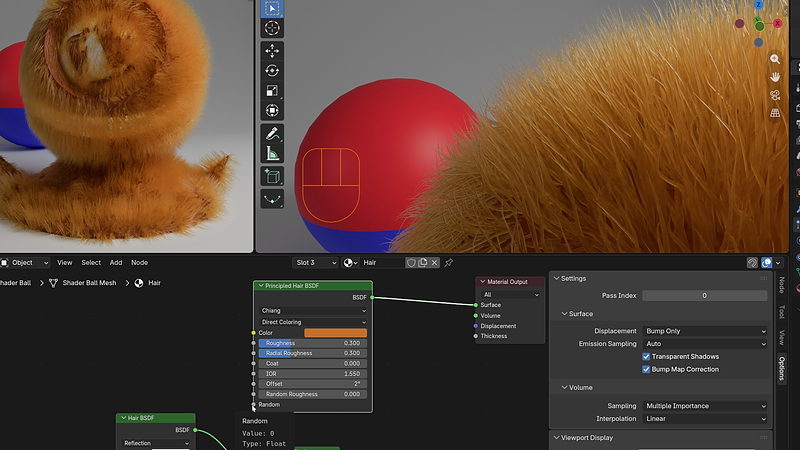
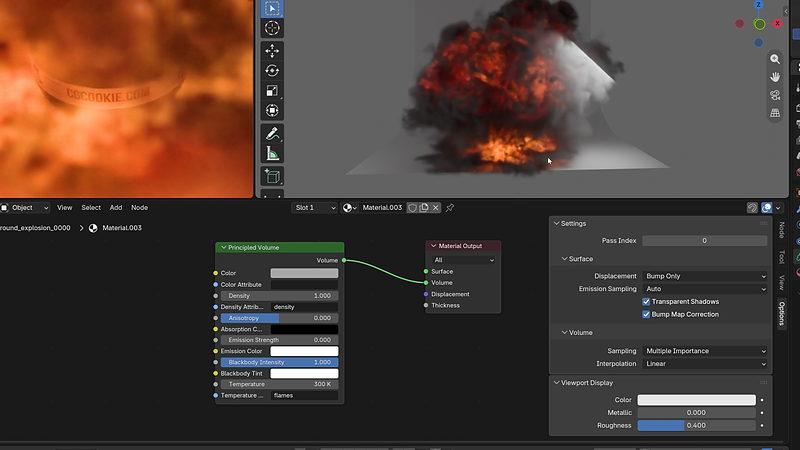
By the end, you'll have a working, node level understanding of how Blender's shaders combine to create a material, and be ready to build convincing surfaces for metal, glass, skin, fire, and anything in between.
This course assumes general comfort with Blender's interface. It pairs directly with Mesh Modeling, since the culminating project shades the specimen tank and alien creature built there, though project files are provided if you haven't taken that course yet.

YOUR INSTRUCTOR
Chris teaches Materials and Shading at CG Cookie, building on the original course material by Jonathan Lampel. He takes you from glossy and diffuse shaders through volumes, hair, and the Principled BSDF, then applies it all to shading the specimen tank and alien creature from the Mesh Modeling course.
No, though the course pairs directly with Mesh Modeling, since the culminating project shades the specimen tank and alien creature built there. Project files are supplied if you have not taken that course.
Blender 5.2 LTS, a long term support release that continues to receive bug fixes as newer versions of Blender ship.
You will build a working understanding of every major shader type by testing them on a dedicated shader ball, then apply what you have learned to shade the specimen tank and alien creature from the Mesh Modeling course.
No. Materials and texturing are taught as two separate courses, since they are separate concepts. This course covers shaders themselves, and Fundamentals of Texturing follows immediately after.
Yes. The course covers volume scatter, absorption, and coefficient nodes, along with the Principled Volume shader, which can be driven by real VDB simulation data such as flame and density attributes.
Get this course and 292 others by joining CG Cookie
