Draw and Animate 2D in Blender: Grease Pencil (5.2)

Instructor:
Paul Caggegi

Fundamentals of Grease Pencil shows how to draw, illustrate, and animate 2D artwork directly inside Blender 5.2 LTS. Paul Caggegi covers the full Grease Pencil pipeline, from the 2D workspace and brush assets to layered animation, lighting, effects, compositing, and a finished illustration.

What You Will Build

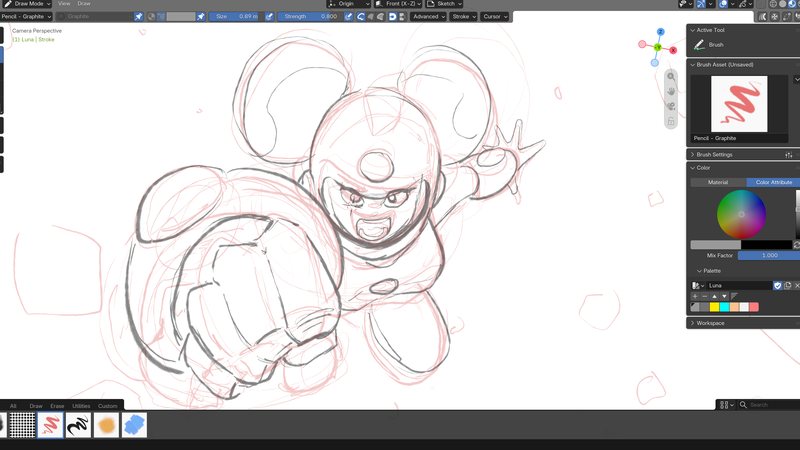
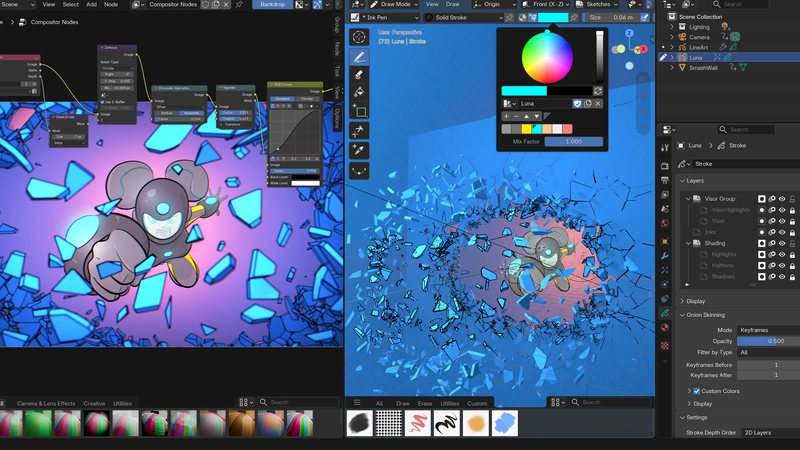

The course builds toward finished work, not disconnected exercises. You will animate a ball rolling and bouncing, build a lightning effect driven entirely by modifiers, make and save your own custom brush, and close with a multi-layered character illustration that gets sketched, inked, colored, lit, composited, and rendered. Working files are supplied at every stage.
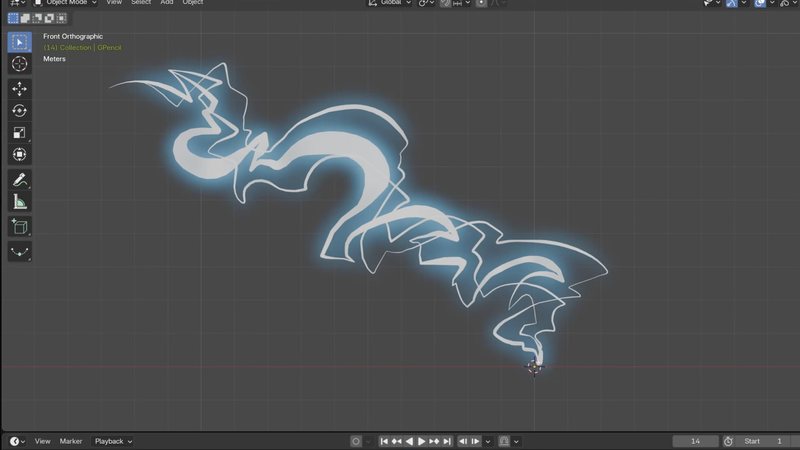
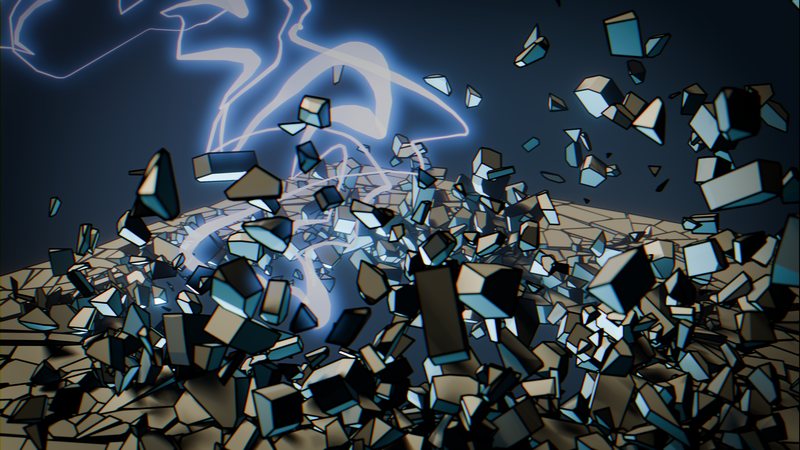
Lightning stroke animation in progress in Blender's Grease Pencil 2D workspaceFinished Grease Pencil lightning effect rendered over a shattering wallRough pencil sketch of the Luna character illustration projectFinished Luna illustration with compositing and lighting effects applied

Why take this course?

Grease Pencil is not only a drawing tool. It places editable 2D strokes inside a 3D application, which makes it useful for illustration, motion graphics, effects, story work, annotation, and hybrid 2D/3D scenes. This compact course gives you enough structure to understand the object, material, layer, and animation systems instead of relying on a preset you cannot troubleshoot.

Grease Pencil strokes, fills, and layers animating in Blender

What you'll learn

  • Set up Blender’s 2D Animation workspace and navigate Grease Pencil modes and tools.
  • Control strokes, fills, materials, color attributes, layers, groups, masks, modifiers, and effects.
  • Choose stroke placement and drawing planes for work in 2D and 3D space.
  • Modify, save, organize, and share custom Grease Pencil brush assets.
  • Animate a rolling ball, bouncing ball, and lightning effect with object, layer, frame-by-frame, and modifier techniques.
  • Sketch, ink, color, light, composite, and render a multi-layer character illustration.

By the end of the course

By the end, you will be able to create a clean Grease Pencil project from scratch, build reusable brushes, animate strokes and layers, and finish an illustration with effects and depth. You will also understand how Grease Pencil can plug into larger Blender workflows.

Recommended preparation

General Blender familiarity is helpful. A keyboard and mouse work for the course, but a pressure-sensitive drawing tablet or pen display is recommended for the best drawing workflow.

Paul Caggegi, Grease Pencil instructor at CG Cookie

YOUR INSTRUCTOR

Paul Caggegi

Paul is a 2D illustrator and animator who teaches Grease Pencil at CG Cookie. He works the way a working artist does, on a pen display, moving between drawing, layering, and rendering without leaving Blender. In this course he walks through the entire Grease Pencil pipeline and finishes with a complete multi layer character illustration.

Course Curriculum