
Fundamentals of Geometry Nodes shows how to build procedural systems in Blender 5.2 LTS, from data types and the spreadsheet through vector math, scattering, and simulation. Chris Bailey teaches the course, building through a classic distance falloff exercise, a vertex painted scatter tool, and a drip effect, before ending on a four part mining laser that melts away anything it touches.
Geometry nodes can feel overwhelming at first, with a huge and constantly expanding list of nodes to learn. This course focuses on the underlying concepts, like data types, domains, and how information moves and transforms through a node tree, so that any specific node becomes easier to look up and understand once you know what you're trying to accomplish.
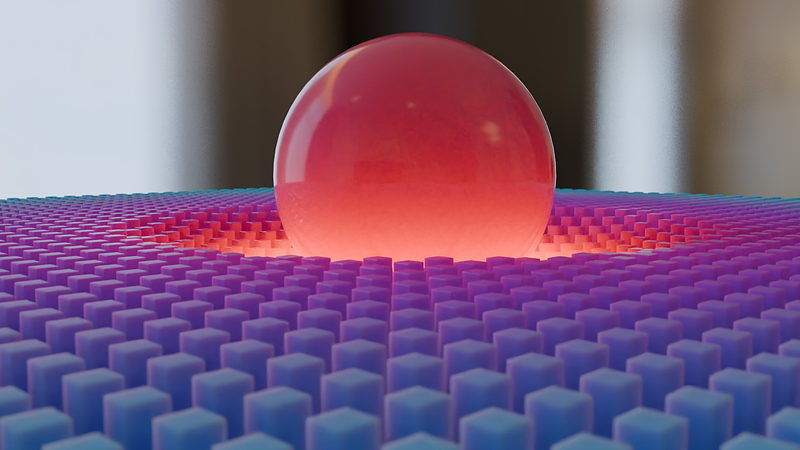
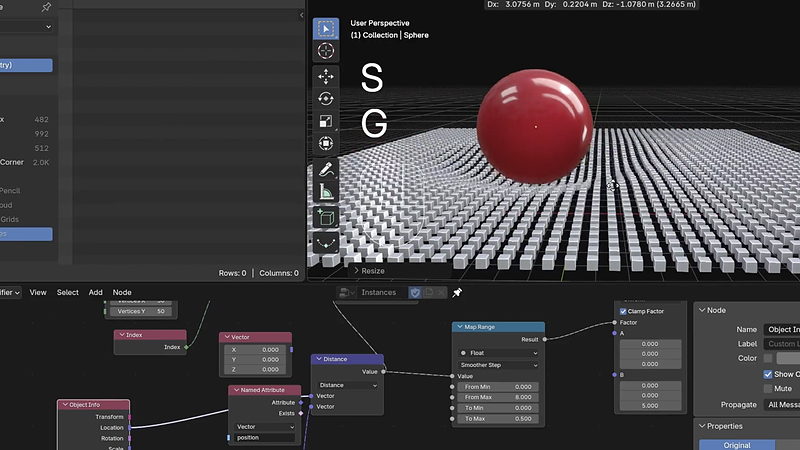
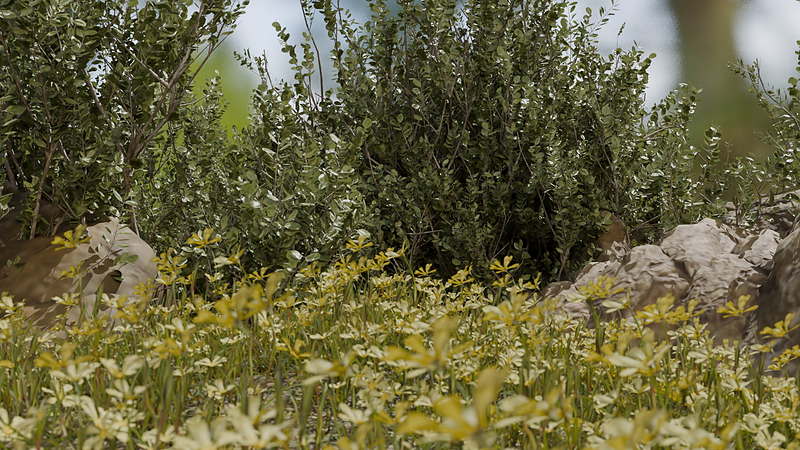
A classic geometry nodes exercise opens the course: a sphere presses into a grid of cube instances, with Distance and Map Range nodes driving a smooth falloff around the point of contact. Later chapters use the same underlying ideas to build a vertex painted scatter tool for shrubs and rocks, and a procedural drip and splat effect that coats a marble bust in dripping goop.
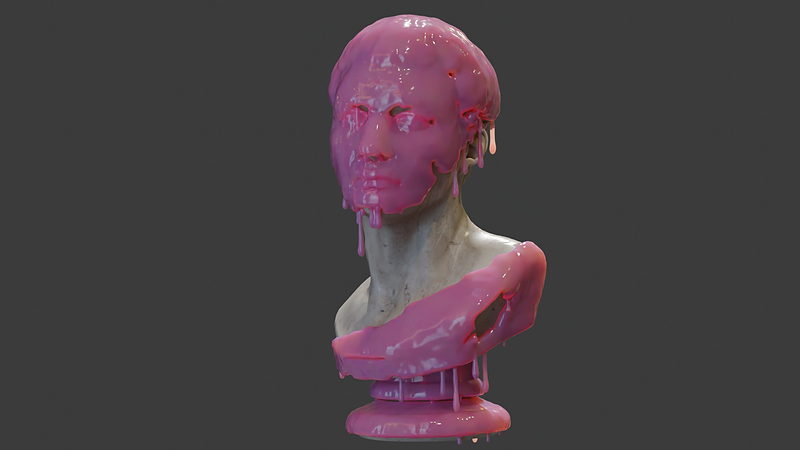
By the end, you'll be comfortable navigating geometry nodes without feeling lost in the node list, and you'll have built a working scatter tool, a drip effect, and a fully interactive mining laser system you can adapt for your own projects.
This course assumes general comfort with Blender's interface. No prior geometry nodes experience is required, though the scatter exercise draws on vertex painting concepts covered in the Texturing course, and the course briefly points there for more detail.

YOUR INSTRUCTOR
Chris teaches Geometry Nodes at CG Cookie. He takes you from data types and vector math through scattering, simulation, and custom tools, building a scatter system, a drip effect, and a four part mining laser along the way.
No. The course starts with data types and the spreadsheet from the ground up, and only assumes general comfort with Blender's interface.
Blender 5.2 LTS, a long term support release that continues to receive bug fixes as newer versions of Blender ship.
A classic distance falloff exercise, a vertex painted scatter tool for shrubs and rocks, a procedural drip and splat effect, and a four part final challenge building a mining laser that melts away any object it touches.
Yes. The course covers simulation zones, particle simulations, and hair and cloth using XPBD.
No. The course also covers building your own custom tools and gizmos, which can be used to create reusable, artist friendly controls for other people to use in their own scenes.
Get this course and 292 others by joining CG Cookie
