
Fundamentals of Compositing shows how to take a finished render further using Blender 5.2 LTS's compositor, from splitting a scene into view layers through combining live action footage, 2D visual effects, and a full green screen composite. Zach Easton teaches the course, building through a guitar and amp studio scene before moving into real live action footage.
A finished render is rarely the finished image. This course focuses on the compositor as a way to get more out of work you've already rendered: adjusting lighting, color, depth of field, and motion blur after the fact, without going back and re-rendering the whole scene. From there, the same ideas extend beyond a single 3D render into combining CG with live action footage and building a green screen composite.
Early lessons split a guitar and amp studio scene into view layers, then rebuild it in the compositor using nodes like Alpha Over. Later chapters apply glare and fog glow effects to real live action footage, before building a complete green screen composite: keying out the green, removing spill, and blending in a new background around two actors filmed in a car.
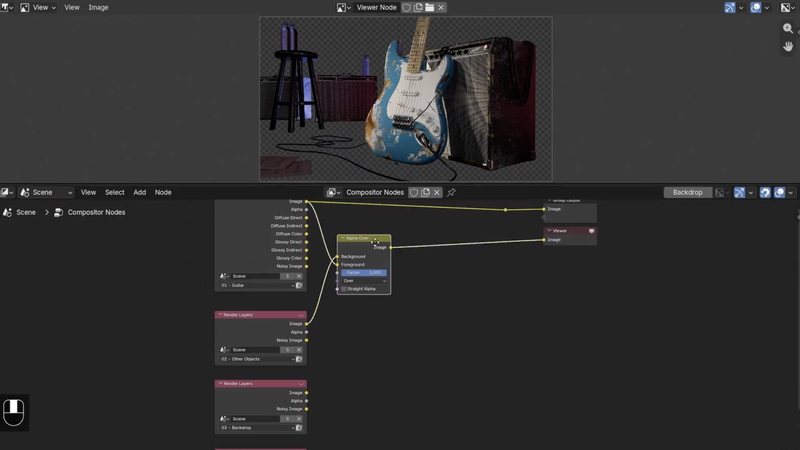
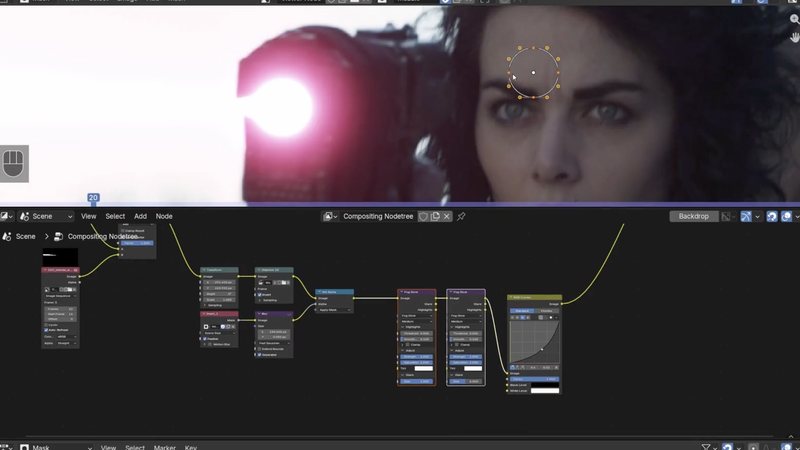
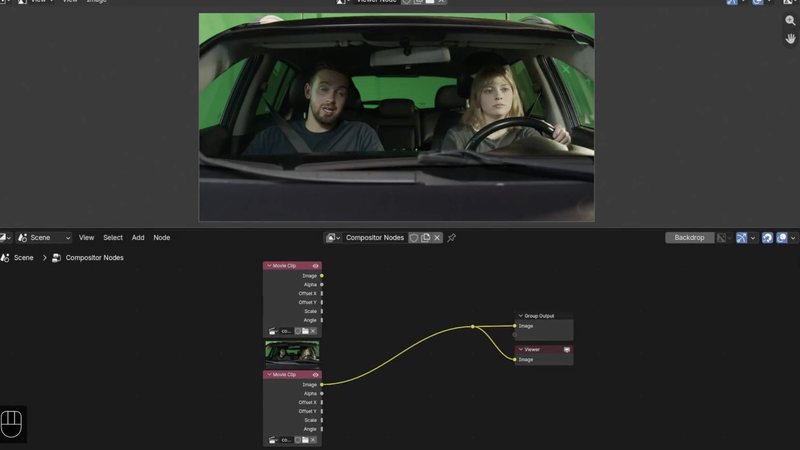
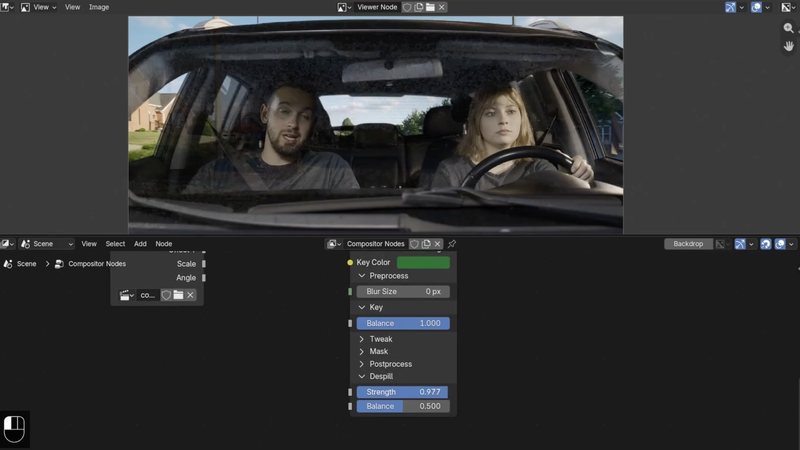
By the end, you'll be able to treat rendering and compositing as one connected workflow rather than two separate steps, and you'll have a working process for combining CG, 2D effects, and live action footage into a single finished shot.
This course assumes general comfort with Blender's interface. No prior compositing experience is required. Project files are provided for every exercise, including the guitar and amp scene and the green screen car footage used throughout the later chapters.

YOUR INSTRUCTOR
Zach teaches Compositing at CG Cookie. He takes you from view layers and render passes through 2D visual effects and a full green screen composite, using both a CG guitar and amp scene and real live action footage along the way.
No. The course starts with view layers and render passes from the ground up, and project files are provided for every exercise.
Blender 5.2 LTS, a long term support release that continues to receive bug fixes as newer versions of Blender ship.
A guitar and amp scene rebuilt from separate view layers, 2D visual effects like glare and fog glow applied to live action footage, and a full green screen composite of two actors filmed in a car.
Yes. Later chapters bring in actual filmed footage, including a green screen scene of two actors in a car, alongside the CG guitar and amp scene used earlier in the course.
Yes. The final lesson covers a complete green screen workflow: keying, despill, edge treatment, and light wrap, applied to real footage.
Get this course and 292 others by joining CG Cookie