
Fundamentals of Animation shows how to bring objects and characters to life in Blender 5.2 LTS, from basic keyframing through the Graph Editor, animation principles, rigs, and camera work. Chris Bailey teaches the course, and it builds toward a final challenge that animates a cartoon man picking up a box, with Blobby worked into the scene for comic effect.
Animation is where every other fundamental comes together: a model, its materials, and its rig only really prove themselves once something moves. This course starts with the mechanics of keyframes and interpolation before layering in the classic principles of animation, like squash and stretch, anticipation, and overlapping action, so you understand both how to set a key and why it should go where it does.

Early lessons build core keyframing skills on a simple sphere and cube before introducing rigs. From there, animation principles get applied to a bipedal character picking up a box, with camera markers and a Noise modifier added for a handheld feel. That same scene becomes the setup for the final challenge, where you animate the character encountering Blobby.
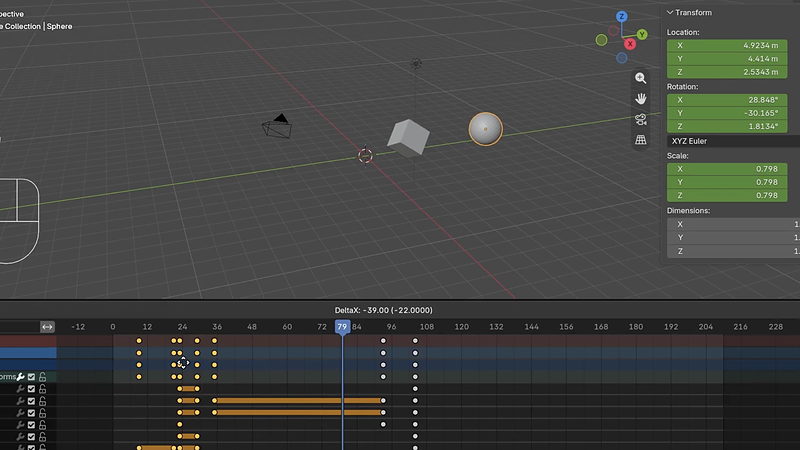
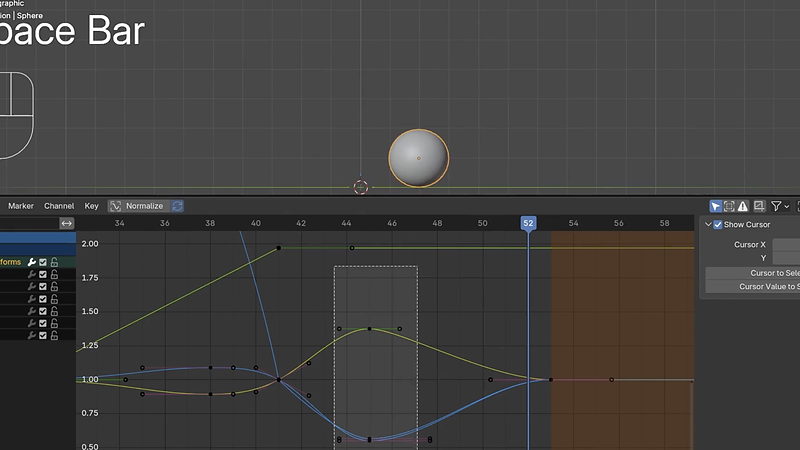
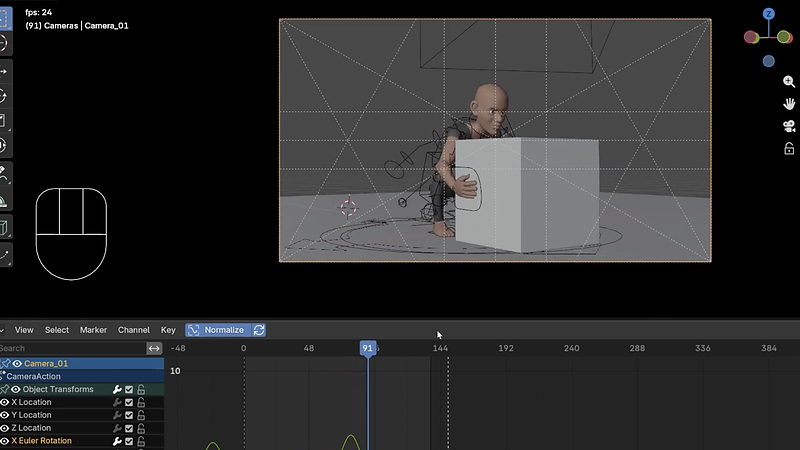
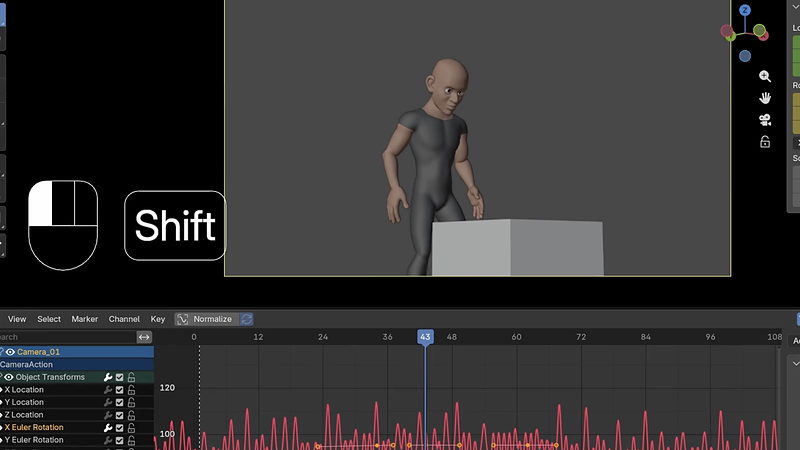
By the end, you'll be comfortable keyframing, shaping curves in the Graph Editor, applying the classic principles of animation, and animating both simple and rigged characters, along with the camera work to frame a shot.
This course assumes general comfort with Blender's interface. No prior animation or rigging experience is required. Two rig files, Blobby and a bipedal cartoon man, are provided so you can follow along without building your own.

YOUR INSTRUCTOR
Chris teaches Animation at CG Cookie. He takes you from basic keyframing through the classic principles of animation and character rigs, then applies it all to a final challenge animating a character picking up a box, with Blobby worked into the scene along the way.
No. Two rig files, a simple character called Blobby and a more advanced bipedal cartoon man, are provided, and the course introduces rigs from the ground up.
Blender 5.2 LTS, a long term support release that continues to receive bug fixes as newer versions of Blender ship.
A mix of exercises: bouncing ball and pose to pose animation with Blobby, a walk cycle with the cartoon man rig, and a final challenge animating the cartoon man picking up a box, with Blobby worked into the scene for comic effect.
Yes. The course covers cameras, camera markers, and F-curve modifiers like Noise, which can be used to give a shot a handheld feel.
No. Rigs are provided pre-built for this course. Building a rig from scratch is covered in a separate, dedicated Rigging course.
Get this course and 291 others by joining CG Cookie
